Brickfray Multiplayer FPS Game Template
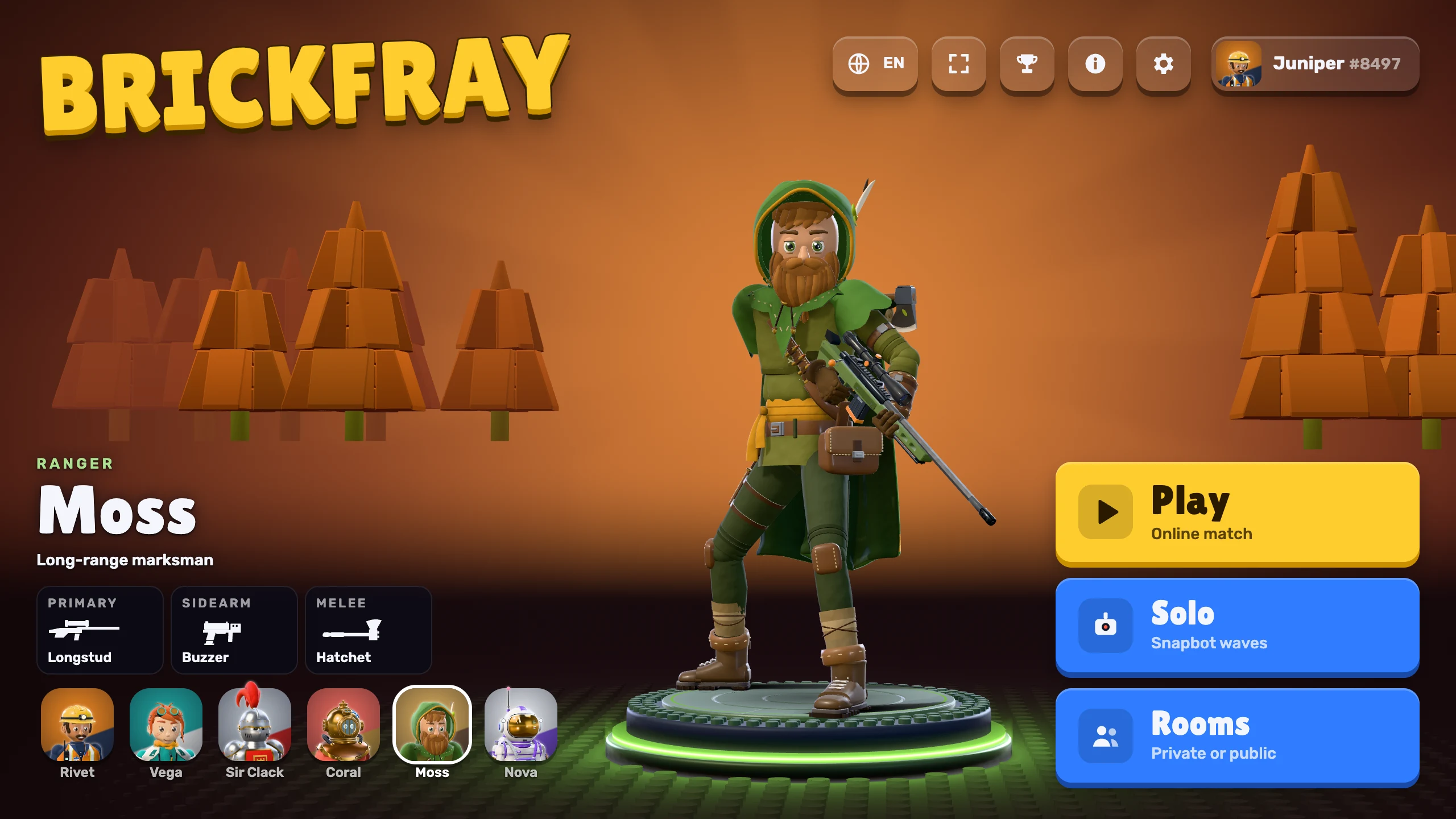
An original brick-built FPS with six heroes and four maps. Fight Snapbot waves solo, or play free-for-all and team deathmatch online with up to 10 players, with bots filling empty seats.
Opens in Layerwise on your computer. New to Layerwise? Download the app first.
- Category
- Games
- Tags
- Game, 3D, Shooter, Multiplayer
- Updated
- Nov 26, 2026
- Requires
- Layerwise 0.1.12+
- Source
- layerwise-app/brickfray
Build your own version of Brickfray
Pick one of six heroes, each with a primary weapon, sidearm, and melee tool, and fight across a town plaza, a hilltop fortress, a container port, and a temple. Solo mode sends waves of Snapbots and Megabots and lets you choose an upgrade after each wave. Online, play free-for-all or team deathmatch with up to 10 players through quick match, public lobbies, or a private code, with bots filling any empty seats and acting only on what they can see and hear. Aim down sights, sprint, slide, cook grenades, chain kill streaks, and climb the leaderboard. Every model, material, effect, and sound is generated in code, with no texture or audio files. Supports mouse and keyboard, gamepads, and touch, with English and Chinese throughout. Built with Layerwise, React, TanStack Start, and Three.js.
Use Brickfray for a complete online shooter with heroes, maps, solo waves, and multiplayer rooms that run in the browser. Players host matches from their own tab, so you can ship multiplayer without running a game server.
What the template includes
- Six heroes with their own weapons, plus four maps: a town plaza, a hilltop fortress, a container port, and a temple.
- Solo Snapbot waves with upgrades between waves, and online free-for-all or team deathmatch for up to 10 players with bots in empty seats.
- Kill streaks, achievements, a leaderboard, and models, effects, and sound generated in code.
The template opens as a local project you can change through the conversation or the code editor. You can inspect the source for this template version before choosing how to extend it.
Copy it and make one useful change
- Install Layerwise and sign in. Choose Use this template, select a team and project name in the app, then choose Copy to Layerwise. Wait for setup and the local preview to finish.
- Change one system at a time and say how it should feel in a match, such as a faster reload or more cover on one lane. Weapon values, match rules, and quality presets each live in one place, so ask the agent to keep the other heroes and maps unchanged while you tune.
- Ask for the change in the project conversation. This prompt is a starting point; adjust it to describe your intended result.
Starter prompt Add a seventh hero, a firefighter named Blaze, with a short-range foam blaster as the primary weapon, the Peg Pistol as the sidearm, and an axe for melee. Follow the existing heroes for the menu card, portrait, first-person arms, and stats. Keep the other six heroes and every map unchanged.
Check the result before publishing
- Play a solo run on each map and clear a few waves, choosing an upgrade after each.
- Open a private room in two browsers, join by code, and play a team deathmatch with bots in the empty seats.
- Switch between Low, Medium, and High quality and confirm the game stays smooth on your target computer.
Publish before testing multiplayer with friends on other networks and devices. Check the frame rate on your target hardware before adding maps, heroes, or heavier effects.
Use the local preview controls to test the affected path. When it works, publish a release and repeat the check at the live URL. For saved records or accounts, read about the separate Local and Online databases.
Make your own
More browser game templates
See all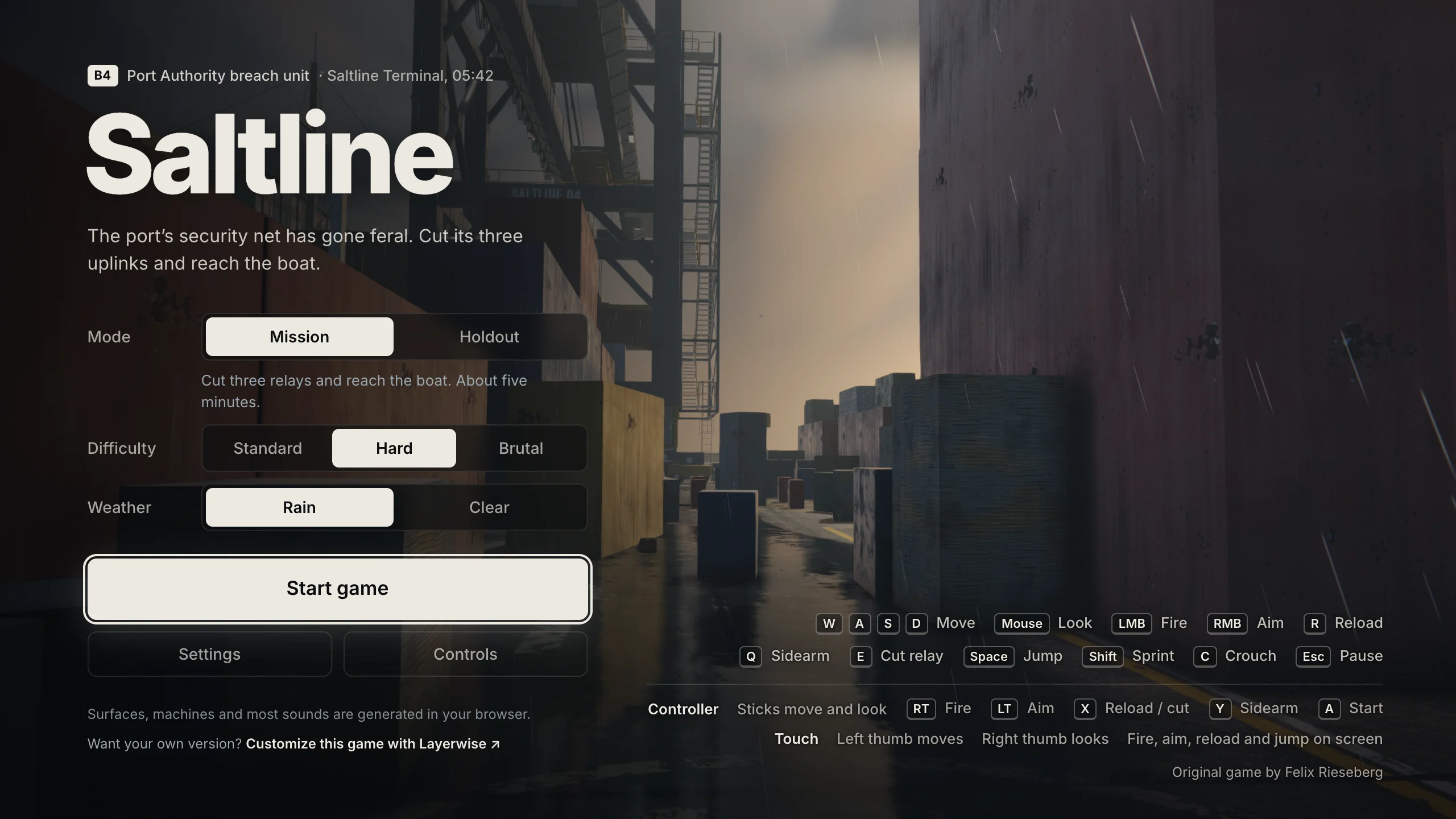
Saltline
GamesA realistic browser FPS set in a rain-soaked container port. Cut three uplinks and reach the boat, or survive endless waves in Holdout.
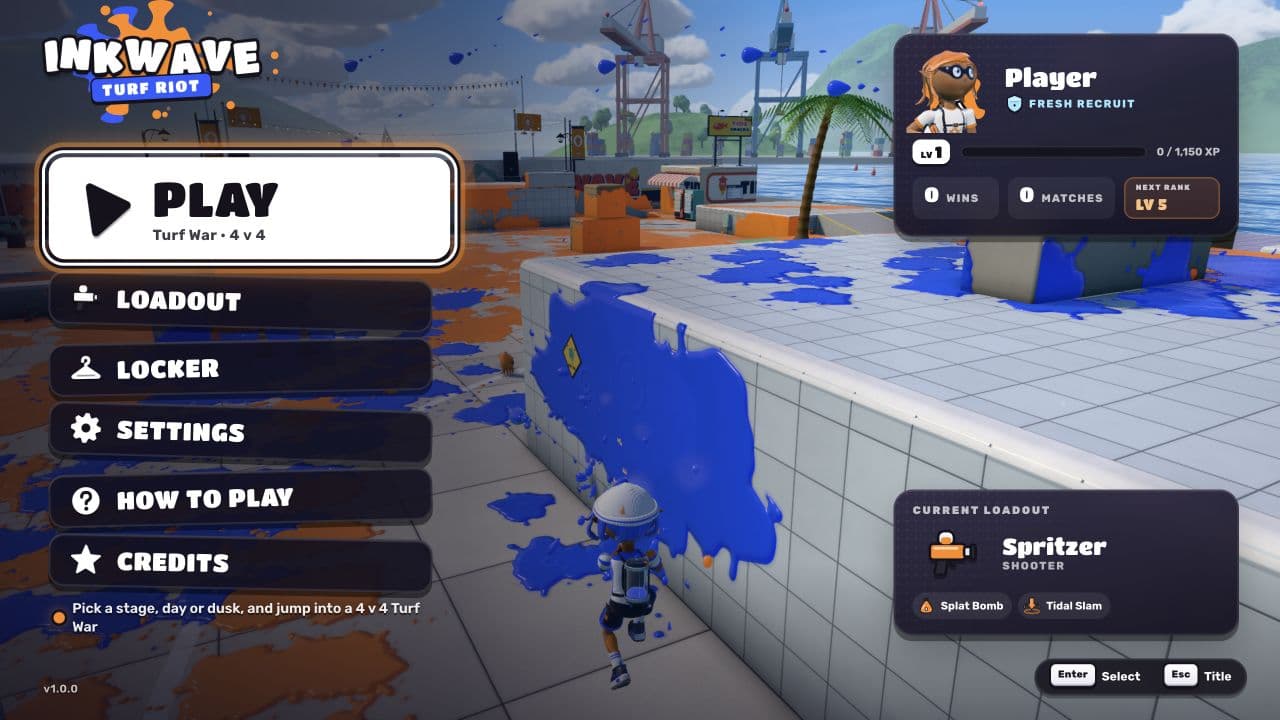
Inkwave
GamesA colorful 3D turf-war shooter with 4v4 matches, ink swimming, and customizable loadouts.
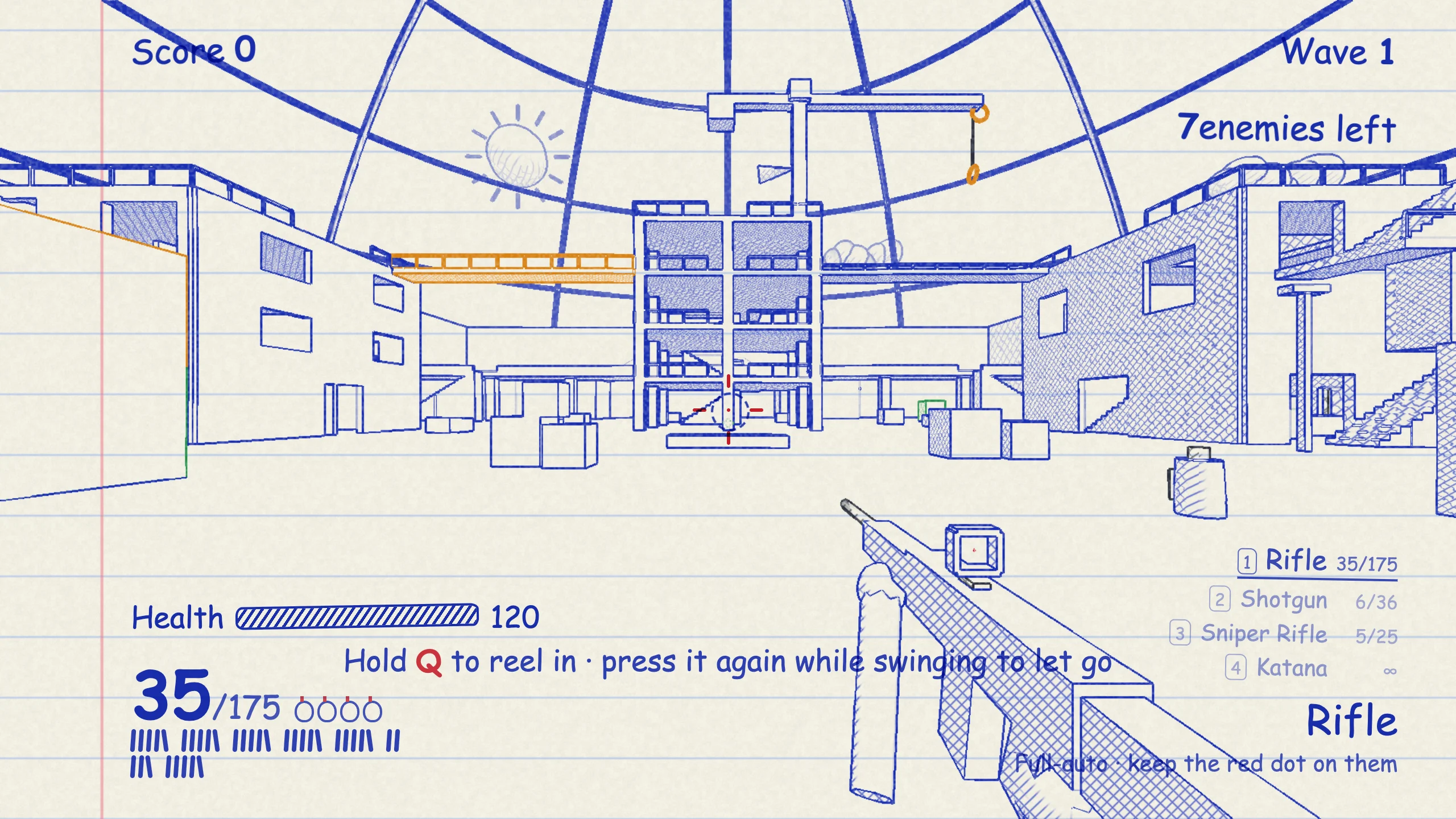
Doodle Shooter
GamesA notebook-style 3D shooter with solo enemy waves, online free-for-all matches for up to 10 players, three maps, and a grappling hook.