Doodle Shooter 3D Multiplayer Shooter Game Template
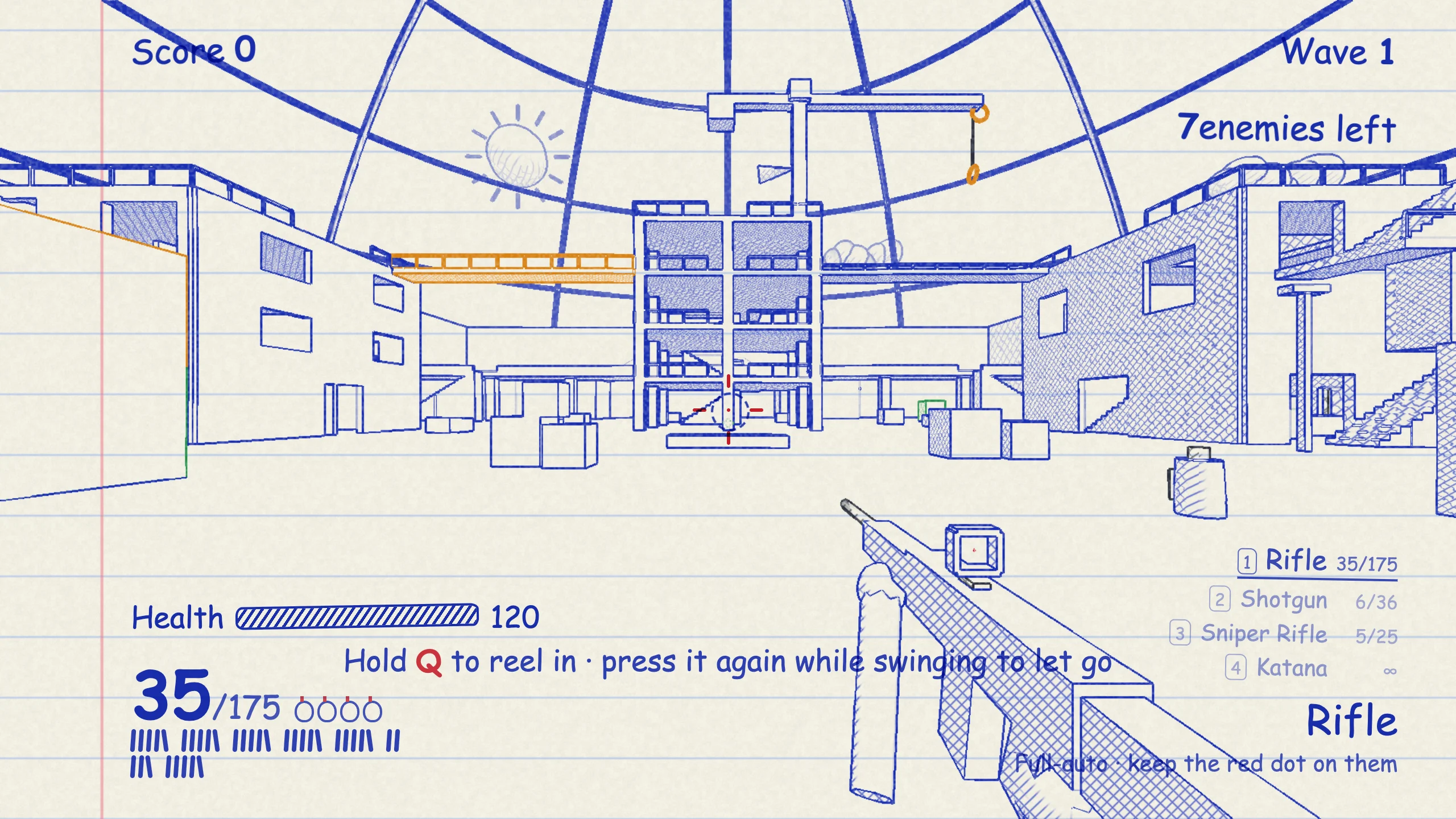
A notebook-style 3D shooter with solo enemy waves, online free-for-all matches for up to 10 players, three maps, and a grappling hook.
Opens in Layerwise on your computer. New to Layerwise? Download the app first.
- Category
- Games
- Tags
- Game, Shooter, Multiplayer
- Updated
- Nov 15, 2026
- Requires
- Layerwise 0.1.12+
Build your own version of Doodle Shooter
Fight through a world drawn in ballpoint ink on notebook paper. Survive solo waves with a boss every fifth wave, or join an online free-for-all for up to 10 players through quick match, public lobbies, or a private code. Choose a city, a school desk, or a subway station, then swing, wall-jump, and slide with a rifle, shotgun, sniper rifle, katana, and grenades. Adapted for Layerwise with React, TanStack Start, and Three.js, with gamepad support and English and Chinese menus.
Use Doodle Shooter for a stylized action game with both a solo mode and online matches. It combines combat, movement, maps, and peer-to-peer networking, so a focused change to one map, weapon, or difficulty setting is a useful first iteration.
What the template includes
- Solo enemy waves with a boss every fifth wave and saved checkpoints.
- Online free-for-all for up to 10 players through quick match, public lobbies, or a private code.
- Three maps, a rifle, shotgun, sniper rifle, katana, and grenades, plus a grappling hook, wall jumps, and gamepad support.
The template opens as a local project you can change through the conversation or the code editor. You can inspect the source for this template version before choosing how to extend it.
Copy it and make one useful change
- Install Layerwise and sign in. Choose Use this template, select a team and project name in the app, then choose Copy to Layerwise. Wait for setup and the local preview to finish.
- Describe one change to difficulty, a map, or presentation at a time. If you change weapon behavior, include the intended range, rate of fire, and feedback rather than asking for a general rebalance. Online matches run in the host's browser, so test multiplayer changes with two browser windows.
- Ask for the change in the project conversation. This prompt is a starting point; adjust it to describe your intended result.
Starter prompt Add a beginner practice mode to this shooter with slower early enemy waves and a visible explanation of movement controls. Keep the notebook art style, the three maps, and the existing weapons. Add the new menu text to both the English and Chinese interfaces.
Check the result before publishing
- Start a solo run on each map and test each weapon, double jumping, wall jumping, and the grappling hook.
- Open the game in two browser windows, create a private lobby in one, and join it from the other with the code.
- Switch interface language and check the new controls and menu text.
Use the preview console and project logs to investigate errors after changing the game loop. Validate performance on your target hardware before increasing enemy counts or scene complexity.
Use the local preview controls to test the affected path. When it works, publish a release and repeat the check at the live URL. For saved records or accounts, read about the separate Local and Online databases.
Step-by-step guide
Make your own
More browser game templates
See all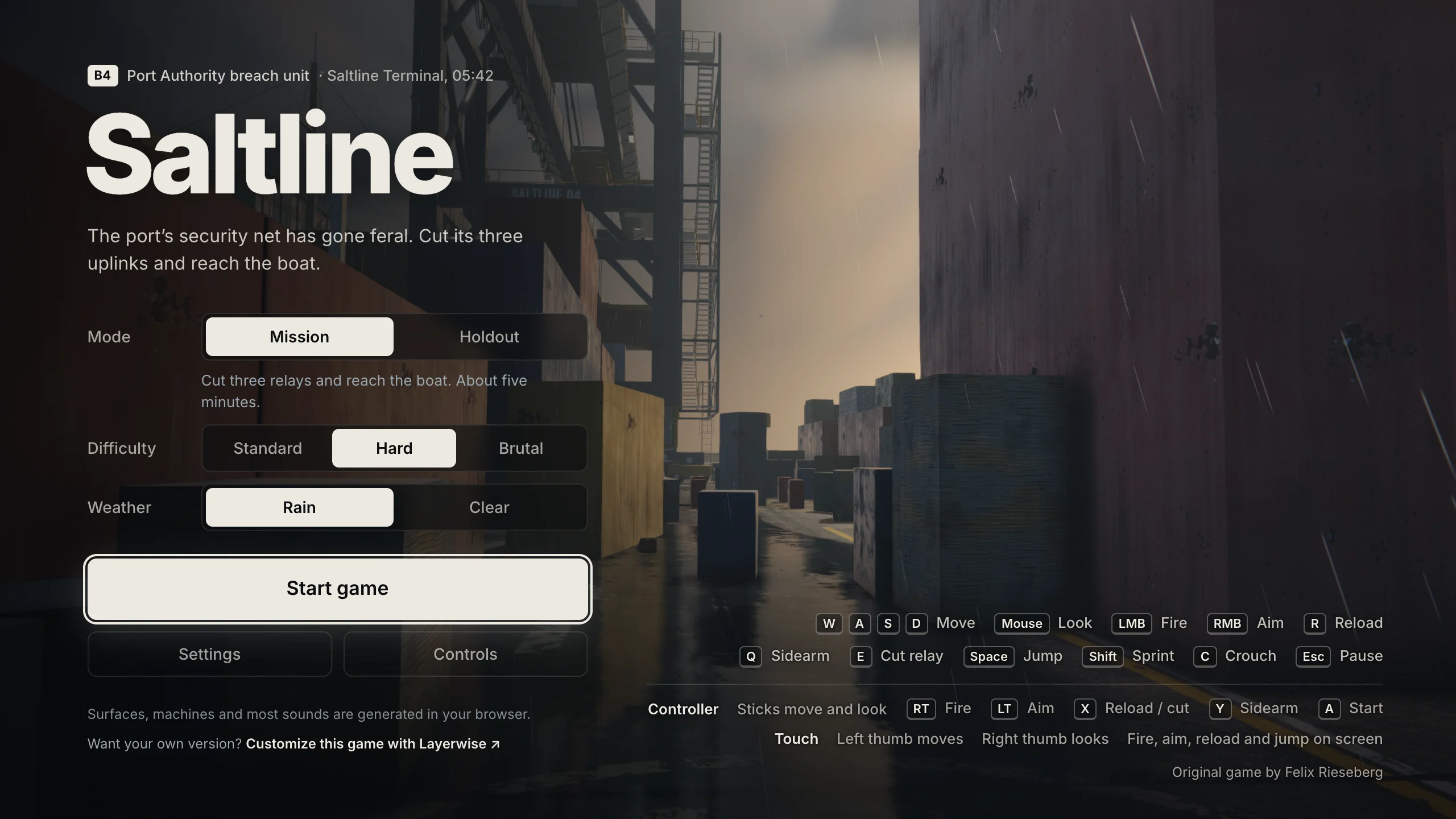
Saltline
GamesA realistic browser FPS set in a rain-soaked container port. Cut three uplinks and reach the boat, or survive endless waves in Holdout.
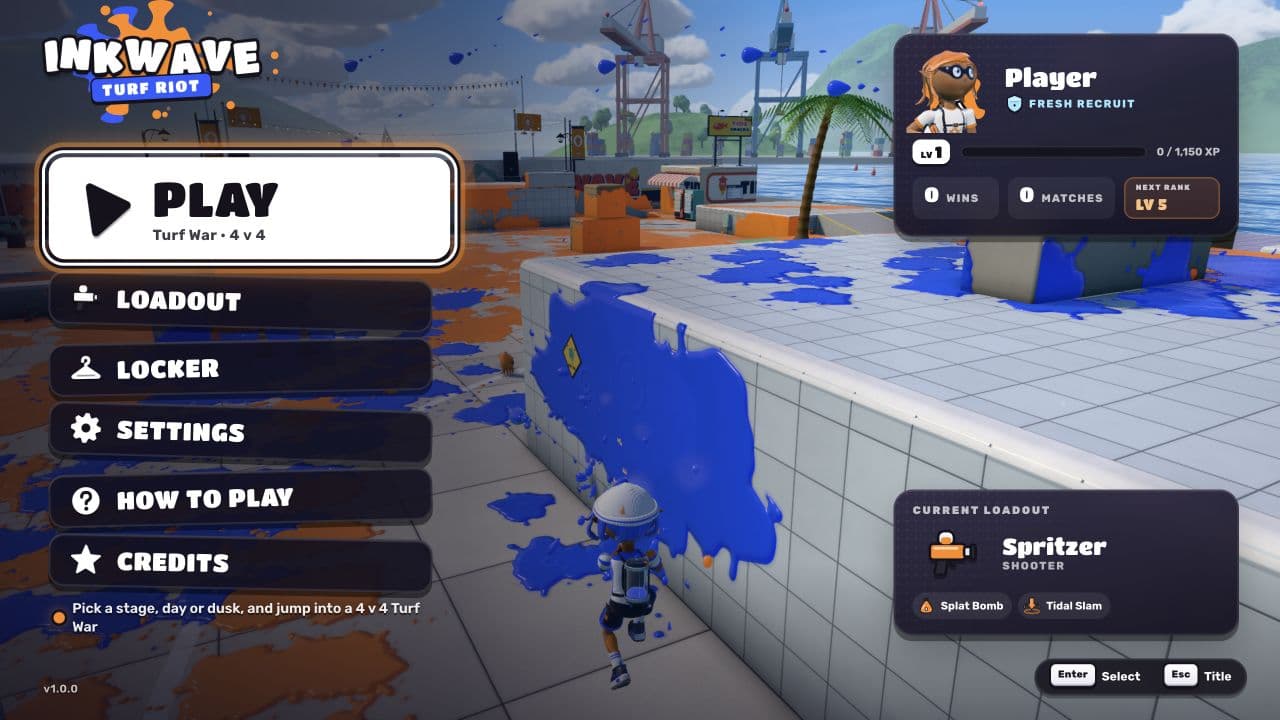
Inkwave
GamesA colorful 3D turf-war shooter with 4v4 matches, ink swimming, and customizable loadouts.
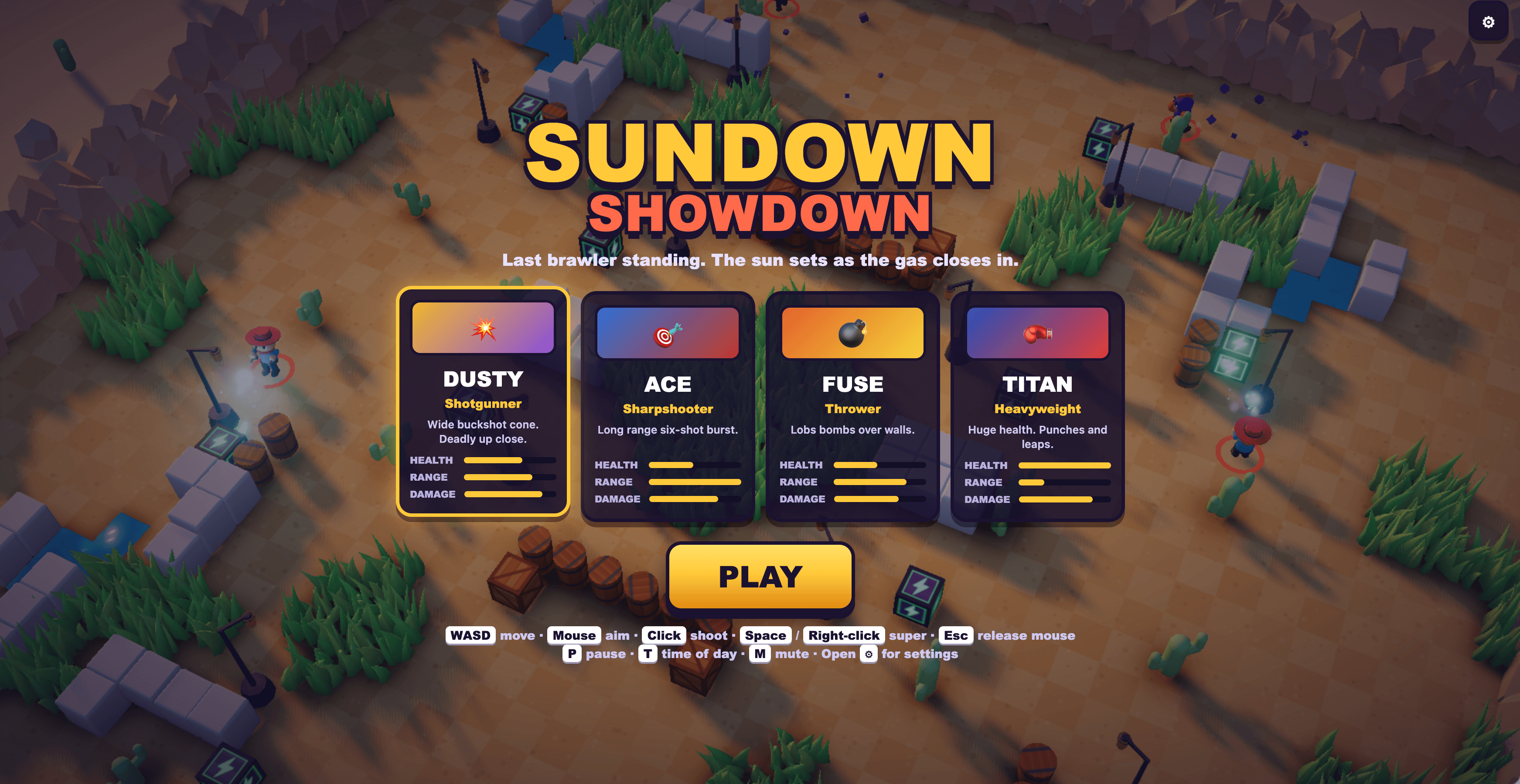
Sundown Showdown
GamesA sunset arena brawler with four fighters, shrinking gas, and fast-paced survival matches.