Saltline Browser FPS Game Template
A realistic browser FPS set in a rain-soaked container port. Cut three uplinks and reach the boat, or survive endless waves in Holdout.
Opens in Layerwise on your computer. New to Layerwise? Download the app first.
- Category
- Games
- Tags
- Game, 3D, Shooter
- Updated
- Nov 15, 2026
- Requires
- Layerwise 0.1.12+
- Source
- layerwise-app/saltline
Build your own version of Saltline
Sneak through a container terminal at dawn, cut three uplink relays, and make it to the boat while drones, robot dogs, and armed guards hunt you. Holdout mode adds endless waves. Rain, wet reflections, cranes, and ships are generated in the browser along with most of the sound. Choose from three difficulty levels and play with a mouse and keyboard, a gamepad, or touch. Adapted for Layerwise from Felix Rieseberg's original game with React, TanStack Start, and Three.js.
Use Saltline for a realistic first-person shooter that runs in the browser without an engine or downloads. It has a short mission, an endless wave mode, and enemy AI, so start with one change to the level, an enemy, or a weapon and play a full run to judge it.
What the template includes
- A five-minute mission to cut three uplink relays and reach the boat, plus an endless Holdout mode.
- Drones, robot dogs, and armed guards, with three difficulty levels.
- Generated rain, wet reflections, textures, and sound, with mouse and keyboard, gamepad, and touch controls.
The template opens as a local project you can change through the conversation or the code editor. You can inspect the source for this template version before choosing how to extend it.
Copy it and make one useful change
- Install Layerwise and sign in. Choose Use this template, select a team and project name in the app, then choose Copy to Layerwise. Wait for setup and the local preview to finish.
- Describe one change at a time and name where it happens, such as a new cover position in the yard or a faster drone. The level is generated in a fixed order, so ask the agent to keep the existing layout when you add props.
- Ask for the change in the project conversation. This prompt is a starting point; adjust it to describe your intended result.
Starter prompt Add a fourth uplink relay on the roof of the site office, reachable by the existing stairs. Keep the current mission flow, weather, and enemies. Update the objective counter and the compass markers to show four relays.
Check the result before publishing
- Play the mission from the start and cut every relay, then reach the boat.
- Start Holdout and survive a few waves on each difficulty.
- Switch between Rain and Clear weather and try a lower quality setting on a slower computer.
Use the preview console and project logs to investigate errors after changing the game loop. Check frame rate on your target hardware before adding enemies, props, or heavier effects.
Use the local preview controls to test the affected path. When it works, publish a release and repeat the check at the live URL. For saved records or accounts, read about the separate Local and Online databases.
Step-by-step guide
More browser game templates
See all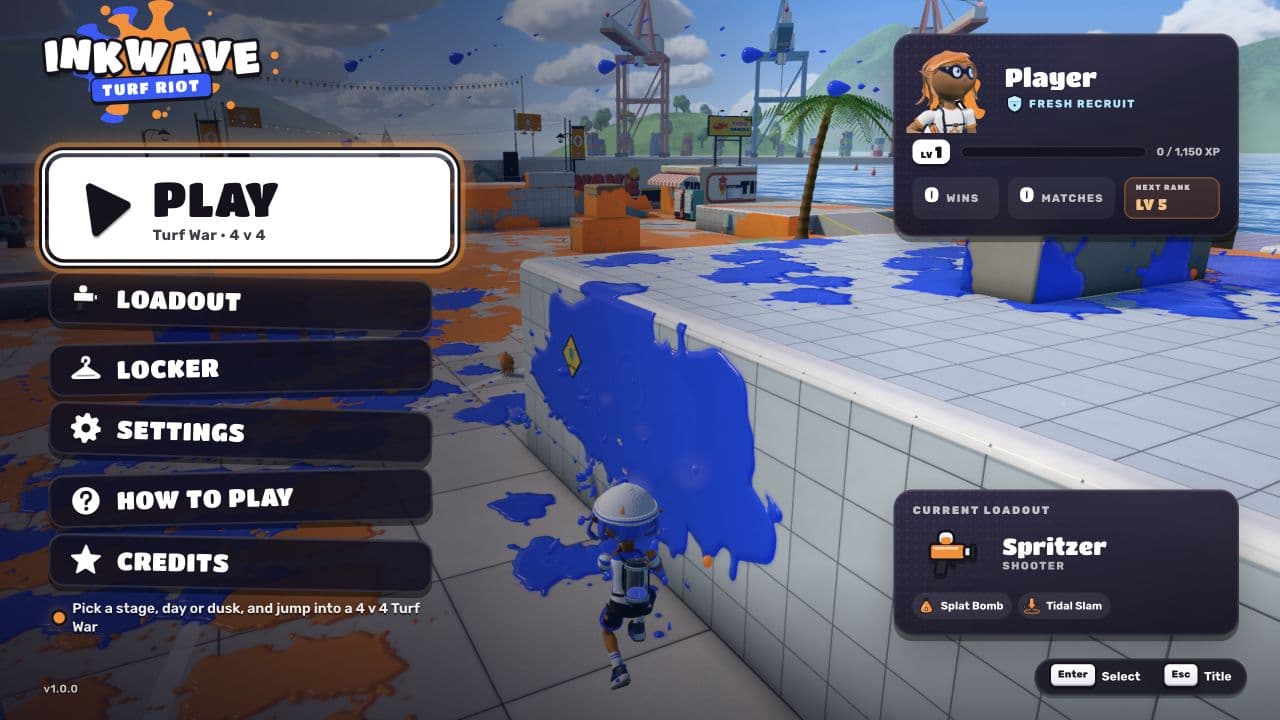
Inkwave
GamesA colorful 3D turf-war shooter with 4v4 matches, ink swimming, and customizable loadouts.
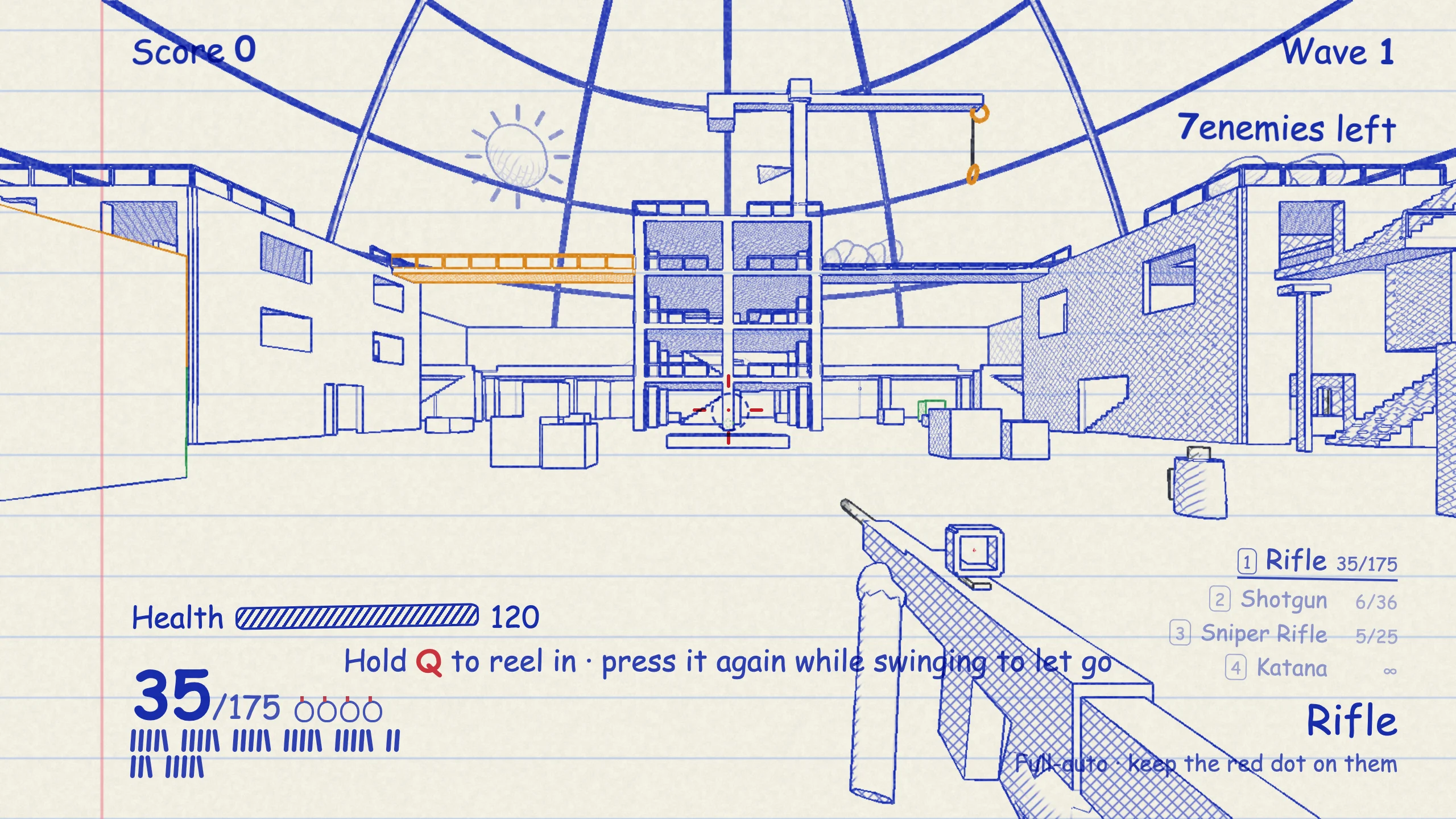
Doodle Shooter
GamesA notebook-style 3D shooter with solo enemy waves, online free-for-all matches for up to 10 players, three maps, and a grappling hook.
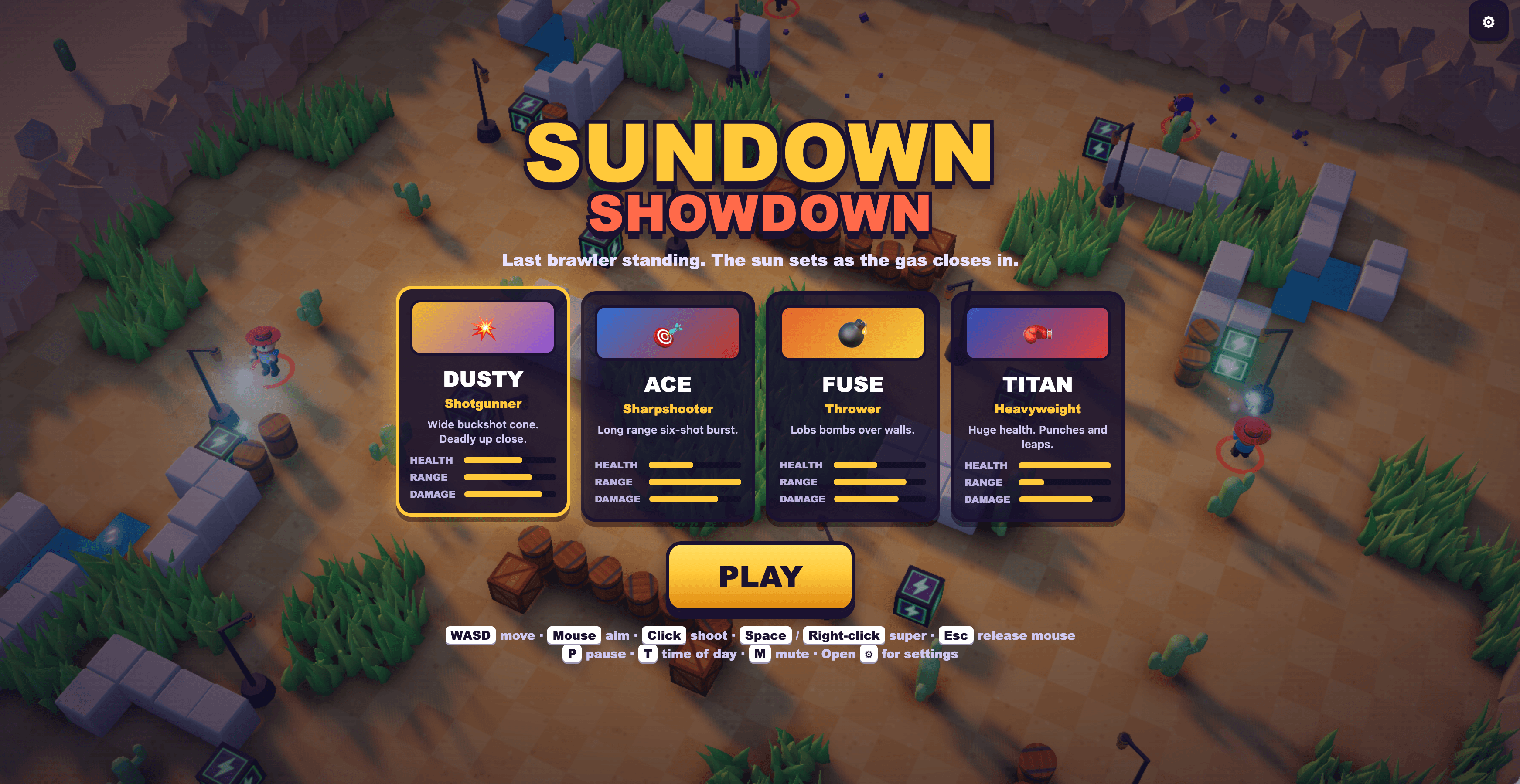
Sundown Showdown
GamesA sunset arena brawler with four fighters, shrinking gas, and fast-paced survival matches.