

Workspace
Manage teams and members
Organize projects into teams and give collaborators the right access.
A team is the shared home for projects, members, subscription, and usage. Use separate teams for different clients, products, or groups of collaborators.
Create or switch teams
Open the team switcher in the sidebar or team breadcrumb. Select an existing team, or choose New Team and enter a name.
Invite a collaborator
Open Members and select Invite Member. Enter an email address and choose a role:
| Role | Access |
|---|---|
| Viewer | Can view team content. |
| Editor | Can edit team content. |
| Admin | Can manage team settings and members. |
Pending invitations appear on the Members page. Invitees accept the invitation through the authenticated Layerwise web flow.
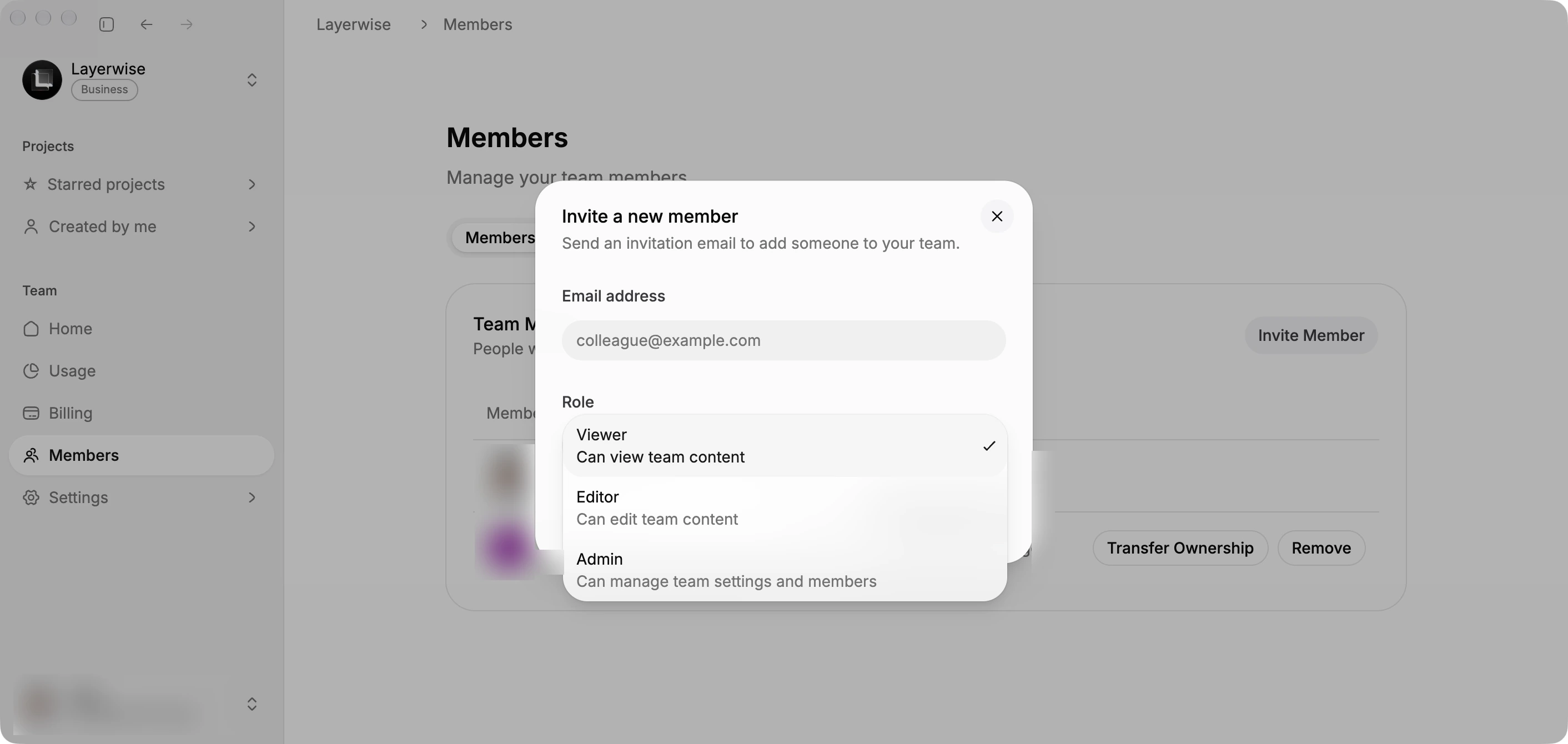
Choose the collaborator's role before sending an invitation.
Rename or delete a team
Open Settings to rename or delete the active team. Deleting a team is permanent; export or move work you need before confirming it.