

Manage releases
Inspect deployed releases, retry a failed deployment, and roll back safely.
Open Deployments in the project sidebar to view immutable releases and their deployment timeline.
Read release status
The release list shows each release's label, status, creation time, verification time, and whether it is active or the last known healthy release.
Use this page to understand whether a deployment completed, failed before activation, or was superseded by a later release.
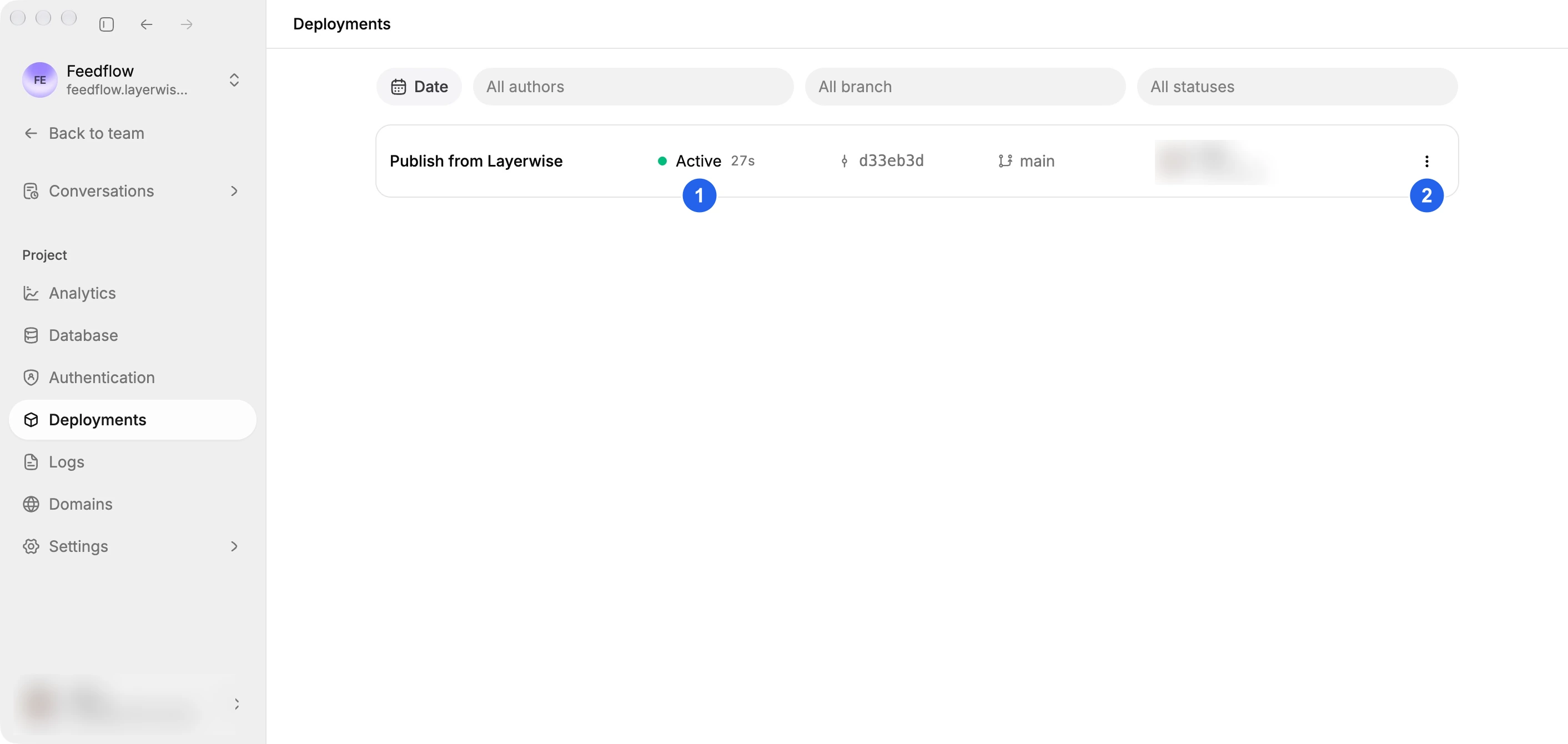
(1) Active identifies the release serving your website. (2) opens a release's available actions.
Retry a failed deployment
For a failed release, select Retry. Layerwise rebuilds and publishes from the current local workspace, so first confirm that the local preview works.
Roll back production
Select Rollback on a previous release to make it active in production. You cannot roll back to the currently active release.
Rollback changes the production release only. It does not change your local workspace or remove later releases. Review your local code before the next publish.