

Account & billing
Manage your account and GitHub
Connect GitHub for project repositories and manage account deletion.
Open Account from the user menu to manage your Layerwise account.
Connect GitHub
Select Connect GitHub to authorize Layerwise for repository operations. Once connected, you can create and connect a repository from a project's GitHub settings.
Use Reconnect if you need to authorize the connection again.
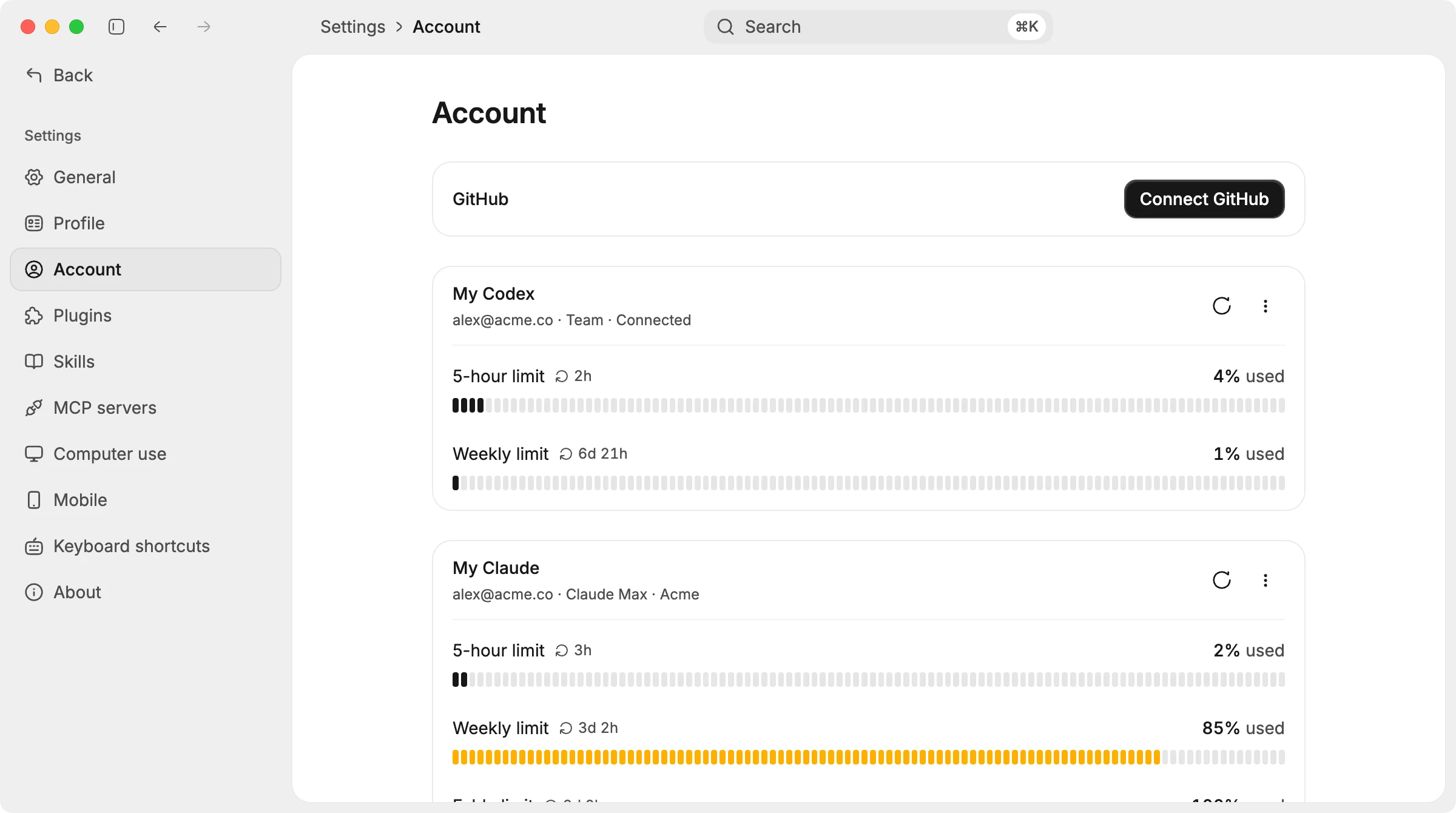
Manage your GitHub connection from Account.
Delete your account
Delete your account from the Layerwise desktop app. Deletion is permanent: it removes your account and associated server data, deletes every team you own and its projects, and cancels those teams' paid plans.
If you want a team to remain available to its members, transfer its ownership before deleting your account. The confirmation dialog lists the teams that will be deleted and provides a Transfer button for each one.
- Open the user menu and select Account.
- Next to Deletes the account and the teams you own, select Delete account.
- Review the teams listed in the confirmation dialog. If Also delete local folders is shown, it is off by default, so the project code stays on this computer. Turn it on to delete that code too; the account and server data are deleted either way.
- Type the account email shown in the dialog exactly, then select Delete account to confirm.
After successful deletion, Layerwise signs you out.