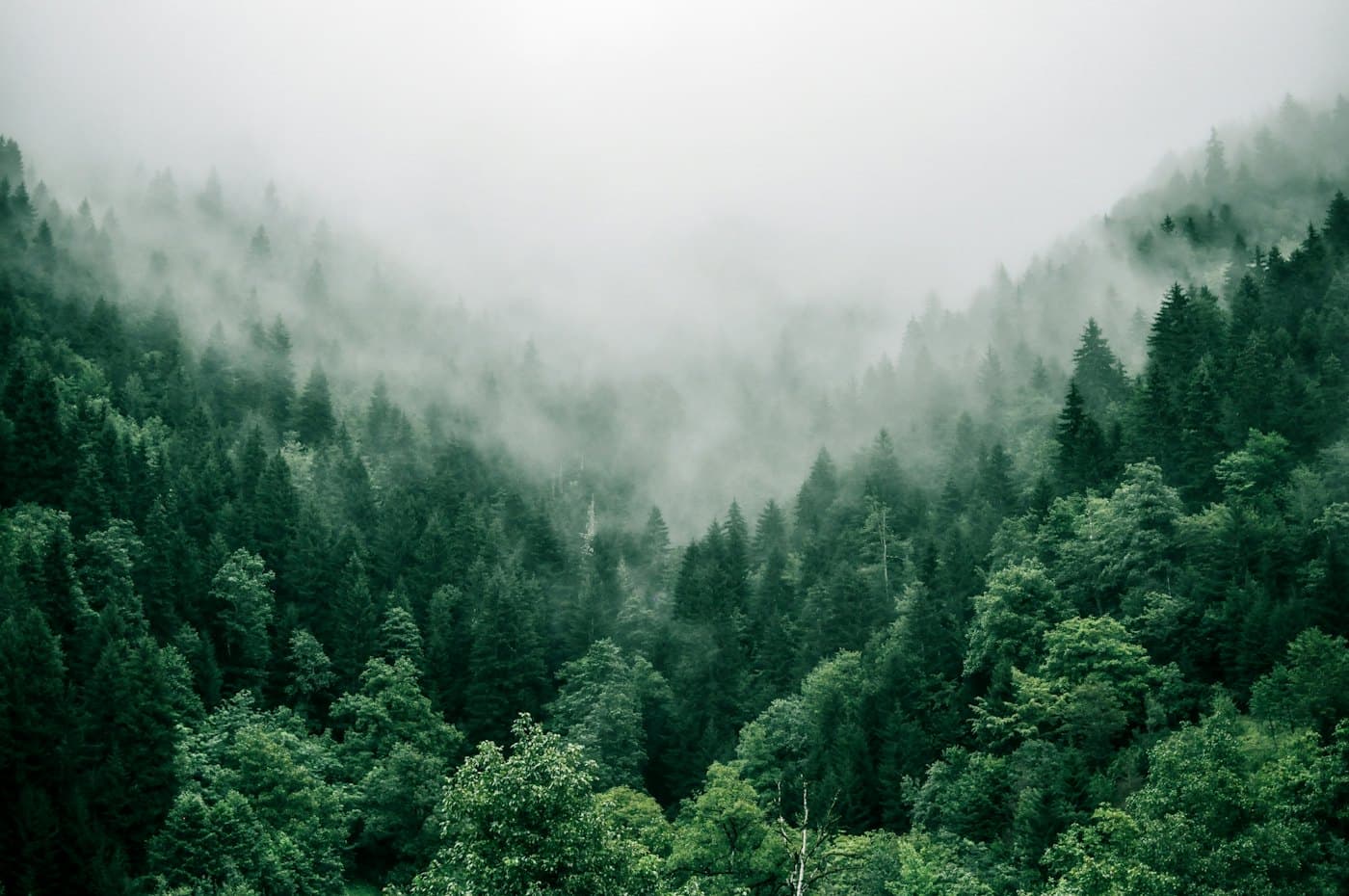
Video text
Also called video knockout text, video mask text, or text with video inside
Large knockout text that works as a window onto a playing video, so the footage shows only inside the letters.
import { useRef, useState } from 'react';
import { useReducedMotion } from 'motion/react';

type VideoTextProps = { src: string; poster: string; word?: string };

export function VideoTextHero({ src, poster, word = 'Explore' }: VideoTextProps) {
  const reduceMotion = useReducedMotion();
  const video = useRef<HTMLVideoElement>(null);
  const [playing, setPlaying] = useState(true);

  function toggle() {
    if (playing) video.current?.pause();
    else void video.current?.play();
    setPlaying(!playing);
  }

  return (
    <section className='relative isolate h-72 overflow-hidden rounded-2xl'>
      {reduceMotion ? (
        <img src={poster} alt='' className='absolute inset-0 size-full object-cover' />
      ) : (
        <video
          ref={video}
          src={src}
          poster={poster}
          autoPlay
          muted
          loop
          playsInline
          className='absolute inset-0 size-full object-cover'
        />
      )}
      {/* The page color with dark letters on top. Screen blending keeps the
          light parts and lets the footage through the dark letters. Dark mode
          flips both colors and multiplies instead. */}
      <h2 className='relative grid size-full place-items-center bg-white text-[120px] leading-none font-black tracking-tighter text-black uppercase mix-blend-screen dark:bg-black dark:text-white dark:mix-blend-multiply'>
        {word}
      </h2>
      {!reduceMotion && (
        <button
          type='button'
          onClick={toggle}
          className='absolute right-3 bottom-3 rounded-full bg-black/60 px-3 py-1 text-xs font-medium text-white'
        >
          {playing ? 'Pause' : 'Play'}
        </button>
      )}
    </section>
  );
}
Build a video text hero: a 280px-tall rounded banner with a muted, looping, playsInline ocean video covering it (object-cover, with a poster image), and on top an h2 reading "EXPLORE" in 120px black-weight uppercase, centered, with the page background color behind it, near-black letters, and mix-blend-mode: screen so the footage shows only through the letters (multiply with light letters in dark mode). Add a small pause button, and show only the poster when prefers-reduced-motion is set.
Paste into Layerwise or any AI coding tool.
What is Video text?
Video text cuts a word out of a solid surface and plays a video behind it, so the letters become windows onto moving footage. There are two common ways to build it. An overlay in the page color with dark letters and mix-blend-mode: screen (light letters with multiply on a dark page) turns the letters see-through. An SVG <mask> with white text, applied to the video, cuts the exact shape out over any background.
It suits hero sections for travel, events, film, sports, and brands with strong footage, where one huge word carries the page. Pick a short word, set it at 100px or more in a black weight, so enough video shows through to read the motion.
Use a muted, looping, playsInline video with a poster image, and keep the file small, since it is decoration. The blend trick needs a solid, known color behind the text. Give the heading real text for screen readers, add a pause control for footage that runs longer than five seconds, and show the poster frame instead when someone prefers reduced motion.
Often confused with
- Mask
- A CSS mask hides parts of any element with an image or gradient. Video text is one use of the idea, with letters as the shape and video as the content.
Related terms
All termsMask
A CSS technique that uses an image or gradient to set how visible each part of an element is, often used to fade edges softly.
Hero section
The large first section at the top of a landing page, with a headline, a short subhead, a call to action, and a visual.
Clip-path
A CSS property that cuts an element to a shape, such as a circle, an inset rectangle, or a polygon, and hides everything outside it.
Gradient text
Text filled with a color gradient instead of a solid color, made by painting a gradient background and clipping it to the shape of the letters.
Build it with Layerwise
Describe your app, watch it run in a live preview, and publish it with a database, storage, and sign-in built in.