Backlight
Also called ambient mode, ambient glow, image glow, or video glow
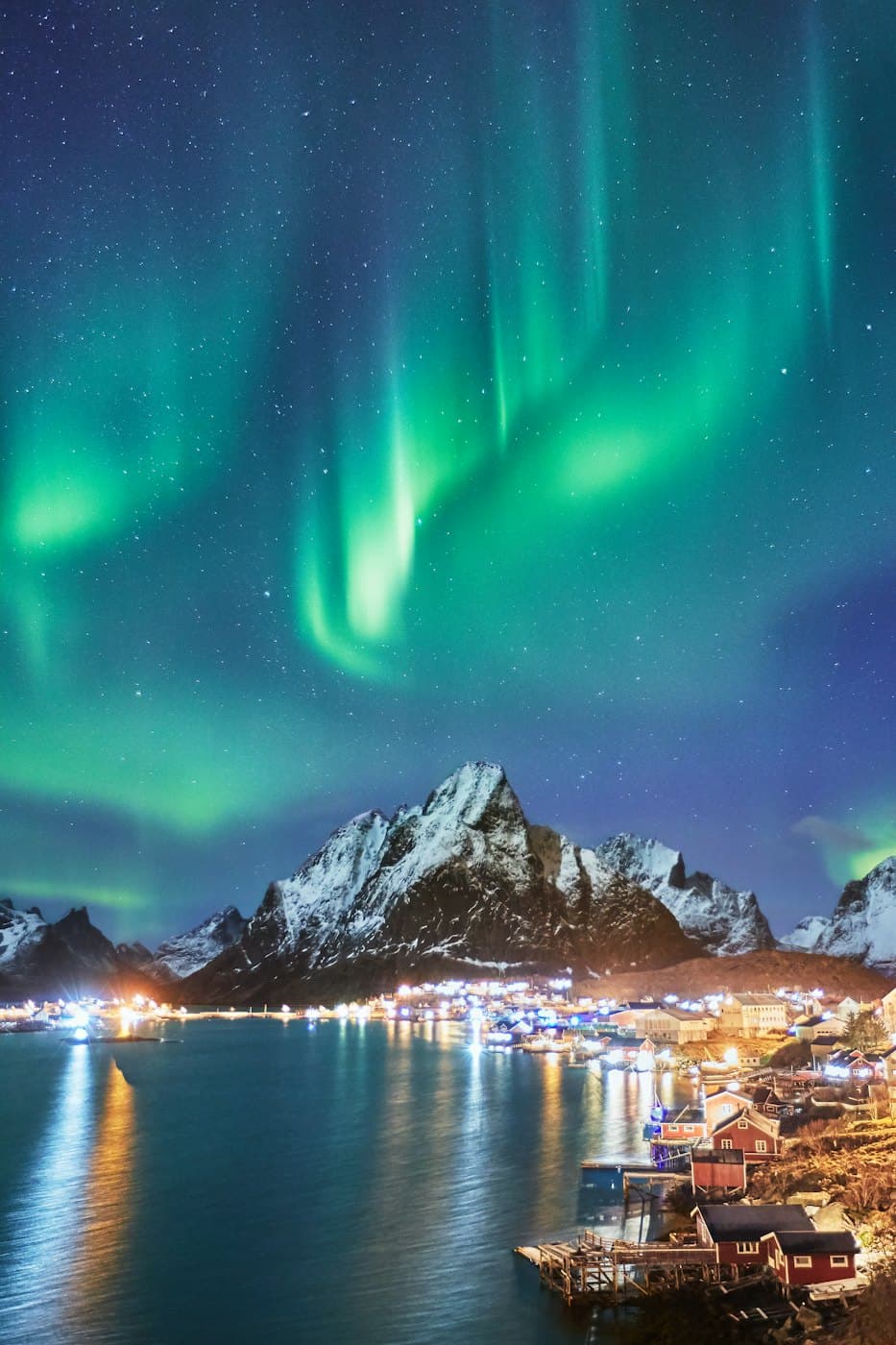
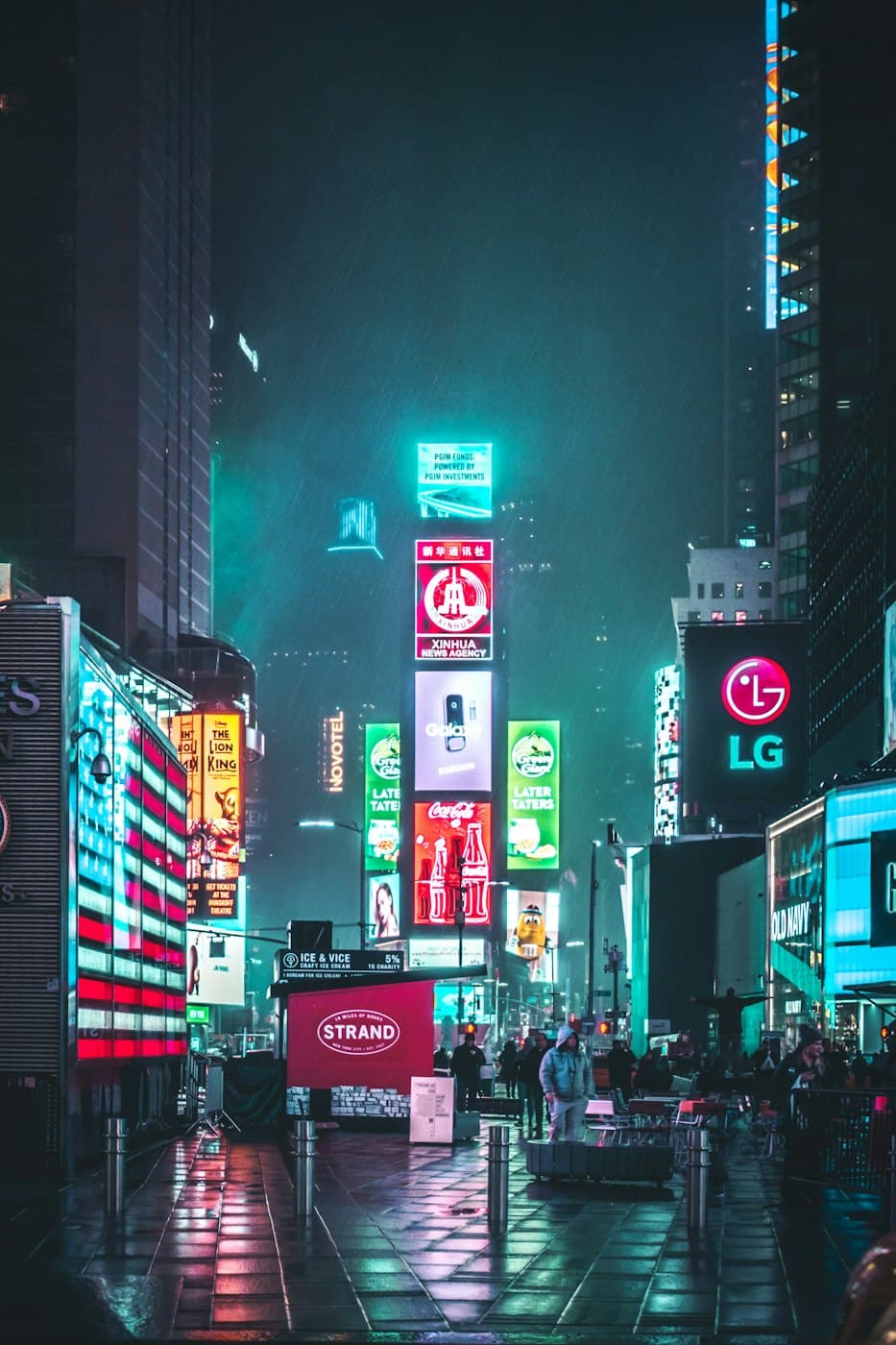
A blurred, saturated copy of an image or video placed behind it, so its colors spill onto the page as a soft glow, like YouTube’s ambient mode.
import { useEffect, useRef } from 'react';

// Blur erases detail, so a tiny frame carries all the color the glow needs.
const GLOW = { width: 64, height: 36 };
const UPDATE_MS = 250;

export function BacklitVideo({ src, poster }: { src: string; poster: string }) {
  const videoRef = useRef<HTMLVideoElement>(null);
  const canvasRef = useRef<HTMLCanvasElement>(null);

  useEffect(() => {
    const video = videoRef.current;
    const context = canvasRef.current?.getContext('2d');
    if (!video || !context) return;
    const reduceMotion = window.matchMedia(
      '(prefers-reduced-motion: reduce)'
    ).matches;
    let timer = 0;
    const paint = () => context.drawImage(video, 0, 0, GLOW.width, GLOW.height);
    const start = () => {
      paint();
      // Reduced motion keeps one still glow instead of a shifting one.
      if (!reduceMotion) timer = window.setInterval(paint, UPDATE_MS);
    };
    const stop = () => window.clearInterval(timer);

    video.addEventListener('loadeddata', paint);
    video.addEventListener('play', start);
    video.addEventListener('pause', stop);
    return () => {
      stop();
      video.removeEventListener('loadeddata', paint);
      video.removeEventListener('play', start);
      video.removeEventListener('pause', stop);
    };
  }, []);

  return (
    <div className='relative aspect-video w-full max-w-3xl'>
      <canvas
        ref={canvasRef}
        width={GLOW.width}
        height={GLOW.height}
        aria-hidden
        className='absolute inset-0 size-full scale-110 opacity-80 blur-3xl saturate-180'
      />
      <video
        ref={videoRef}
        src={src}
        poster={poster}
        controls
        playsInline
        className='relative size-full rounded-2xl bg-black object-cover'
      />
    </div>
  );
}
Add a backlight to the video player: place a canvas behind the 16:9 player, scaled to 110% of its size, with filter: blur(48px) saturate(180%) and opacity 0.8. Draw the current video frame into the canvas at 64×36 pixels when the video loads and every 250ms while it plays, and stop drawing when it pauses. When prefers-reduced-motion is set, keep the glow from the first frame and skip the updates.
Paste into Layerwise or any AI coding tool.
Backlight explained
A backlight layers two copies of the same picture. The front copy is the real image or video. The back copy sits directly behind it, a little larger, with filter: blur(48px) saturate(180%) and reduced opacity, so only its colors survive, bleeding past the edges like light from a screen in a dark room. YouTube calls its version ambient mode.
It suits video players, album and podcast artwork, game and movie covers, and hero product shots, and it is strongest on dark backgrounds. Because the glow comes from the picture itself, it changes color when the picture does. For a playing video, players usually draw the current frame into a small <canvas> a few times per second and blur that, which avoids decoding the video twice.
Large blur radii are expensive to paint, so blur a small copy: the back layer can be a 160px-wide image or a 64×36 canvas stretched to size, since blur erases detail anyway. Pause canvas updates while the player is paused or off screen, check that nearby text keeps enough contrast, and hide the copy from screen readers with aria-hidden.
Often confused with
- Glow effect
- A glow effect adds a soft light in one chosen color. A backlight takes its colors from the image itself and changes when the image does.
Related terms
All termsGlow effect
A soft halo of colored light around a button, card, or text, made with colored shadows or a blurred layer behind the element.
Blur
A softening effect made with CSS filter: blur() on an element itself, or backdrop-filter: blur() on whatever shows through it from behind.
Drop shadow
A shadow cast behind an element to make it look raised off the page, with larger, softer shadows signaling higher elevation.
Aurora background
A background of soft, blurred color ribbons that drift slowly, like the northern lights, used behind hero sections and landing pages.
Build it with Layerwise
Describe your app, watch it run in a live preview, and publish it with a database, storage, and sign-in built in.