LayerwiseLayerwise
  • Features
  • Pricing
  • Templates
  • Docs
DownloadDownload
FeaturesPricingTemplatesDocsAI Website BuilderVibe CodingPersonal Software
DownloadDownload
  1. Glossary
  2. /
  3. Interaction feedback

Hover effect

Also called hover state or hover animation

A visual change, such as a lift, glow, or zoom, that happens when the mouse pointer moves over an element to show it can be clicked.

type ProjectCardProps = {
  title: string;
  description: string;
  cover: string;
  href: string;
};

// Tailwind v4 wraps hover: in @media (hover: hover), so a tap on a phone
// never leaves the card stuck in its hover state.
export function ProjectCard({
  title,
  description,
  cover,
  href
}: ProjectCardProps) {
  return (
    <a
      href={href}
      className='group relative block w-72 rounded-2xl border bg-background p-3 outline-none transition-transform duration-200 ease-out hover:-translate-y-1 focus-visible:-translate-y-1 focus-visible:ring-2 focus-visible:ring-ring'
    >
      {/* A second shadow that fades in: cheaper than animating box-shadow. */}
      <span
        aria-hidden
        className='pointer-events-none absolute inset-0 rounded-2xl opacity-0 shadow-xl transition-opacity duration-200 ease-out group-hover:opacity-100 group-focus-visible:opacity-100'
      />
      <div className='overflow-hidden rounded-xl'>
        <img
          src={cover}
          alt=''
          className='aspect-video w-full object-cover transition-transform duration-200 ease-out group-hover:scale-105 group-focus-visible:scale-105'
        />
      </div>
      <h3 className='mt-3 text-sm font-medium'>{title}</h3>
      <p className='text-sm text-muted-foreground'>{description}</p>
    </a>
  );
}
Add a hover effect to the project cards: lift the card 4px with translateY and fade in a deeper shadow over 200ms with an ease-out curve, and zoom the cover image to 1.05 inside its rounded frame. Apply the same look on :focus-visible, and put the hover styles inside @media (hover: hover) so touch devices skip them.

Paste into Layerwise or any AI coding tool.

What is Hover effect?

A hover effect changes how an element looks while the mouse pointer rests on it. Common versions lift a card a few pixels with a deeper shadow, highlight its border, zoom the image inside it, or shift a button's color. The change tells people "this is clickable" before they commit.

Keep hover effects quick, around 150 to 250ms with an ease-out curve, and small enough that moving the mouse across a page does not set off a light show. Animate transform and opacity where you can: fading in a second shadow layer is smoother than animating box-shadow itself.

Touch screens have no hover, so never hide essential information or actions behind it. Wrap hover styles in @media (hover: hover) so a tap on a phone does not leave a card stuck in its hover state, and give keyboard users the same cue with :focus-visible.

Related terms

All terms

Interaction states

The set of looks a control takes as people use it, such as default, hover, pressed, focused, and disabled, each showing what will happen.

Press feedback

A quick visual response, usually a slight shrink, that shows a button registered the press the moment a finger or mouse button goes down.

3D tilt card

A card that tips in 3D as the mouse moves over it, often with a moving glare, so it feels like a physical object in your hand.

Spotlight card

A card whose border and background light up with a soft radial glow that follows the mouse pointer, often across a whole grid of cards.

Build it with Layerwise

Describe your app, watch it run in a live preview, and publish it with a database, storage, and sign-in built in.


DownloadDownloadRead the docs
LayerwiseLayerwise

Build full-stack web apps in minutes with AI.

Product

  • Features
  • Pricing
  • Download
  • Templates

Solutions

  • AI Website Builder
  • Vibe Coding
  • Personal Software

Resources

  • Documentation
  • Changelog
  • Blog
  • Vibe Coding Glossary
  • llms.txt
  • llms-full.txt

Company

  • About
  • Contact

Legal

  • Privacy
  • Analytics Privacy
  • Terms
  • Security
  • Abuse

© 2026 Layerwise. All rights reserved.

Entrances & exits

  • Fade in
  • Slide in
  • Scale in
  • Pop in
  • Blur in
  • Reveal animation
  • Enter and exit animations

Timing & sequencing

  • Duration
  • Delay
  • Keyframes
  • Tweening
  • Stagger
  • Orchestration
  • Fill mode
  • Stepped animation
  • Looping animation
  • Yoyo animation

Easing

  • Easing
  • Linear easing
  • Ease-in
  • Ease-out
  • Ease-in-out
  • Cubic-bezier
  • Asymmetric easing
  • Overshoot easing

Springs & physics

  • Spring animation
  • Stiffness
  • Damping
  • Mass
  • Bounce
  • Velocity
  • Momentum
  • Interruptible animation
  • Rubber-banding

Transforms

  • Translate
  • Scale
  • Rotate
  • Skew
  • 3D flip
  • Perspective
  • Transform origin
  • Origin-aware animation

State transitions

  • Crossfade
  • Morph
  • Shared element transition
  • Layout animation
  • Height auto animation
  • Direction-aware transition
  • Continuity transition
  • Page transition
  • View Transitions API

Scroll effects

  • Scroll reveal
  • Scroll-driven animation
  • Parallax scrolling
  • Scrollytelling
  • Scroll pinning
  • Horizontal scroll section
  • Scroll progress bar
  • Scroll snap
  • Smooth scrolling

Interaction feedback

  • Hover effect
  • Press feedback
  • Ripple effect
  • Shake animation
  • Hold to confirm
  • Drag gesture
  • Drag to reorder
  • Swipe to dismiss
  • Pull to refresh
  • Magnetic button
  • Custom cursor
  • 3D tilt card
  • Spotlight card

Text effects

  • Typewriter effect
  • Text scramble
  • Split text animation
  • Text morph
  • Rotating words
  • Gradient text
  • Shimmer text
  • Number ticker
  • Tabular numbers
  • Underline animation

Loops & ambient motion

  • Marquee
  • Pulse animation
  • Float animation
  • Orbit animation
  • Idle animation
  • Particle background
  • Border beam
  • Confetti
  • Animated gradient

Visual effects

  • Blur
  • Clip-path
  • Mask
  • Before/after slider
  • SVG line drawing
  • Lottie animation

Motion principles

  • Purposeful animation
  • Anticipation
  • Follow-through
  • Squash and stretch
  • Perceived performance
  • Frequency of use
  • Spatial consistency
  • Reduced motion

Animation performance

  • Frame rate (FPS)
  • Jank
  • GPU acceleration
  • will-change
  • Layout thrashing

Layout

  • Hero section
  • Above the fold
  • Sticky header
  • Sidebar
  • Bento grid
  • Card
  • Flexbox
  • CSS Grid
  • Padding vs margin
  • Responsive design
  • Container
  • Masonry layout
  • Split screen
  • Z-index
  • Overflow

Components

  • Button variants
  • Modal
  • Drawer
  • Popover
  • Tooltip
  • Dropdown menu
  • Context menu
  • Toast notification
  • Tabs
  • Segmented control
  • Accordion
  • Carousel
  • Command palette
  • Combobox
  • Toggle switch
  • Checkbox
  • Radio button
  • Date picker
  • Breadcrumb
  • Pagination
  • Infinite scroll
  • Badge
  • Avatar stack
  • Empty state
  • Skeleton screen
  • Spinner
  • Progress bar
  • Data table
  • Stepper
  • Floating label
  • Inline validation
  • Alert banner
  • Tag input

States & patterns

  • Interaction states
  • Focus ring
  • Loading state
  • Optimistic UI
  • Debounce
  • Lazy loading
  • Dark mode
  • Micro-interaction
  • Affordance
  • Undo
  • Drag and drop
  • Keyboard shortcut

Visual styles

  • Glassmorphism
  • Liquid glass
  • Neumorphism
  • Claymorphism
  • Neo-brutalism
  • Skeuomorphism
  • Flat design
  • Mesh gradient
  • Aurora background
  • Grain texture
  • Glow effect
  • Drop shadow
  • Border radius
  • Grid background
  • Typographic hierarchy
  • Accent color
  • Color contrast

Vibe coding & AI

  • Vibe coding
  • Prompt
  • Context window
  • Token
  • AI agent
  • Tool call
  • Hallucination
  • Diff
  • Live preview
  • Checkpoint
  • Git commit
  • Deploy
  • Frontend and backend
  • API
  • Database
  • Rules file
  • MCP
  • Plan mode
  • Visual edit
Mountains and pine trees reflected in a still lake

Lift

A sand dune ridge under a clear blue sky

Outline

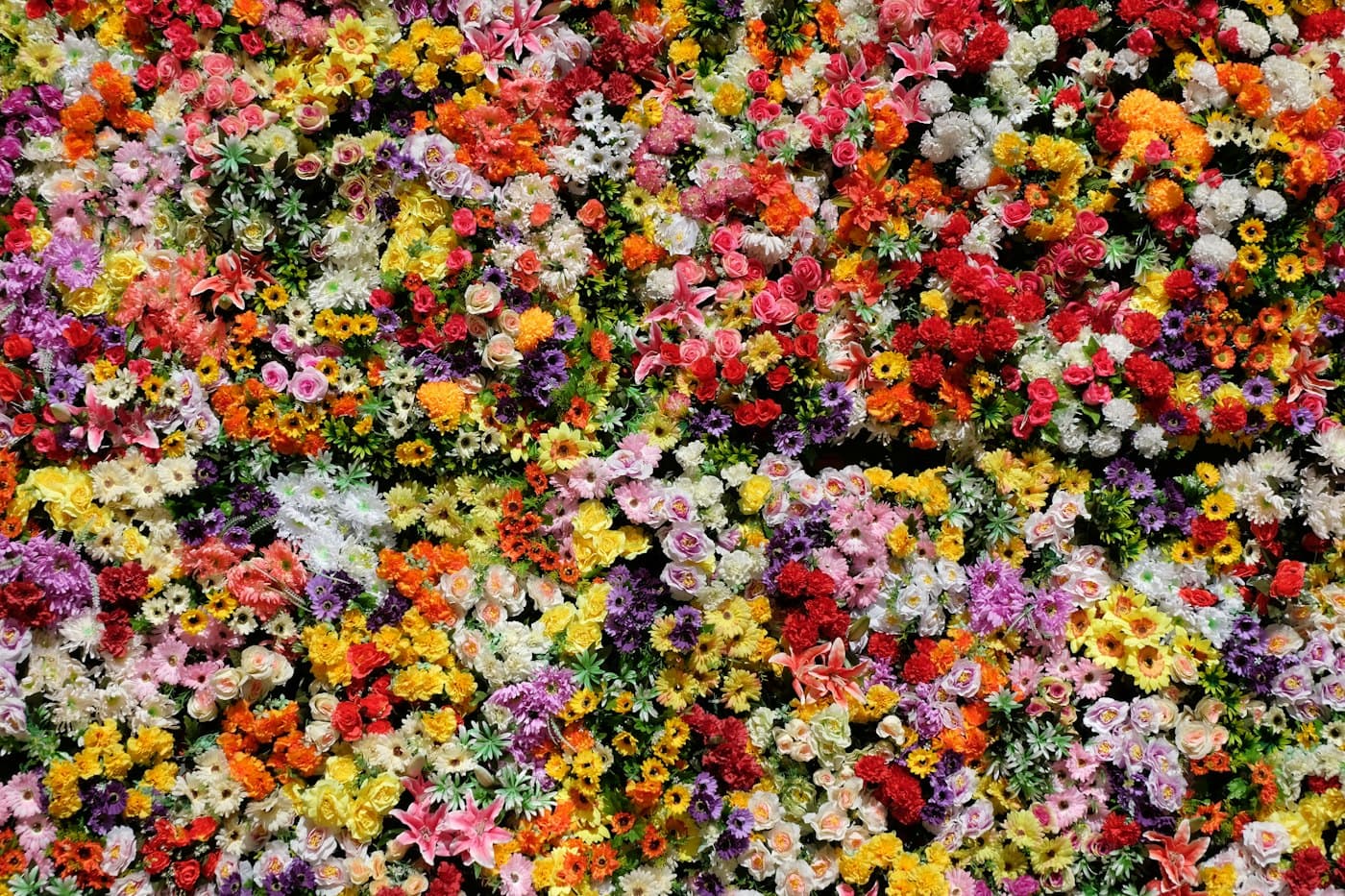
A dense carpet of red, yellow, and white flowers

Zoom