Best Free AI Game Makers in 2026
Compare free AI game makers in 2026, from Layerwise and Rosebud to Astrocade and Summer Engine, on free limits, publishing, and code ownership.
Table of contents
Every AI game maker below lets you start for free. They differ in how far the free plan goes, where your game lives once it's published, and whether you can take the code with you. This guide compares seven of them, starting with Layerwise, which we make.
Most free plans ration the AI with credits or a daily message cap. That is enough to make a small game and see whether the tool fits. The bigger difference shows up later: one tool publishes to its own game feed, another gives you a link, and another hands you a project folder you can ship anywhere.
Published by Layerwise. Layerwise is our product, so it appears first. Competitor plans and features were checked against official sources on November 14, 2026. Where a tool doesn't publish a number, we say so instead of guessing.
Free AI game makers at a glance
| Feature | Layerwise | Rosebud AI | Astrocade | Summer Engine | Gameer | Max2D | Upit |
|---|---|---|---|---|---|---|---|
| Free AI credits that renew | $5 every month | Weekly, some regions | Free, no stated limits | $6 one time | Beta by application | ||
| Playable link in any browser | GDScript web builds | Some games | |||||
| Player sign-in | |||||||
| Leaderboards | Saved in your database | ||||||
| Database for saves and game data | Paid service | ||||||
| Visitor analytics | |||||||
| Server logs | |||||||
| Download the source code | Every plan | From $50/month | Local Godot files | One plan lists it | APK, pro editor | Needs permission | |
| Build with your ChatGPT or Claude plan | Codex or Claude Code | Publish from agents | Through MCP | Through MCP | |||
| Cheapest paid plan | $15/month | $15/month | None listed | $20/month | Unclear | Not listed | None listed |
Credits are different units on each platform, so equal numbers do not buy equal amounts of work. Each tool's section below links to its sources.
1. Layerwise: a game you own, with a backend built in
Who it's for: People who want to make a browser game with AI, share it as a link, and add the parts that need a server, like player sign-in, saved progress, and a high score table. It also suits anyone who wants the source code on their own computer.
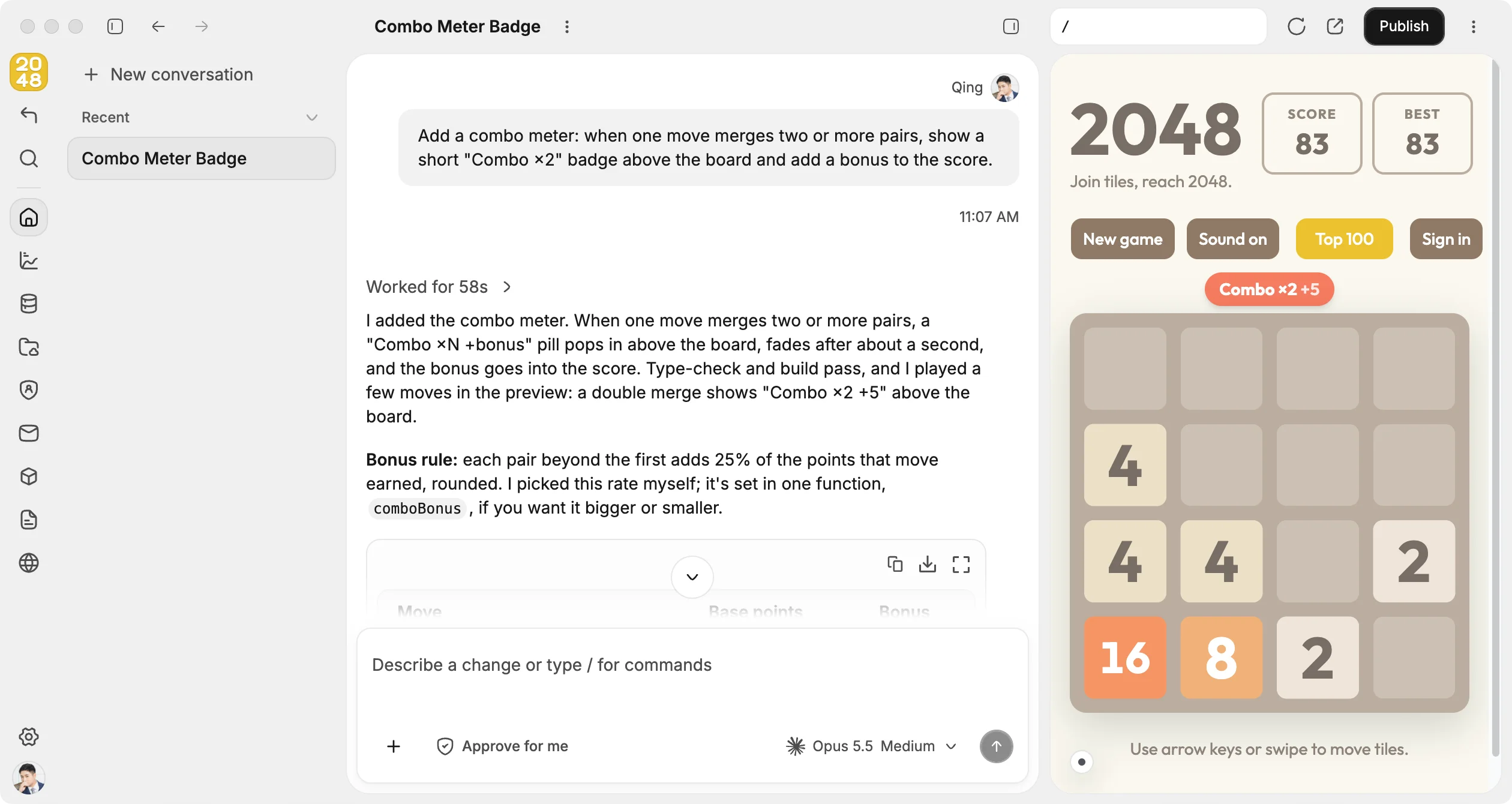
What it does well: Layerwise is a desktop app for macOS, Windows, and Linux. You describe the game, play it in a live preview while the agent builds it, and ask for changes in plain language. Because Layerwise builds full web apps, a game can use the same database, authentication, analytics, and logs as any other project. A leaderboard can check each score on the server before saving it, and Logs shows the ones it rejected.
Publishing gives the game a link on layerwise.site that anyone can play on a computer or phone. Pro and higher plans can add a custom domain. The project is a folder of ordinary files on your machine, so you can open it in another editor or push it to GitHub.
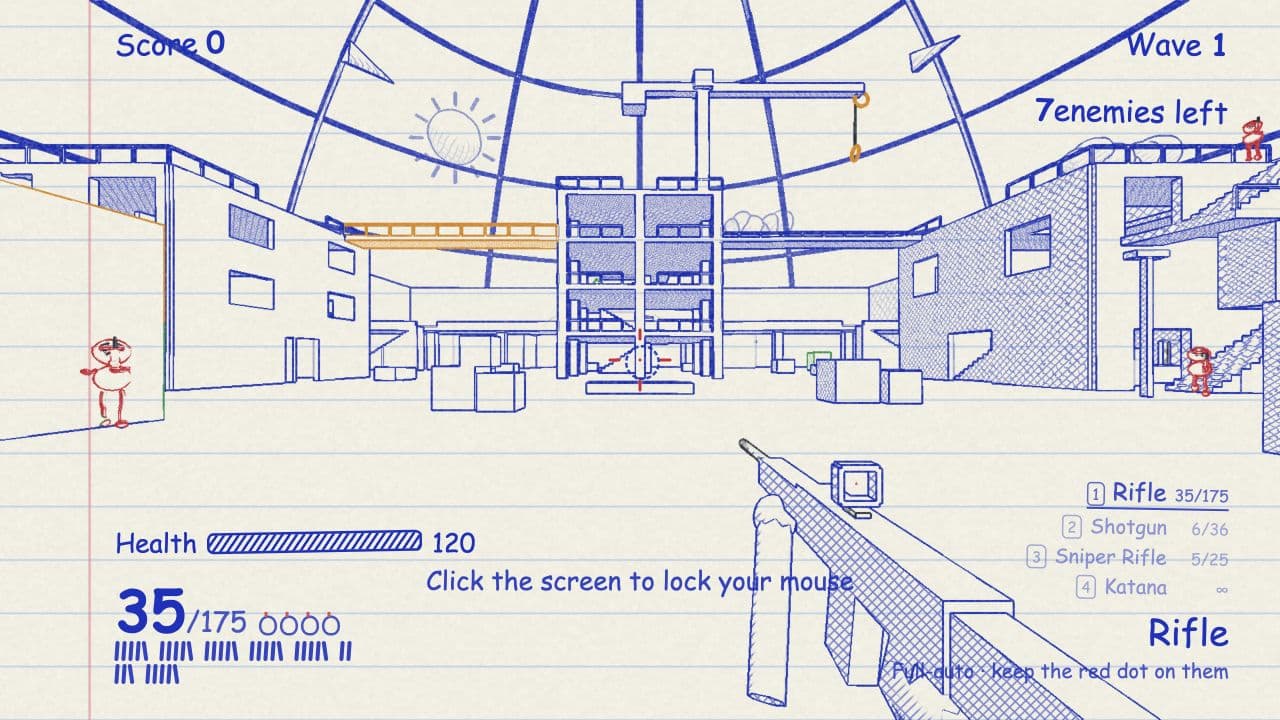
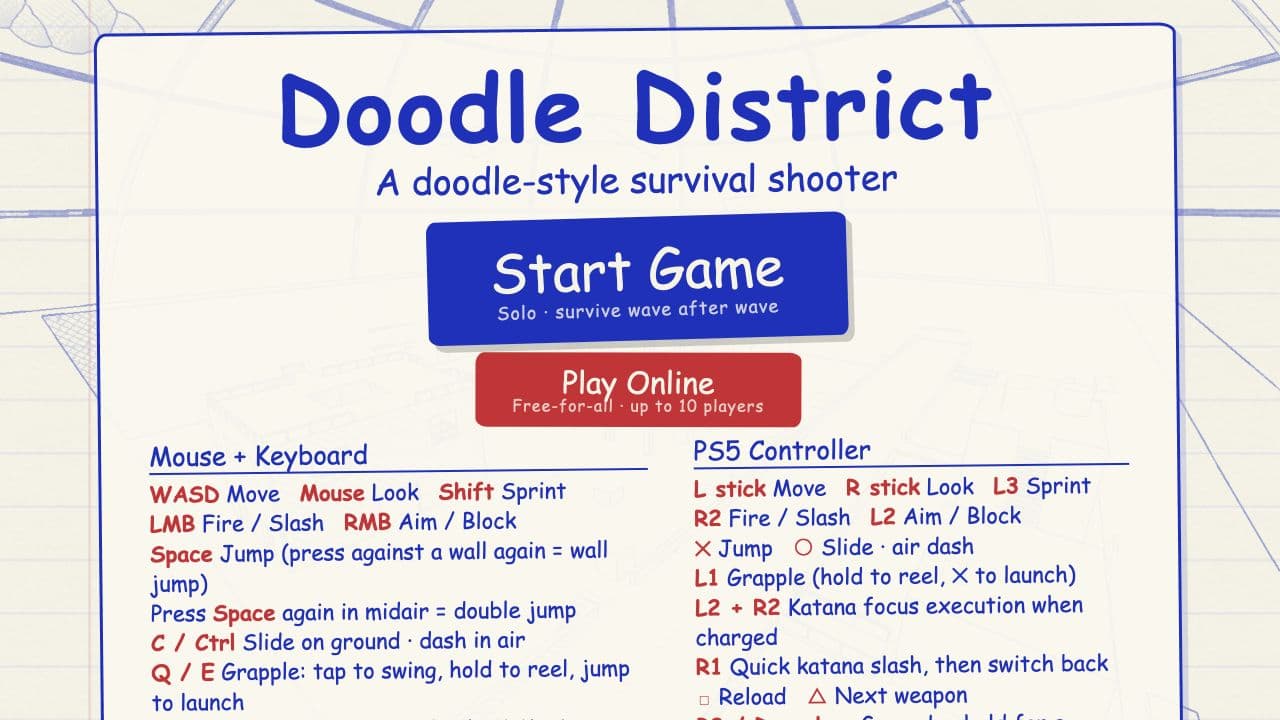
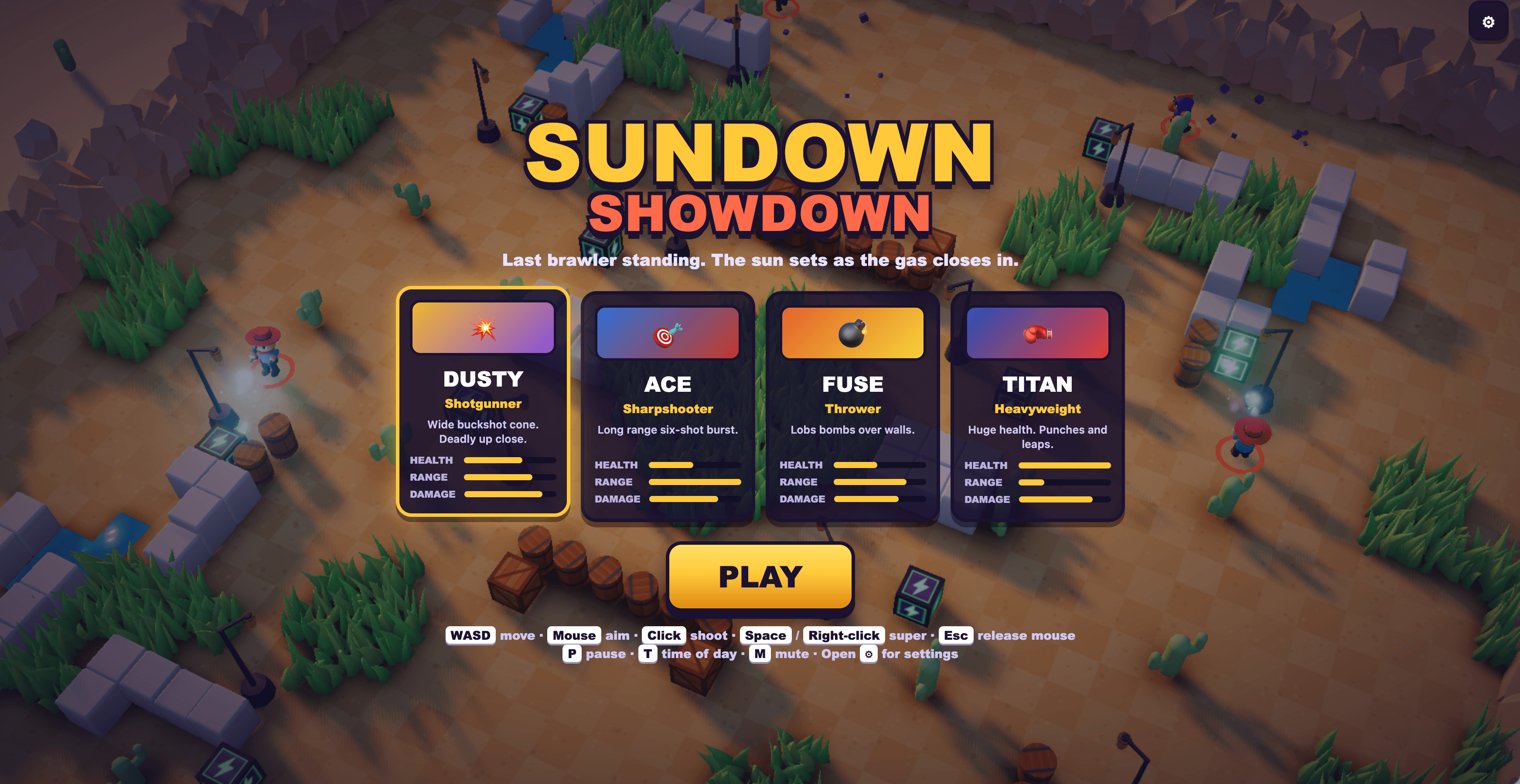
To skip the blank page, start from a game template:


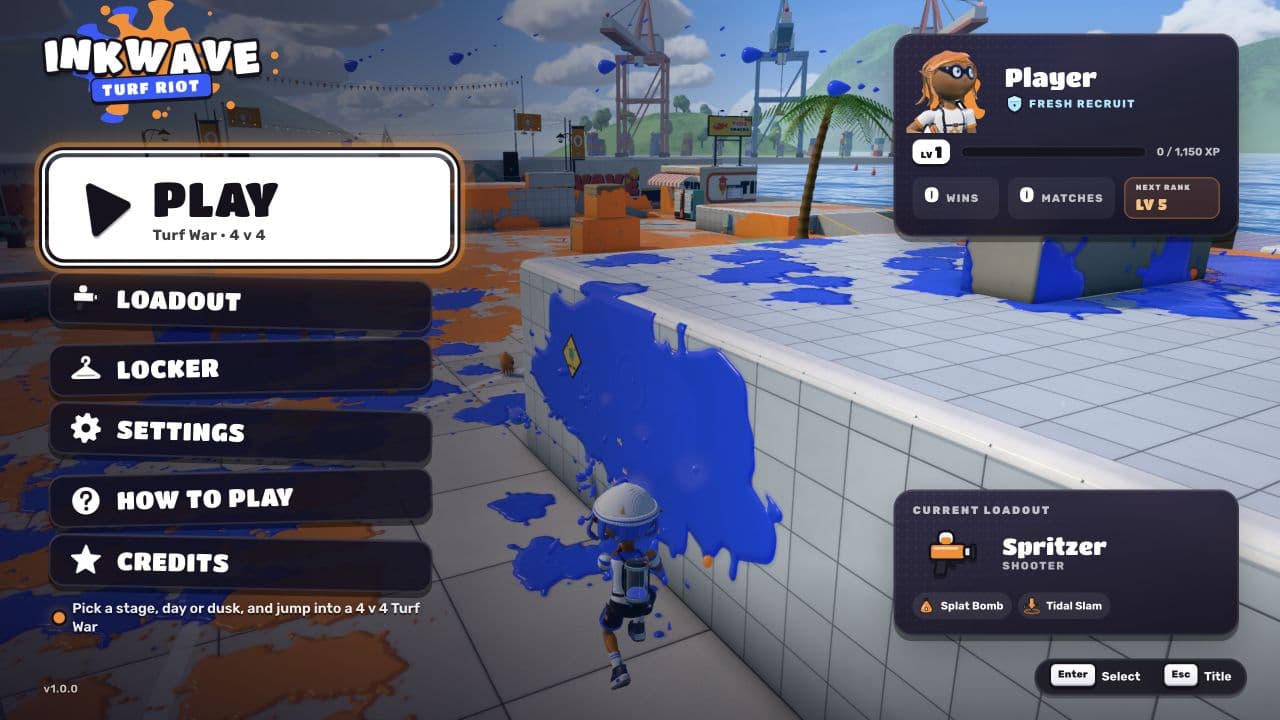
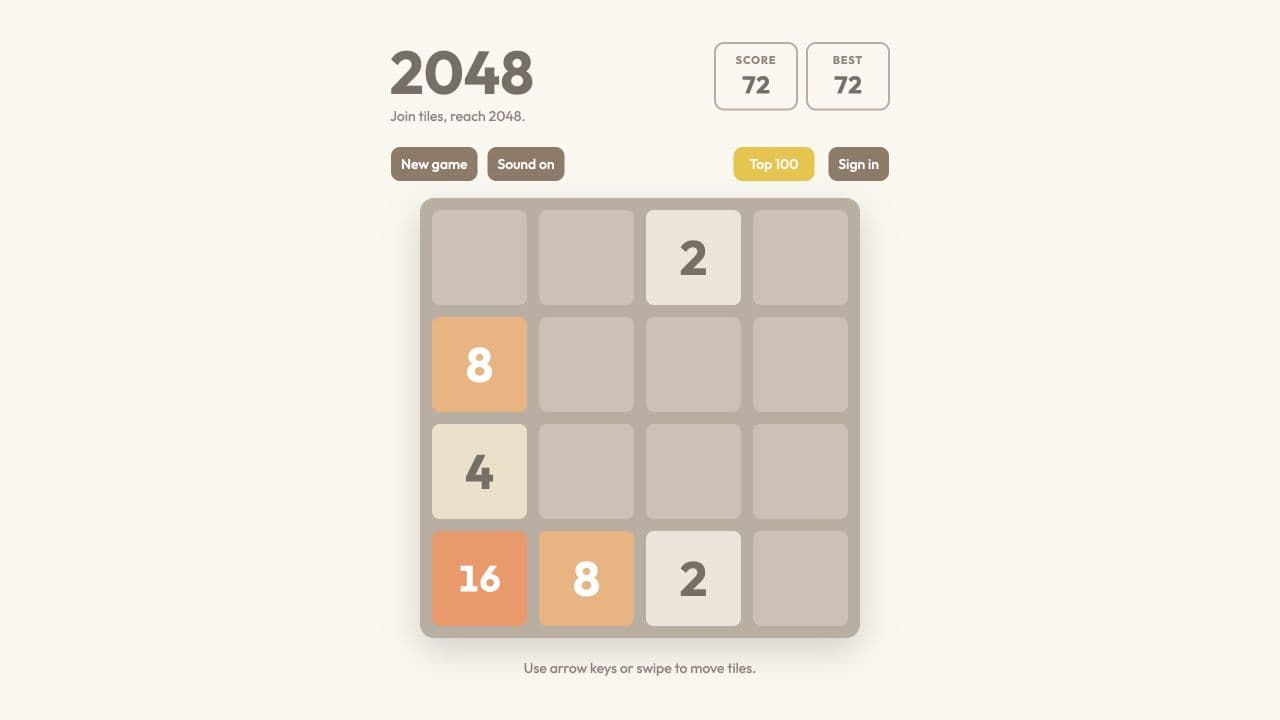
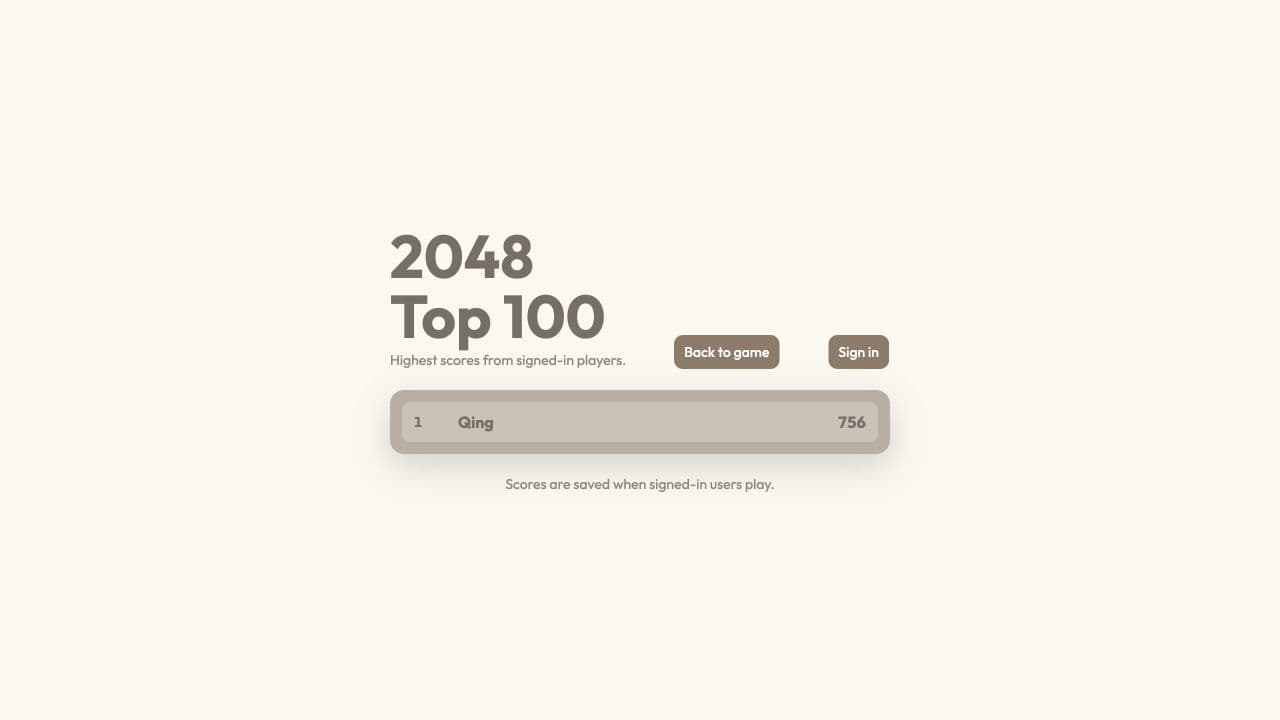
Free plan: One public project, $5 in credits every month, and up to 10 messages a day with supported open-weight models. You can also connect a ChatGPT or Claude plan you already pay for and build with Codex or Claude Code instead of Layerwise credits. Free projects show a small Layerwise badge.
Trade-offs: Layerwise is a desktop app, so you install it before you start. It builds games for the browser, not native builds for Steam or app stores. And it has no game feed of its own, so players find your game through the link you share.
Pricing: Pro is $15/month and includes $15 in monthly credits. See pricing.
2. Rosebud AI: 2D and 3D games in the browser
Who it's for: People who want to make a web game without installing anything, including 3D games and voxel worlds.
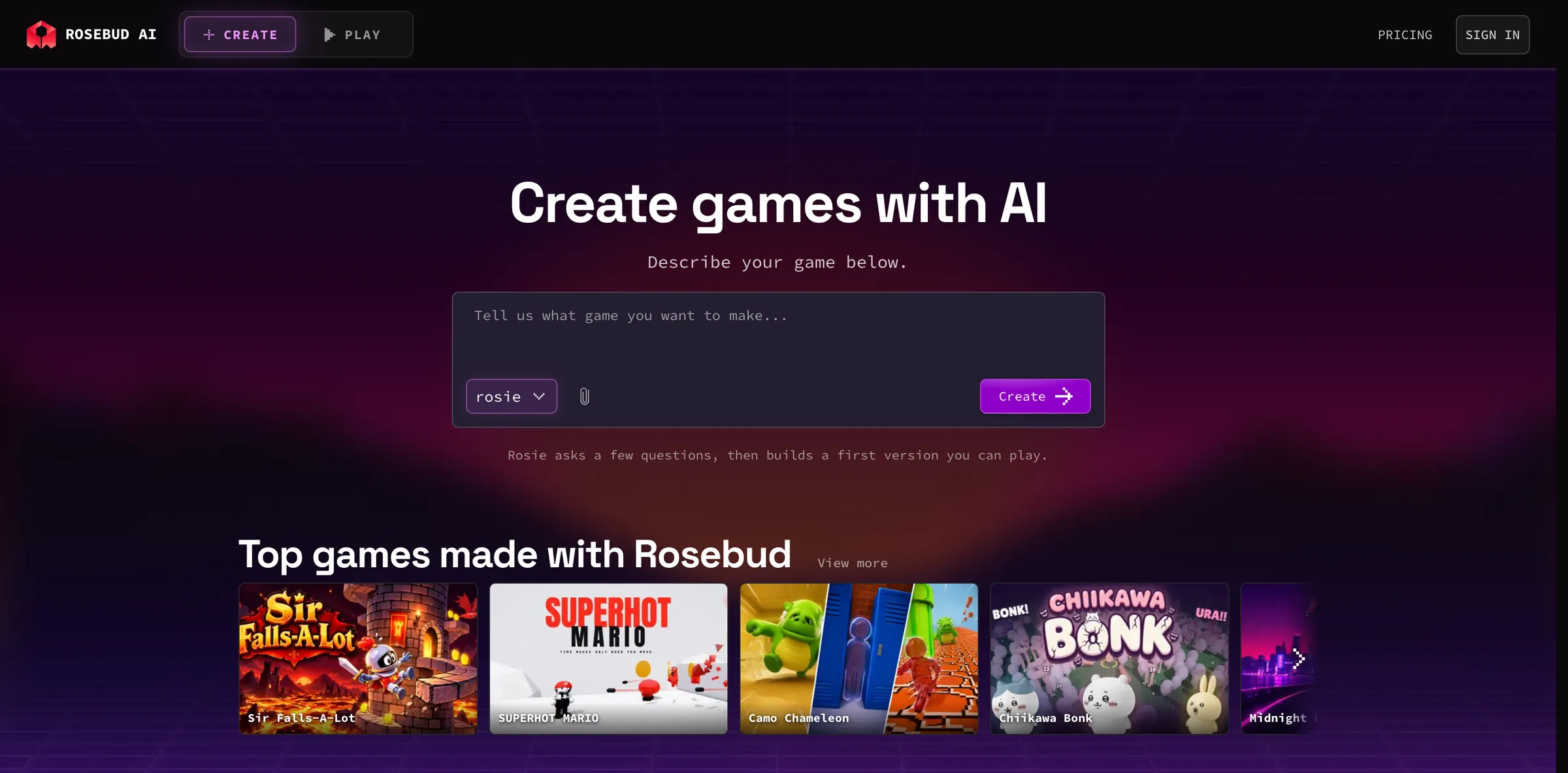
What it does well: You chat with Rosebud's assistant, Rosie, from a prompt or a template, and the editor also includes a code editor and an asset manager. Rosebud builds 3D games with Three.js and supports multiplayer rooms that players can join or invite friends to. Games are shared as a Rosebud link or listed on Rosebud Play. If you build with Claude Code, Codex, or Cursor, Rosebud's open-source CLI can publish those games too.
Free plan: The Newbie plan includes 10,000 credits with no credit card, refilled weekly in eligible regions, according to Rosebud's pricing page. An edit with Rosie costs about 2,000 credits, and an edit with a premium model about 20,000. Free games carry Rosebud branding, free projects can't be private, and the terms limit games made on the free plan to personal, non-commercial use.
Trade-offs: Viewing the code in the browser starts at Indie Dev, and downloading the code or exporting a Windows build starts at Pro ($50/month).
Pricing: Indie Dev is $15/month for 100,000 monthly credits plus daily refresh credits. 10x Dev is $30, Pro is $50, and Scale is $100.
3. Astrocade: casual games for a mobile feed
Who it's for: Casual creators who want to make a quick game on a phone or the web and put it in front of an existing audience.
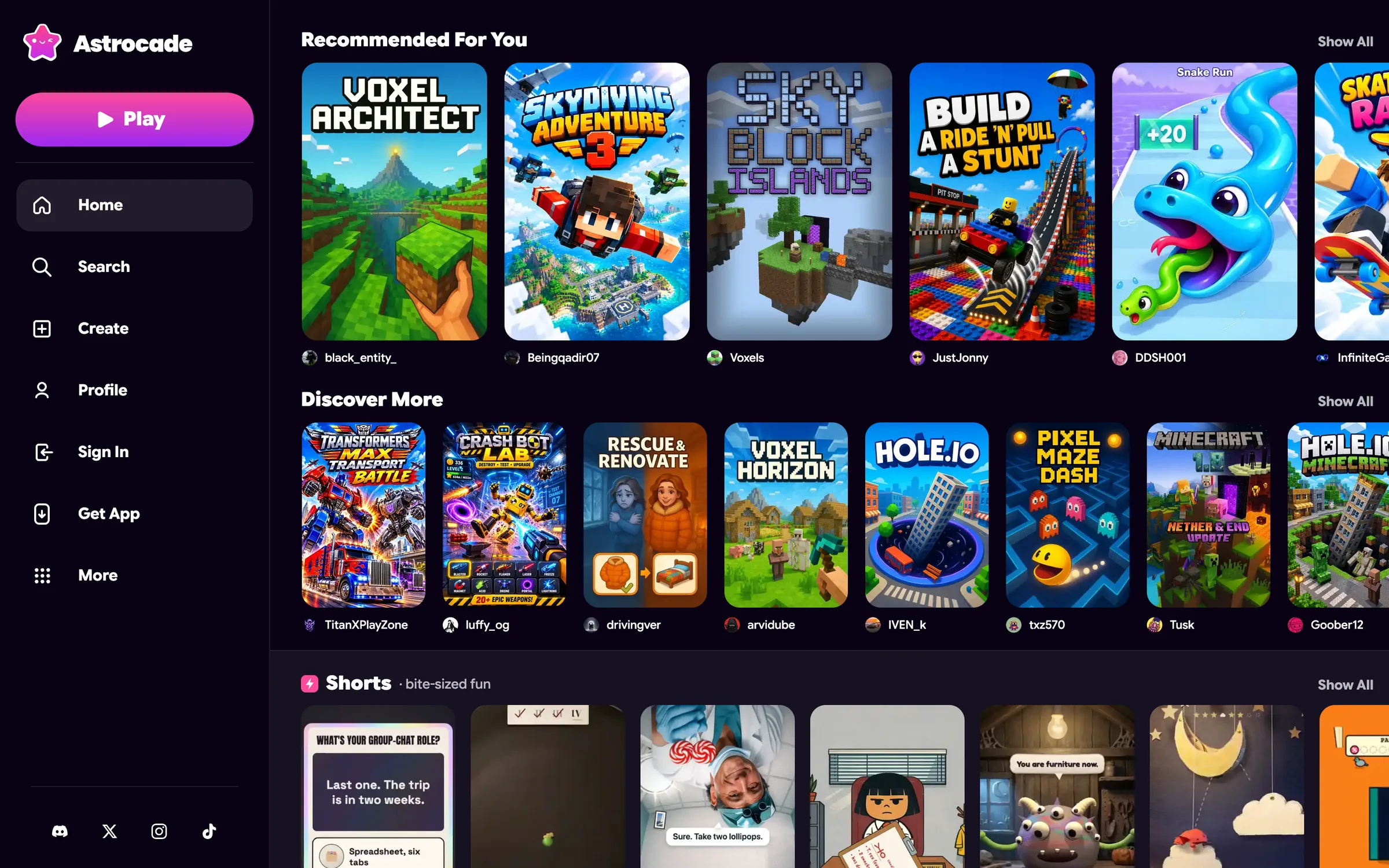
What it does well: Describe a game, and Astrocade generates the art, sound, and gameplay. Games play on the web and in Astrocade's iOS and Android apps, where they can use tilt, the microphone, haptics, and the camera. Players can compete on leaderboards, creators get an analytics dashboard, and creators with enough plays can earn money based on plays.
Free plan: Astrocade says every tool and feature is free. It doesn't publish credit or game limits, though its terms allow for subscriptions and usage limits.
Trade-offs: Games live on Astrocade's own platform. We found no official way to download a game's code, and the terms give Astrocade a perpetual license to what you publish and let it remove games at any time.
Pricing: No paid plan is published.
4. Summer Engine: a full engine with an AI agent
Who it's for: People who want to make native 2D or 3D games and are willing to learn a real game engine.
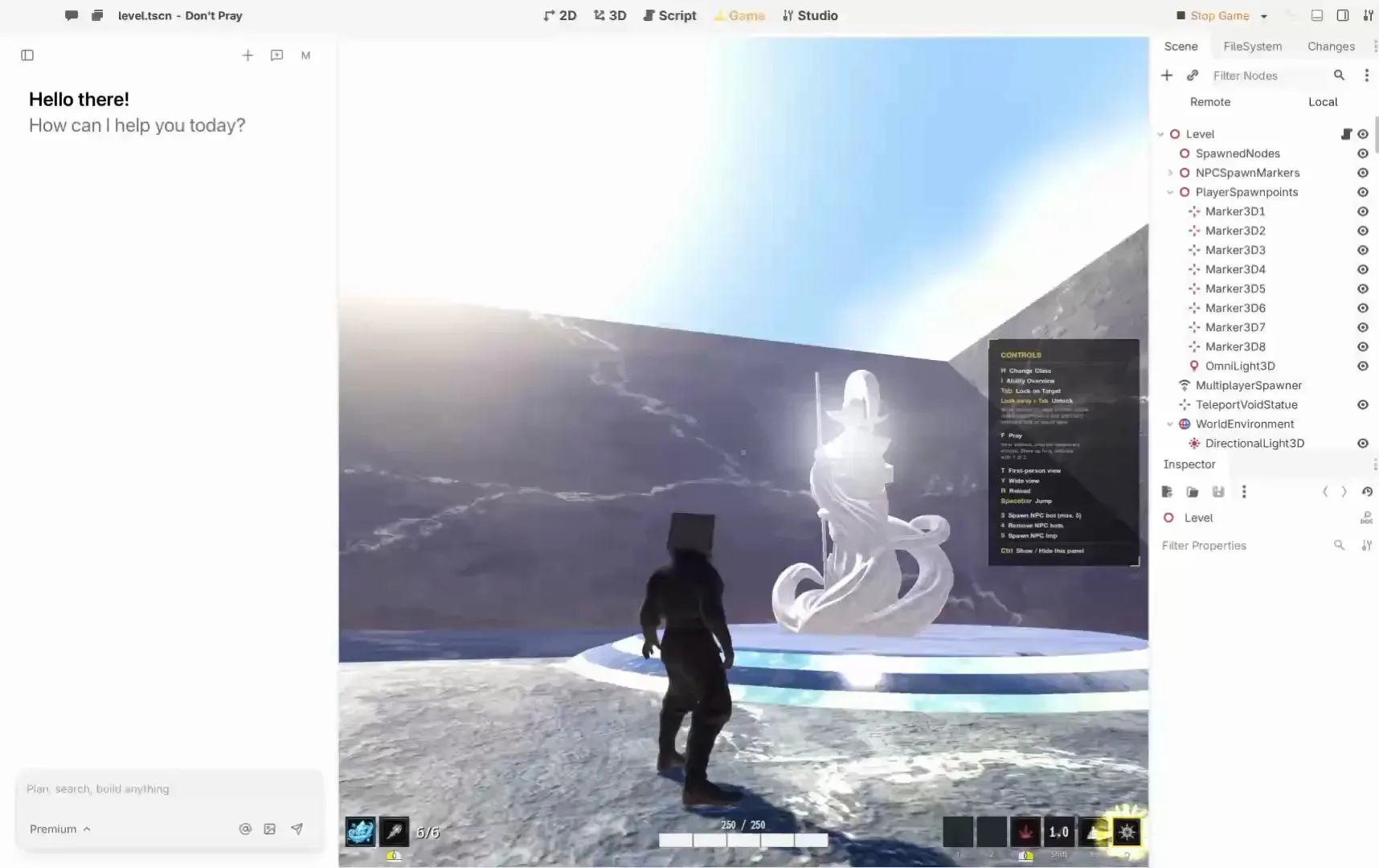
What it does well: Summer Engine is a desktop app compatible with Godot 4, with a scene editor and a built-in AI chat. It exports to Windows, Mac, Linux, iOS, Android, and the web, and outside agents like Claude Code and Codex can connect through its open-source MCP server. Its multiplayer service runs match servers, matchmaking, saves, and leaderboards. You can publish to Summer Games, Steam, itch.io, or your own site, and Summer says you own what you make.
Free plan: The free app includes the editor, manual export, and $6 in one-time credits for Summer's hosted AI, according to its pricing page. Full access to the hosted AI is a Pro feature.
Trade-offs: The free AI credits don't renew. Native installers cover Apple-silicon Macs and Windows, and Linux isn't offered yet. Releasing on Steam or app stores needs your own store accounts and build tools, multiplayer and storage are paid services, and Summer Games keeps 30% of sales made there.
Pricing: Pro is $20/month. Pro+ is $60 and Ultra is $200.
5. Gameer: choice-driven story games
Who it's for: Storytellers who want cinematic, choice-based games and interactive "movies" without writing code.
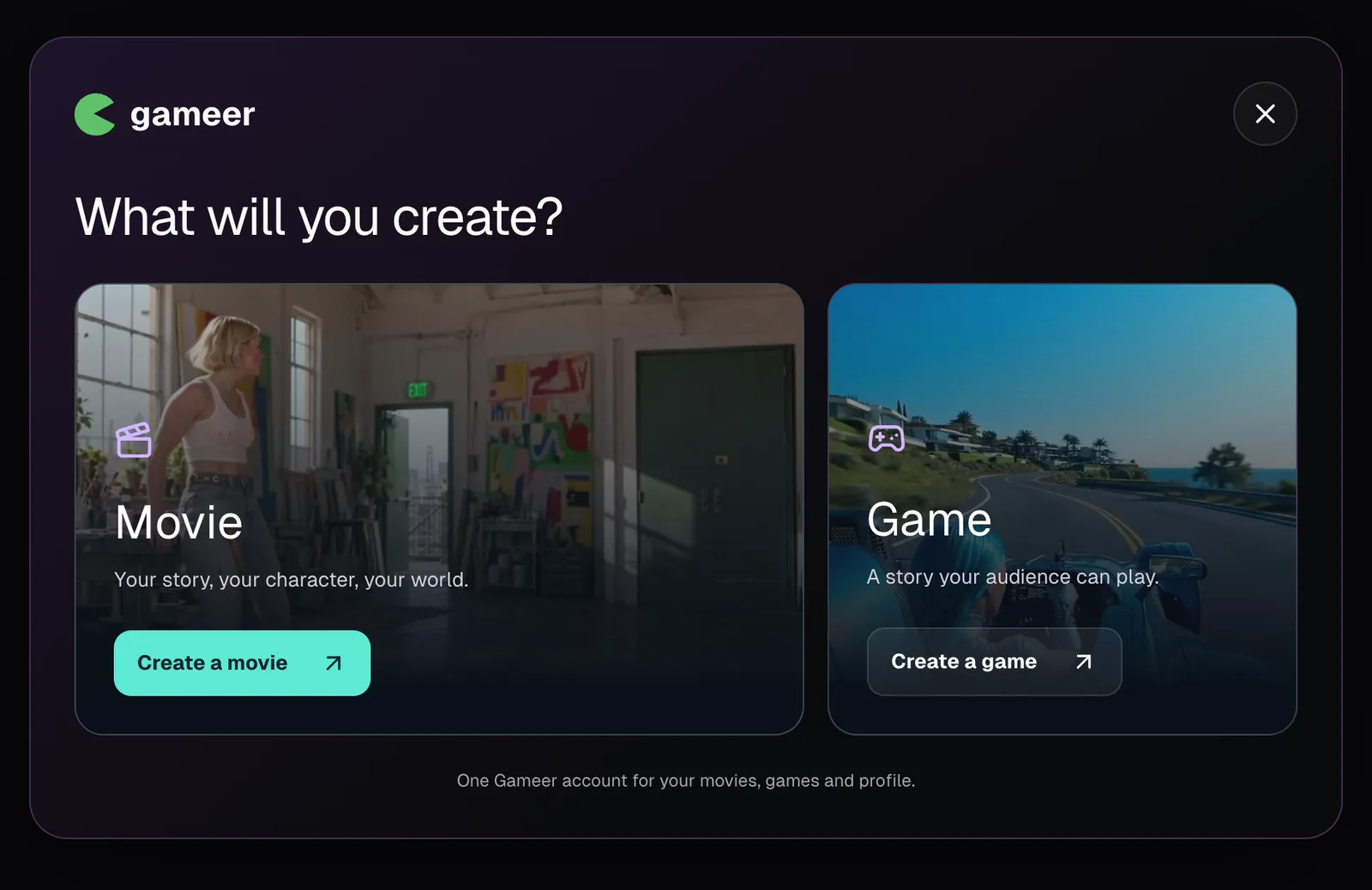
What it does well: You type a story prompt, and Gameer's agents build a game in a few minutes that you then refine through chat. Every game gets a shareable link that plays in any browser, and players don't need an account. Gameer also mentions leaderboards for competitive games.
Free plan: Gameer's pricing page lists a free plan with basic character generation and limited templates. Its billing page describes a free tier for approved creators, so free creation may depend on an application. Gameer doesn't publish credit limits.
Trade-offs: Gameer's official pages disagree on paid plans: the pricing page lists Pro at $1.99/month, while the checkout describes Creator Pro at $49/month. Code export appears only as a line item on the pricing page, and its marketplace and API are marked coming soon.
Pricing: Unclear. Check the live checkout before you pay.
6. Max2D: make games on an Android phone
Who it's for: Beginners who want to build games on an Android phone or tablet, without a computer.
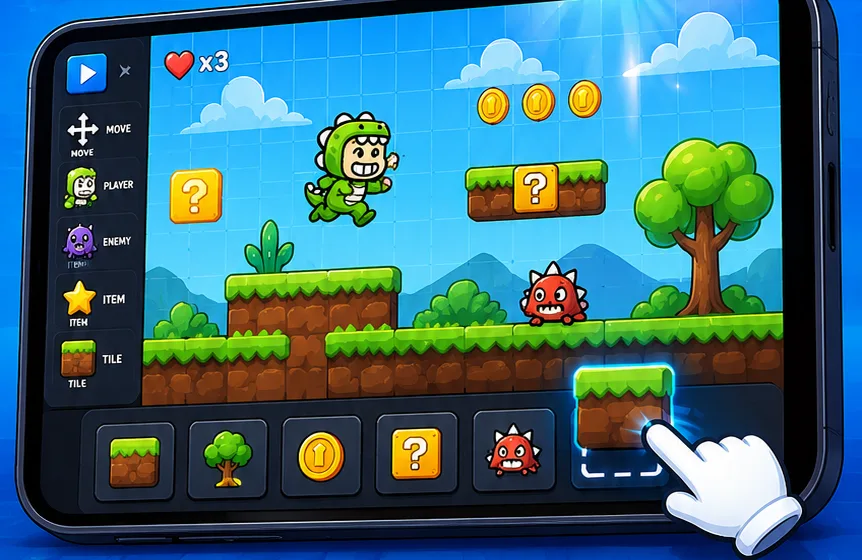
What it does well: Max2D combines an AI game maker with a 2D editor that has visual scripting, a tile editor, and a sprite editor, and the editor works offline. Games publish to the in-app Max2D feed or a share link, and projects built in the pro editor can be exported as APK or AAB files for your own Google Play account.
Free plan: The app is free to download, and Max2D's website says building, editing, and sharing cost nothing. The Play Store listing says AI creation uses paid features, and the terms say AI access may be metered with credits. No free credit amount is published.
Trade-offs: Max2D runs on Android only, with no iOS, desktop, or web editor. The app shows ads, and the terms limit use of the app to personal, non-commercial use.
Pricing: The terms name a Max2D Plus subscription with a free trial, but no price is published.
7. Upit: casual games from FRVR
Who it's for: Hobbyists who want to make 2D casual games and share them on FRVR's game platform.
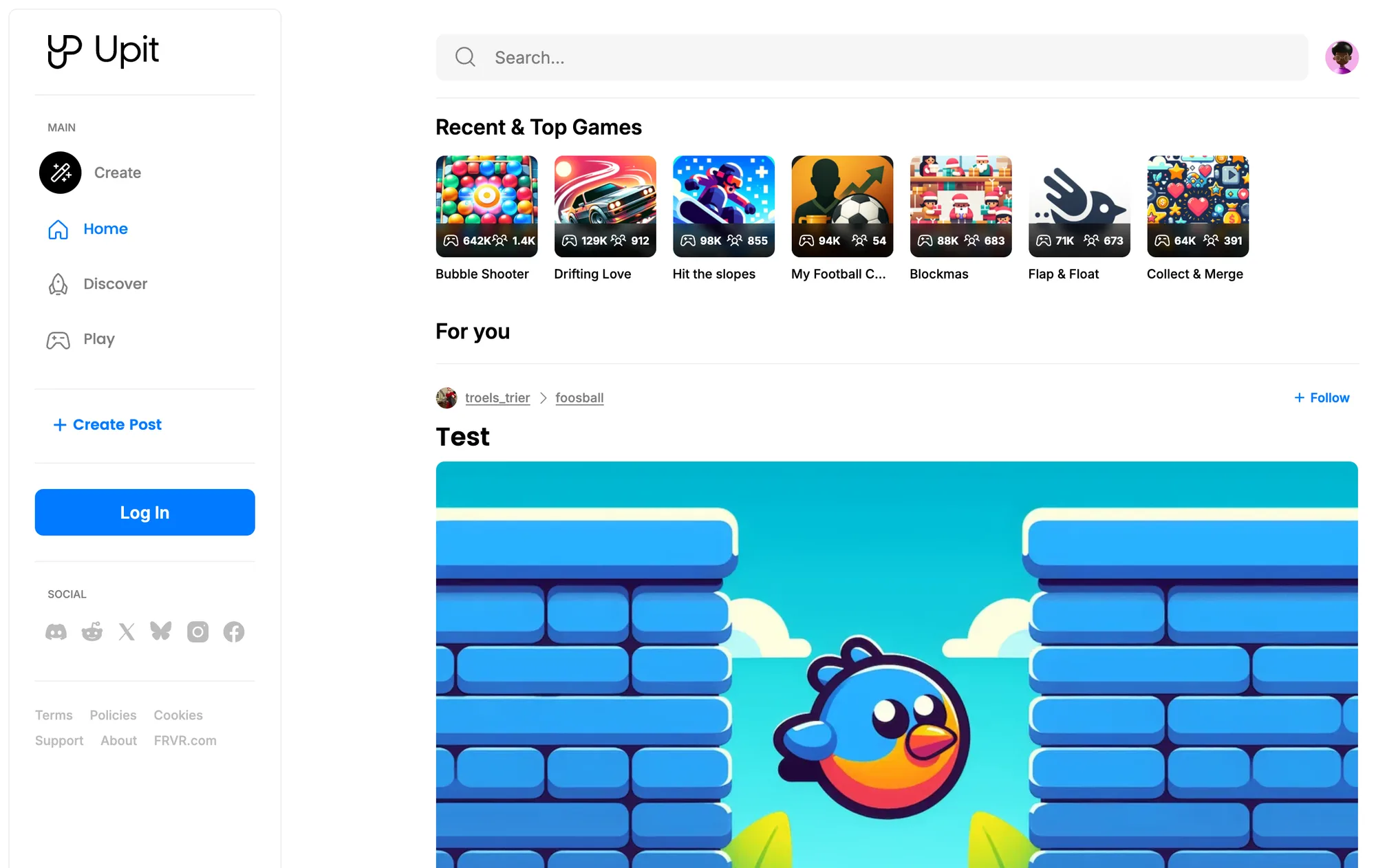
What it does well: Upit's assistant, AVA, generates the code, graphics, and sound for a 2D web game, and Upit features games in its Discover and Play feeds. It also runs creator contests with prizes.
Free plan: Upit publishes no plans or limits. Creating requires a beta creator application, which Upit reviews by hand in one to seven days.
Trade-offs: Games stay on Upit. The terms say you may not distribute or sell content without FRVR's written permission, and they give FRVR a perpetual license to your content, including for training AI models.
Pricing: No paid plan is published.
How to choose a free AI game maker
Start with where you want the game to end up:
- A link you share, with scores and sign-in that work: Layerwise, or Rosebud for 3D games in a web editor.
- An audience that's already there: Astrocade, Upit, or Max2D, which publish to their own feeds.
- Steam, app stores, or a native build: Summer Engine, or Max2D for Android.
- A choice-based story: Gameer.
Then check what the free plan allows after the first game. Credits that refill every week or month let you keep improving a game; a one-time grant runs out. And if you might sell the game or move it later, read the terms on ownership, commercial use, and code export before you invest time in it.
To try the Layerwise workflow end to end, follow how to make a game with AI, or see what the AI game maker builds.
Frequently asked questions
What is the best free AI game maker?
It depends on the game. For a browser game you share as a link, with a leaderboard and player accounts, Layerwise and Rosebud are the closest fit. For native builds on Steam or app stores, Summer Engine is built for that. For quick casual games in a ready-made audience, Astrocade is free with no published limits.
Can I make a game with AI for free?
Yes. Every tool in this guide has a free way to start. Layerwise includes $5 in credits each month, Rosebud includes 10,000 credits refilled weekly in eligible regions, and Summer Engine includes a one-time $6 credit. Astrocade says creating is free.
Which AI game makers let me keep the code?
Layerwise keeps the project as ordinary files on your computer. Summer Engine projects are local Godot files. Rosebud lets you download code from its $50/month Pro plan. Astrocade and Upit keep games on their own platforms.
Can I sell a game made with a free AI game maker?
Check each tool's terms. Rosebud's terms limit games made on its free plan to personal, non-commercial use. Upit doesn't allow you to distribute or sell content without FRVR's permission. Summer Engine says you own what you export, with no royalties.
Do AI game makers support multiplayer?
Rosebud supports multiplayer rooms, and Summer Engine runs match servers for up to 16 players in its paid multiplayer service. Layerwise can add a backend for scores, accounts, and saved progress through its database and authentication.
YOUR NEXT PROJECT
Give your idea a live URL.
Choose your model, build in a live preview, and publish with your project’s backend connected.
Download LayerwiseBuild your first app