Layerwise vs ChatGPT for Building Web Apps
Compare Layerwise and ChatGPT for building web apps, including live previews, model choice, databases, sign-in, publishing, and when to use each.
Table of contents
Choose Layerwise for a local web app workspace with connected project services and a choice of AI models. Choose ChatGPT to explore an idea, understand code, or try an interface in a conversation.
ChatGPT can help you build web apps. Its supported code previews let you try HTML pages and React components. OpenAI also offers Codex for coding work and Sites for hosted apps. The choice depends on the workflow you want around the code.
Layerwise focuses on that workflow for web apps. You choose a supported AI model, see changes on a local development server, and publish from the same project.
This comparison is written by Qing Wang. Competitor features were checked against official documentation on October 4, 2026. Availability varies by plan and account.
Layerwise vs ChatGPT at a glance
The ChatGPT column below covers chat and code previews. Codex and Sites have additional capabilities, covered in the next section.
| Building task | Layerwise | ChatGPT chat and code previews |
|---|---|---|
| Start a project | Create a local project with a conversation. | Describe an idea and edit generated code. |
| See the interface | Use a local dev server beside the conversation. | Preview supported HTML and React code. |
| Choose a model | Choose supported models across providers. | Use models available in your ChatGPT account. |
| Add saved data and sign-in | Project database and email auth are included. | Connect the services used by your app. |
| Publish the app | Get a live URL and connect a custom domain. | Use a deployment workflow or Sites. |
| Understand usage and failures | Open project analytics and backend logs. | Use your deployed app's monitoring services. |
Layerwise is a desktop app. It suits builders who want their code on their computer and their app's services available from the project sidebar.
ChatGPT can build websites, and Sites can publish them
ChatGPT's code blocks support editing and previews for supported content. You can use them to try a pricing page, revise a navigation menu, or inspect a React component. Preview and execution features depend on the block type and your account settings.
OpenAI's Codex is a coding agent with desktop, terminal, IDE, and web workflows. It can help write, review, and ship code.
ChatGPT Sites adds a path to creating, previewing, and publishing hosted web experiences. OpenAI describes Sites as including hosting, access controls, storage, and database support. Custom domains are available in supported accounts and workspaces.
If Sites is available to you, include it in your evaluation. Try the same app workflow in both products. Check how each handles your intended visitors, saved data, local edits, and publishing.
Layerwise connects the work around your web app
A booking request app needs more than a form. A visitor submits a preferred date, the request survives a refresh, and a staff member can update its status. Each visitor should see only their own requests.
In Layerwise, the project already has a database and authentication. You still need to define the booking records, screens, and permissions. The assistant can implement those rules in the project's code.
You can inspect the saved records in Database and manage test accounts in Authentication. When a submission fails, open Logs to follow its backend request.
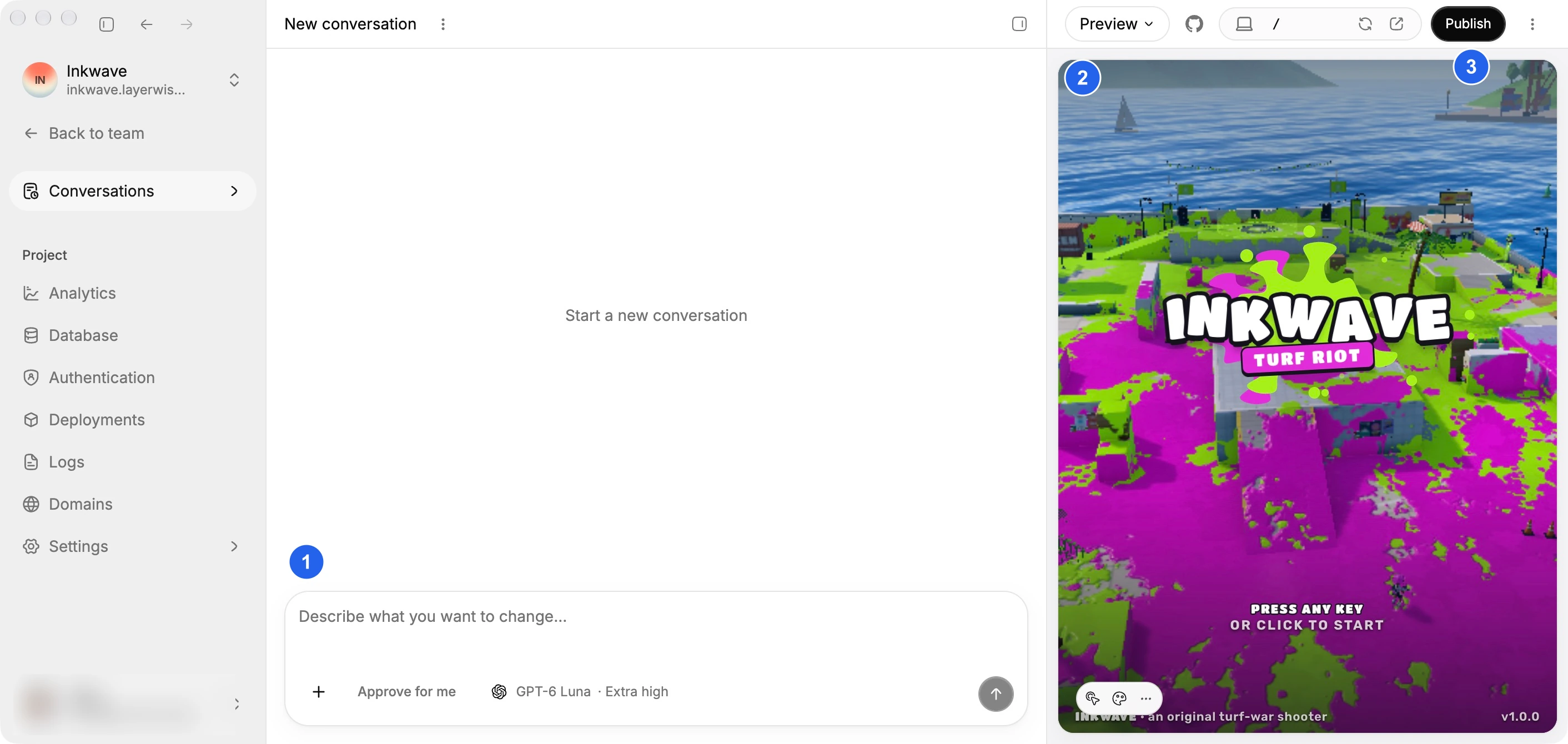
The preview runs the app locally. Try the form, sign in with a second account, and refresh the page. That gives you evidence about how the app behaves as you make changes.
When you publish, Layerwise creates a production release. Local and Online use separate databases, so your test records and accounts stay separate from live data. Repeat the booking workflow on the published URL before sharing it.
Choose an AI model across providers
Layerwise supports model families including Claude, GPT, Gemini, DeepSeek, and Kimi. Available models depend on your team's plan. You can choose a model when creating a project or starting a conversation.
That is useful if you want to try different models on the same app. The project's source files, local preview, and connected services stay with the project as you choose a model for the next conversation.
Your team's billing and usage covers Layerwise model usage. Review the available models and credits when comparing costs with the tools you already use.
When ChatGPT is a useful starting point
ChatGPT is a reasonable place to work through an uncertain idea. You can describe the users, ask for possible workflows, and review an initial interface before committing to an implementation.
For example, ask it to compare a booking calendar with a request form. Explain who approves a request and what happens when a date is unavailable. That discussion can help you write a clearer brief for whichever app-building tool you choose.
If a supported code preview gives you enough to test a small interface, keep using it. If you already use Codex or Sites and their workflow fits your project, evaluate those capabilities directly.
When to choose Layerwise as a ChatGPT alternative
Choose Layerwise when you want to build and operate a web app with these parts attached to the project:
- A local development server where you can use the app as it changes.
- A database with separate local and production data.
- Email sign-in, verification, password reset, and user management.
- A publishing flow with a live URL and custom-domain support.
- Analytics for visits and server logs for investigating backend requests.
You keep direct access to your code. Open the workspace in an editor, create a connected GitHub repository, or export a ZIP of the project.
These published apps show the range of interfaces you can build. Open a live app, then use its template if it is close to your idea.
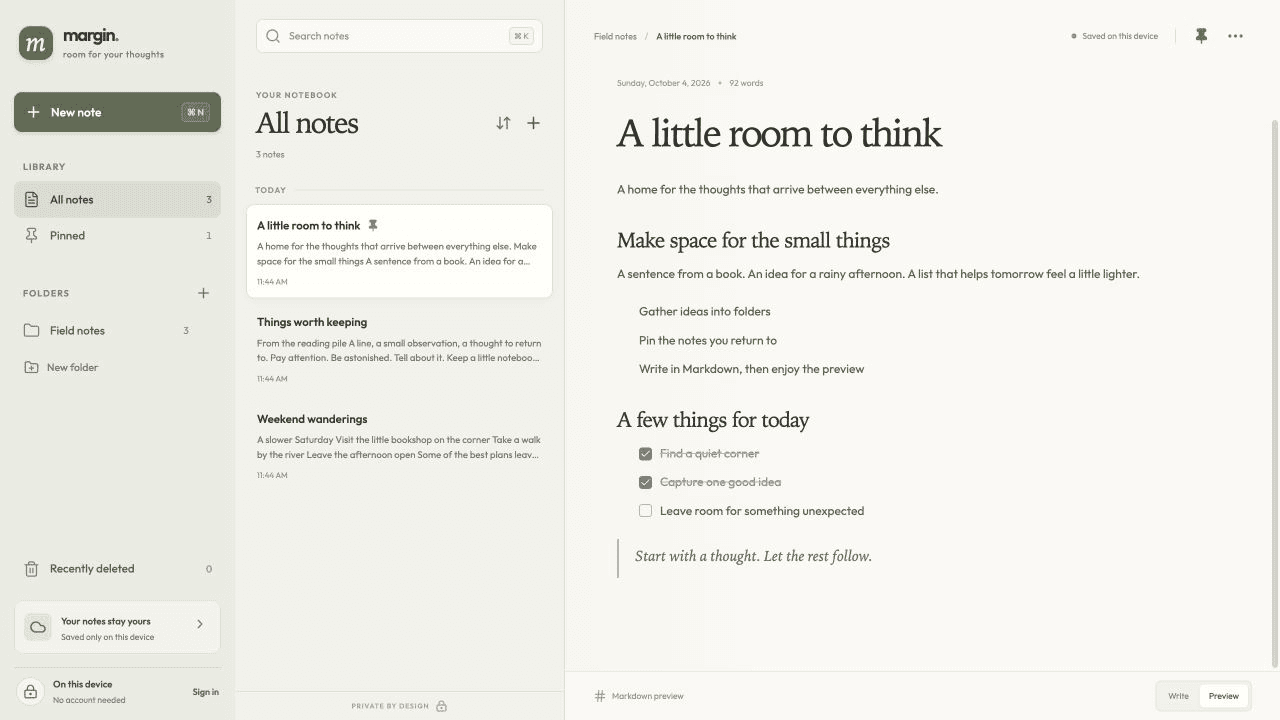
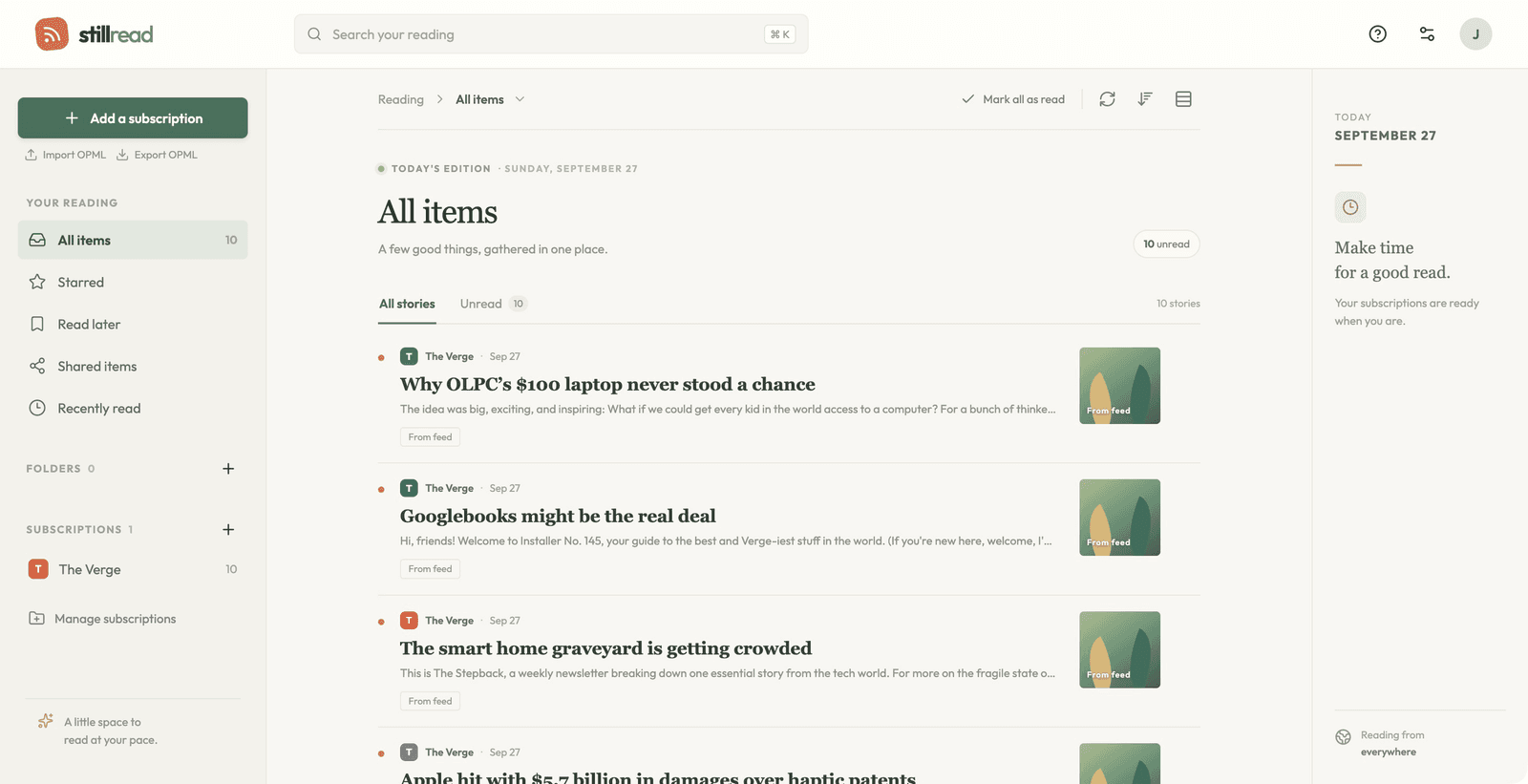
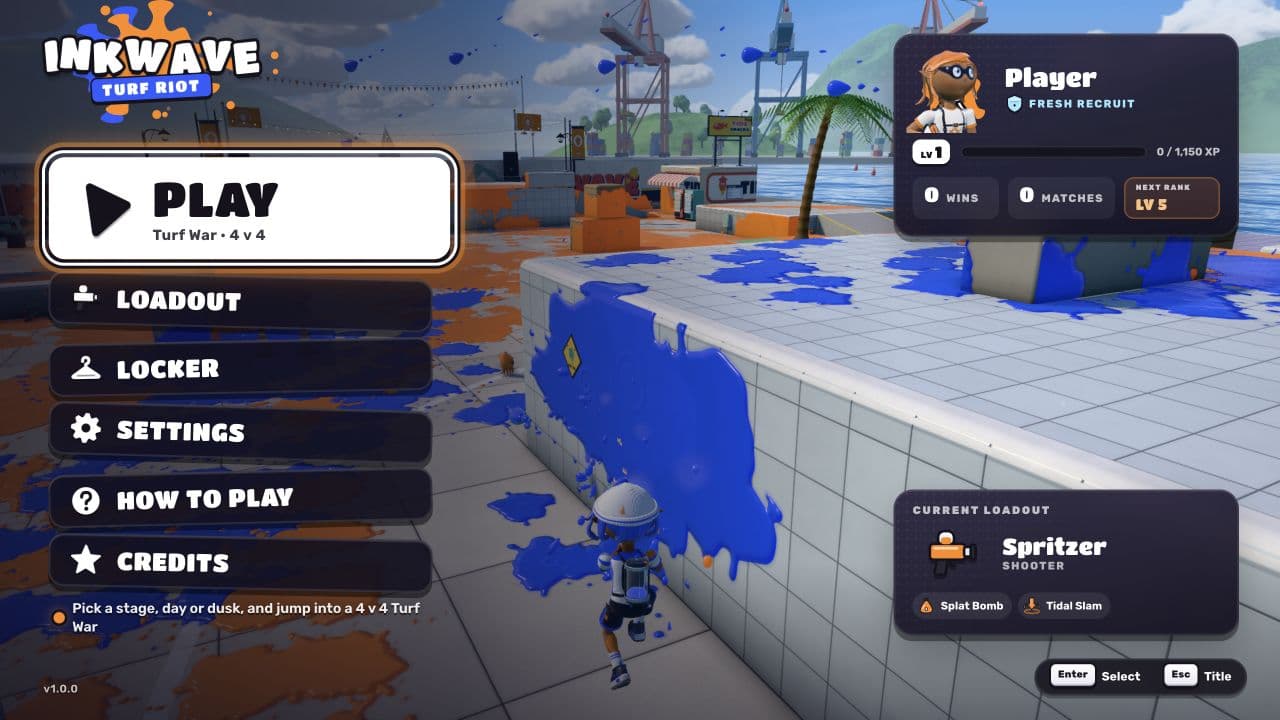
A notebook, an RSS reader, and a 3D game. Open a published app above, or use its template as the starting point for your own project. Feedflow requires sign-in.
Compare with a small app you can test
Use one brief in both tools. A booking request app is useful because it exercises sign-in, saved data, and permissions:
Build a booking request app for a small photography studio. Clients sign in
with email, request a date, and view the status of their own requests. Staff
can see all requests and mark them Pending, Confirmed, or Declined. Save the
records in the database and check access on the server. Make the form usable
on a phone.
Judge the result by using it. Submit a request, refresh the page, and sign in as another client. Confirm that the second client cannot access the first client's records. Then test the staff path and the published version.
Compare the effort needed to inspect records, investigate a failure, and publish a change. Those tasks tell you how well the tool fits the app you plan to maintain.
For a complete walkthrough, follow Build a Full-Stack Web App with AI.
Frequently asked questions
Can ChatGPT build a full-stack web app?
ChatGPT can help generate and explain frontend and backend code. Codex adds coding-agent workflows, and Sites supports hosted web experiences. Check the features available to your account and test the full workflow you need, including data persistence and authorization.
Is Layerwise a ChatGPT alternative for building websites?
Yes, if your goal is to build a web app through a conversation. Layerwise adds a local project workspace with model choice and connected app services. ChatGPT also serves broader uses such as writing, research, and discussing ideas.
Can I use GPT models in Layerwise?
Yes. Layerwise includes supported GPT models alongside models from other providers. The model picker shows the options available on your team's plan.
Can I edit the code myself?
Yes. Layerwise stores the source files on your computer. The built-in editor and your preferred editor work on the same workspace used by the local preview.
What should I compare when looking at costs?
Check model usage and the services your app needs after publishing. For Layerwise, review the current plans and billing guide. For ChatGPT, check the features and limits available to your account, including any coding or hosted-app tools you intend to use.
If you are comparing a coding agent for an existing repository, read Layerwise vs Claude Code. For the broader product overview, see Introducing Layerwise.
YOUR NEXT PROJECT
Give your idea a live URL.
Choose your model, build in a live preview, and publish with your project’s backend connected.
Download LayerwiseBuild your first app