How to Build a Blogging Platform Like Medium with AI
Build a Medium-style blogging platform in Layerwise with private edits, a server-side sanitizer, a ranked feed, claps, highlights, and moderation.
Table of contents
A blog has one writer and a list of posts. A platform like Medium has many writers, readers who react to them, and a feed that decides what comes next. What do readers see while a writer fixes a typo in a published story? What stops someone from saving a script inside a story? Which story does a new visitor see first? What happens when a reader reports one? Answer those before asking an AI to build screens, and the first version is much easier to check.
This guide builds a Medium-style blogging platform with Layerwise. You will define stories and drafts, decide what a story may contain, rank the feed, plan what readers can do, set moderation rules, start from the Longhand template or a prompt, test, and publish.
1. Define a story and its two copies
A story needs two copies: the one its writer is working on and the one readers see. Longhand keeps both on one row:
type Story = {
  slug: string | null; // set on first publish and never changed
  status: 'draft' | 'published';
  // The working copy. Autosave writes only these.
  draftTitle: string;
  draftDoc: StoryDoc; // a JSON document from the editor
  revision: number;
  // The live copy. Publishing writes these.
  title: string;
  html: string; // rendered from the sanitized document
  plainText: string; // used by search and highlights
};
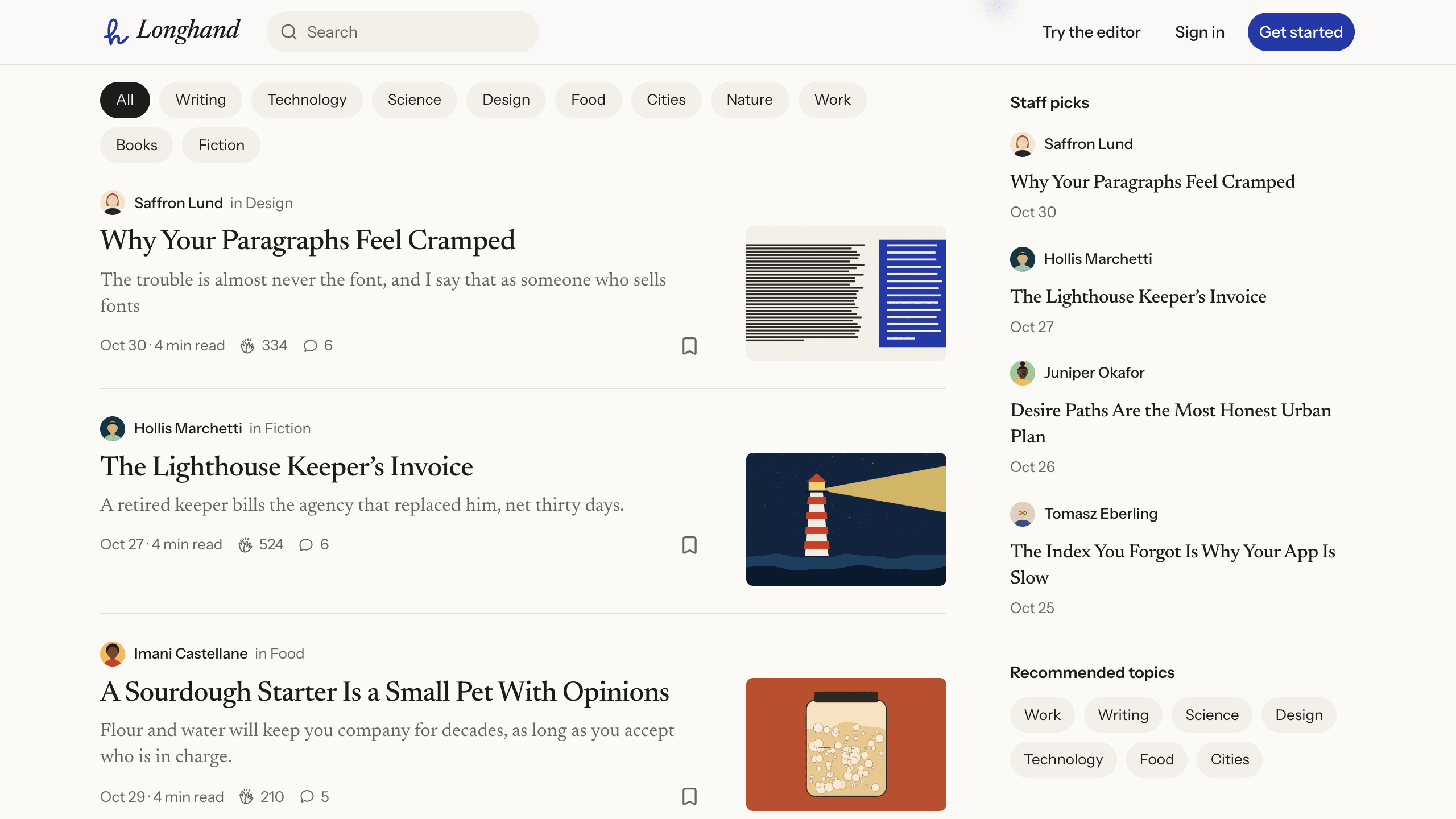
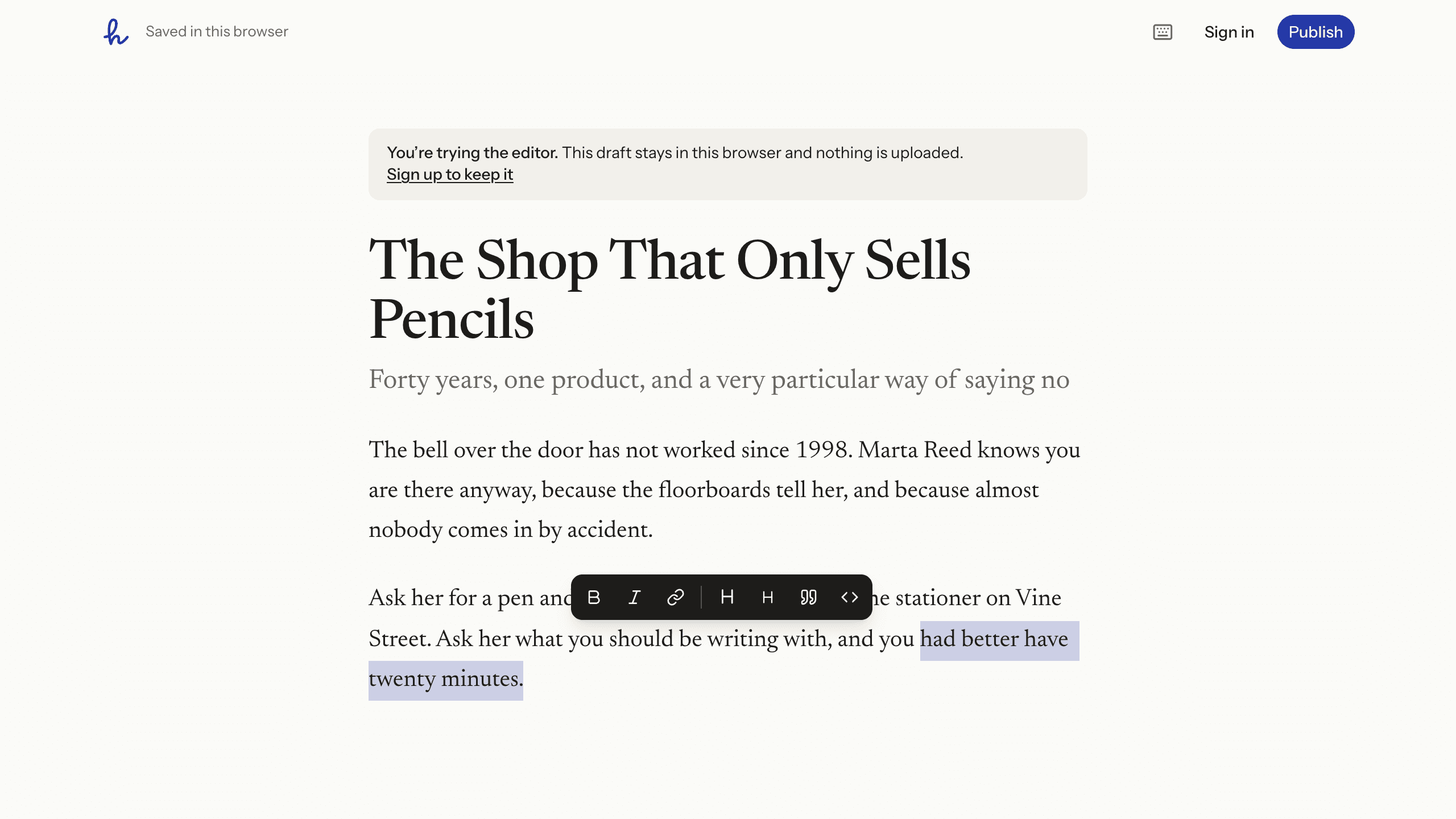
This keeps edits to a published story private. Autosave changes only the working copy, and Your stories marks the story Unpublished edits. Readers keep the old version until the writer chooses Update and then Update story. Unpublish returns a story to drafts, and publishing it again keeps its original date and link. Each save also names the revision it started from, and the server refuses it if the row has moved on, so a second tab shows Reload and cannot overwrite the first. Try the editor at /try opens the same editor with no account: the draft stays in that browser, and signing up moves it and its images into the new account.
2. Decide what a story may contain
An editor's rules protect nobody, because anyone can send a different document with a crafted request. On every save and publish, Longhand rebuilds the document on the server from a whitelist in src/lib/story-doc.ts, and the sanitizer drops anything it does not name:
- Blocks: paragraphs, two heading levels, quotes, lists, code blocks, dividers, figures, and embeds.
- Text: bold, italic, strikethrough, inline code, and links to
http,https,mailto, or a path on the same site. - Images: the site's own artwork under
/art/, or the writer's own uploads. Images from other sites anddata:images are removed. - Embeds: YouTube, Vimeo, CodePen, Spotify, and Loom. The player loads when the reader clicks, so those sites do not see the visit before then.
The server then renders the clean document to HTML, escaping every value, and readers only receive that stored HTML. The whitelist applies to your own features as well: a new callout block has to be added to the sanitizer and the renderer, or the server removes it on save.
3. Rank the feed on each request
Longhand has no scheduled jobs and no feed table. When someone opens For you, the server loads the 200 most recently published stories, scores each one, and returns ten at a time. The score multiplies three things:
- Engagement adds the logarithms of claps, responses (weighted 2), saves (weighted 1.5), and highlights, plus twice the read ratio, so one huge story cannot bury everything else.
- Freshness starts at 1.35, falls to 0.85 at ten days, and never drops below 0.35, so a good old story can still beat a weak new one.
- The reader's interests start at 1. Following the writer adds 1.2, and each followed topic on the story adds 0.5, up to three. A story the reader already clapped for or saved is multiplied by 0.35.
Each further story by the same writer counts for 0.7 times the one before, so one prolific writer cannot fill the page, and writers do not see their own stories. Following skips the score and lists the newest stories from followed writers and topics. Topic pages offer Popular and Latest. These numbers have consequences. A story outside the newest 200 cannot appear in For you. A new story starts at the bottom, too: on a fresh copy, a story with no engagement scores below all 24 sample stories for a reader who does not follow its writer or topics, so it sits behind Show more stories twice. Turn on Plan mode, described in Direct the agent, to review a change first:
Explain how For you scores a new story today. Then propose a change: for its
first 48 hours, score a story with no claps or responses as if it had the median
engagement of the stories being ranked, so new writers get seen. Keep the
ranking in src/lib/feed-rank.ts as pure functions and add tests beside it.
4. Plan what readers can do
Reading needs no account. Clapping, responding, highlighting, saving, and following ask a signed-out visitor to join:
- Claps. A reader can clap 1 to 50 times per story, and the server enforces the cap in SQL, so two quick requests cannot pass 50. Writers cannot clap for themselves, and readers cannot take claps back.
- Responses. Replies thread under each other, up to 4,000 characters. People can edit or delete only their own.
- Highlights. Selecting text offers Highlight and Respond. The server accepts 3 to 600 characters and checks that the quote appears in the story. The most-highlighted passage shows as Top highlight, and a highlight is deleted if an update removes its passage.
- Follows. Readers can follow writers and topics, which fills Following and lifts those stories in For you.
Stats shows each writer views, reads, read ratio, and claps for the last 30 days. Views are counted without raw IP addresses. A signed-in reader is counted by account, and a signed-out visitor by a hash of the IP address, a server secret, and the date, which changes daily and only limits each visitor to one view and one read per story per half hour. The stats themselves are daily totals, and sessions do not record IP addresses either.
New follower and new response emails go through Email. Only verified addresses receive them, so nobody can sign up with a stranger's address and send that person mail, and each can be turned off in Settings. Longhand has no newsletters or digests, because Layerwise Email is transactional: newsletters and announcements to all users are not allowed and can get a project's email paused. Images go to Storage as JPG, PNG, WebP, or GIF up to 8 MB, stay private there, and are served through a /media/* route. Deleting a story does not delete its images.
5. Set moderation rules and limits
Public writing attracts spam, so sign-up, publishing, uploads, responses, claps, search, and reports all have limits in src/server/rate-limit.ts, keyed to the account or, when there is no account, to the daily hash. Longhand allows 8 sign-ups, 12 publishes, 60 uploads, and 10 reports an hour, 20 responses per 10 minutes, and 40 searches a minute. Anyone can file a report, signed in or not, with Report story, Report on a response, or Report this writer on a profile.
There is no admin sign-up. To make yourself an admin, open Database from the project sidebar, select Local or Online, open the user table, double-click the role cell in your row, enter admin, and reload the site. Admins get Reports at /dashboard/reports, which lists the newest 100 reports with Resolve, Dismiss, and Reopen, and Make staff pick in a story's … menu. The sidebar shows the four newest picks, and stories by accounts younger than 30 days never appear there.
Resolving a report only changes its status, and nothing emails admins about a new one. The story stays up unless you set its status to draft in the Database page. Banning an account in Authentication ends its sessions but leaves its stories published, so ask the agent for takedown actions before you expect real traffic.
6. Choose a starting point
Download Layerwise, sign in, and select a team. Longhand is a Medium-style template with the editor, feeds, reader actions, stats, and moderation above. To start from it, open Longhand, choose Use this template, pick a team and project name in Layerwise, then choose Copy to Layerwise. Start with src/brand.config.ts, which holds the name, copy, colors, fonts, and the ten topics writers can choose from. Other workflows are in the template gallery.
One migration fills the site with 24 stories by 8 fictional writers, plus 36 fictional readers whose claps, responses, and highlights are real rows. These accounts have no password and never receive email. The stories are Markdown files in scripts/seed/stories/, and pnpm seed:build rewrites the seed migration from them. That is safe only before you publish: Layerwise skips a migration name it has already run, so a rewritten seed never reaches the live database, and the project no longer matches its live data. Your local database has usually run it too, so ask the agent to reset that database to see the new seed. After publishing, change content through the app or ask the agent for a new migration.
To start from scratch, enter a description in Describe the app you want to build... on the team home page, including the decisions above:
Build a publishing platform like Medium. Anyone can read without an account.
Writers draft with autosave and publish with a cover and up to five topics.
Edits to a published story stay private until the writer updates it. Rebuild
story content on the server from a whitelist of blocks. Readers can clap up to
50 times per story, write threaded responses, highlight passages, and follow
writers and topics. Rank a For you feed on each request from engagement, age,
and follows. Let readers report stories, and give admins a page to review them.
A blank start lets you choose each rule, but you must verify each one yourself. The prompting guide explains how to describe users, data, and screens.
7. Test with two accounts
Once the local preview loads, choose Try the editor, write a title and a paragraph, and confirm the bar says Saved in this browser. Choose Sign up to keep it and Create account; the six-digit code appears under Email in Local in the Layerwise app. Choose Verify email, then Save and open your draft, and the same draft should be in the editor. Choose Publish, pick a topic, and choose Publish now. The story appears under Published in Your stories, but your own feed leaves it out. Choose Copy link from its … menu, open the preview in your default browser from the preview header, and paste the link. Back in the editor, change a sentence: the other browser should show the old text until you choose Update and Update story. Try an embed with https://example.com, and the dialog should refuse the link.
In your default browser, sign up as a second user and open your story. Hold the clap button until it shows Max, select a sentence and choose Highlight, and choose Follow. After a reload, the sentence should show Top highlight · 1 reader. The first account's Notifications should list each action, and the follower email should appear under Email. Its Stats should show the visit, and reloading the story should not raise Views for half an hour.
Then test moderation. From the second account, choose Report story and Send report. In the first account, set your role to admin under Local in Database and reload. Resolve under Reports should change the report's status while the story stays up. Make staff pick on your new story shows a confirmation, but the sidebar should not list it, because the account is younger than 30 days. If a check fails, open the preview console from Preview actions, or find the failed request in Logs.
8. Publish and improve it
Choose Publish in the preview header, then Publish in the menu, and open the live URL when the release finishes. New projects on paid plans start private, so turn off Private in that menu before you share the link. The publishing guide covers release status, and Search and sharing covers Google and custom domains. Local and Online use separate databases, so the first publish seeds the live site again and copies no accounts or test stories. Sign up on the live app and set your role under Online. Email starts working after the first publish. On Free, a project can send 10 sign-in emails and 20 app emails a day, and each new writer's code counts as a sign-in email. A writer who chooses Do this later can still publish and can verify from Settings.
Choose the next change from how the site is used. Analytics shows traffic across the site, and Stats shows how each story does. Since newsletters are not an option, RSS is a natural way to let readers follow a writer from outside the site, and Longhand does not have it yet:
Add RSS feeds: /feed.xml for the 50 newest published stories and
/@username/feed.xml for one writer, each with the title, link, description,
author, and date. Link them from the page head, the footer, and profile pages.
Start from Longhand if its editor and feed fit your writers, or from a prompt if you need a different model. Either way, settle the two copies of a story, the whitelist, and the moderation rules before adding features. For the full project workflow, follow the Quick start.