Stashbox Dropbox-Style File Storage App Template
A Dropbox-style file storage app: upload files and folders, preview them in the browser, organize with stars, search, and Trash, and share any file or folder with a link that can expire or need a password.
Opens in Layerwise on your computer. New to Layerwise? Download the app first.
- Category
- Productivity
- Tags
- File Storage, File Sharing, Cloud Storage
- Updated
- Nov 11, 2026
- Requires
- Layerwise 0.10.7+
- Source
- layerwise-app/stashbox
Build your own version of Stashbox
Keep files in the cloud the way you would in Dropbox. People sign up, then upload files or whole folders by button or drag and drop, with a progress panel that can cancel each upload. Files go straight to Layerwise Storage. Browse nested folders in list or grid view with breadcrumbs, sortable columns, multi-select, a selection toolbar, and a right-click menu. Rename inline, move or copy with a folder picker, star what matters, see the last 50 files you touched under Recent, and search by name with each result’s folder. Images, PDFs, video, audio, text, Markdown, and code open full screen, with arrow keys to move between files. Trash restores items to their folder and counts toward each person’s 2 GB of storage. Download a folder or several files as one ZIP. Share any file or folder with a link that can expire, need a password, or block downloads, and the Shared links page counts views. Settings cover a profile photo, appearance, password, signing out other devices, and deleting the account with all its files. Built with Layerwise, React, and TanStack Start.
Use Stashbox for a private file locker: a family archive, a club’s shared documents, or a small business that sends files to clients. Sign up on the live demo, upload a few files and a folder, then open one and share it with a link.
What the template includes
- A landing page and a file browser with All files, Recent, Starred, Shared links, and Trash, nested folders, list and grid views, sortable columns, multi-select, a context menu, search, and a storage meter.
- File and folder uploads by button or drag and drop, sent straight to Layerwise Storage with a progress panel, plus full-screen previews for images, PDFs, video, audio, text, Markdown, and code.
- Share links for files and folders with an optional expiry date, password, and download switch, view counts, ZIP downloads of folders, and a Settings page with profile, password, and account deletion.
The template opens as a local project you can change through the conversation or the code editor. You can inspect the source for this template version before choosing how to extend it.
Copy it and make one useful change
- Install Layerwise and sign in. Choose Use this template, select a team and project name in the app, then choose Copy to Layerwise. Wait for setup and the local preview to finish.
- The name and description for search are in src/lib/site.ts, the landing page is src/routes/index.tsx, and the logo is src/components/logo.tsx with icons in public. Each person’s storage allowance is PLAN_LIMIT_BYTES in src/lib/files.ts, 2 GB by default, and Trash counts toward it. File names and folders live in the database, and file contents live in Storage.
- Ask for the change in the project conversation. This prompt is a starting point; adjust it to describe your intended result.
Starter prompt Rebrand Stashbox as Hearth, a shared file locker for one family. Change the name, logo color, and landing page copy, and give each person 10 GB. Add an Empty Trash after 30 days setting in Settings that deletes old Trash items when the person opens their files. Keep uploads, previews, and share links working, and check the file browser at phone width.
Check the result before publishing
- Sign up, drag a folder with a few photos onto All files, and watch the upload panel finish. The folder should appear with its files inside, and the storage meter should grow.
- Open a photo and press the right arrow; the next file should open. Star it, then check that it appears under Starred and Recent.
- Share a folder with a password and an expiry date, open the link in a private window, and enter the password. The folder should open with its files, and the link’s view count on Shared links should go up. Stop sharing and the link should say This link doesn’t work.
New projects on paid plans start private, so turn off Private in the Publish menu before people sign up. Local and published apps share one Storage, so files you upload while testing are real files and count toward your credits; local and published databases are separate. Before launch, add your own terms and privacy pages and decide what shared links people may post. Teams, shared folders between accounts, file versions, desktop sync, and paid plans are not included.
Use the local preview controls to test the affected path. When it works, publish a release and repeat the check at the live URL. For saved records or accounts, read about the separate Local and Online databases.
Step-by-step guide
More productivity app templates
See all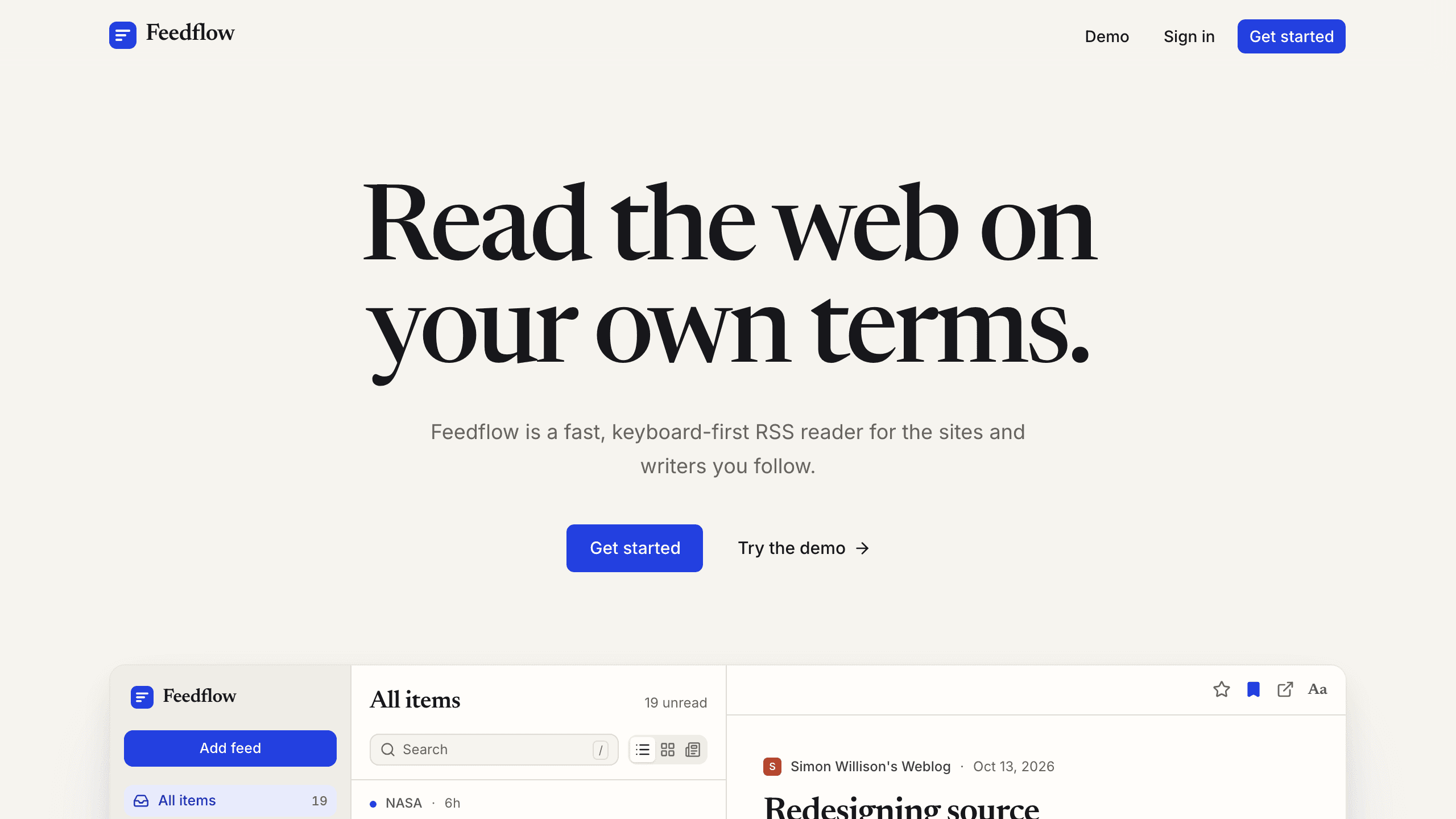
Feedflow
ProductivityA keyboard-first RSS reader with list, card, and magazine layouts, feed discovery, highlights and notes on stories, and OPML import. The demo opens a sample library without an account.
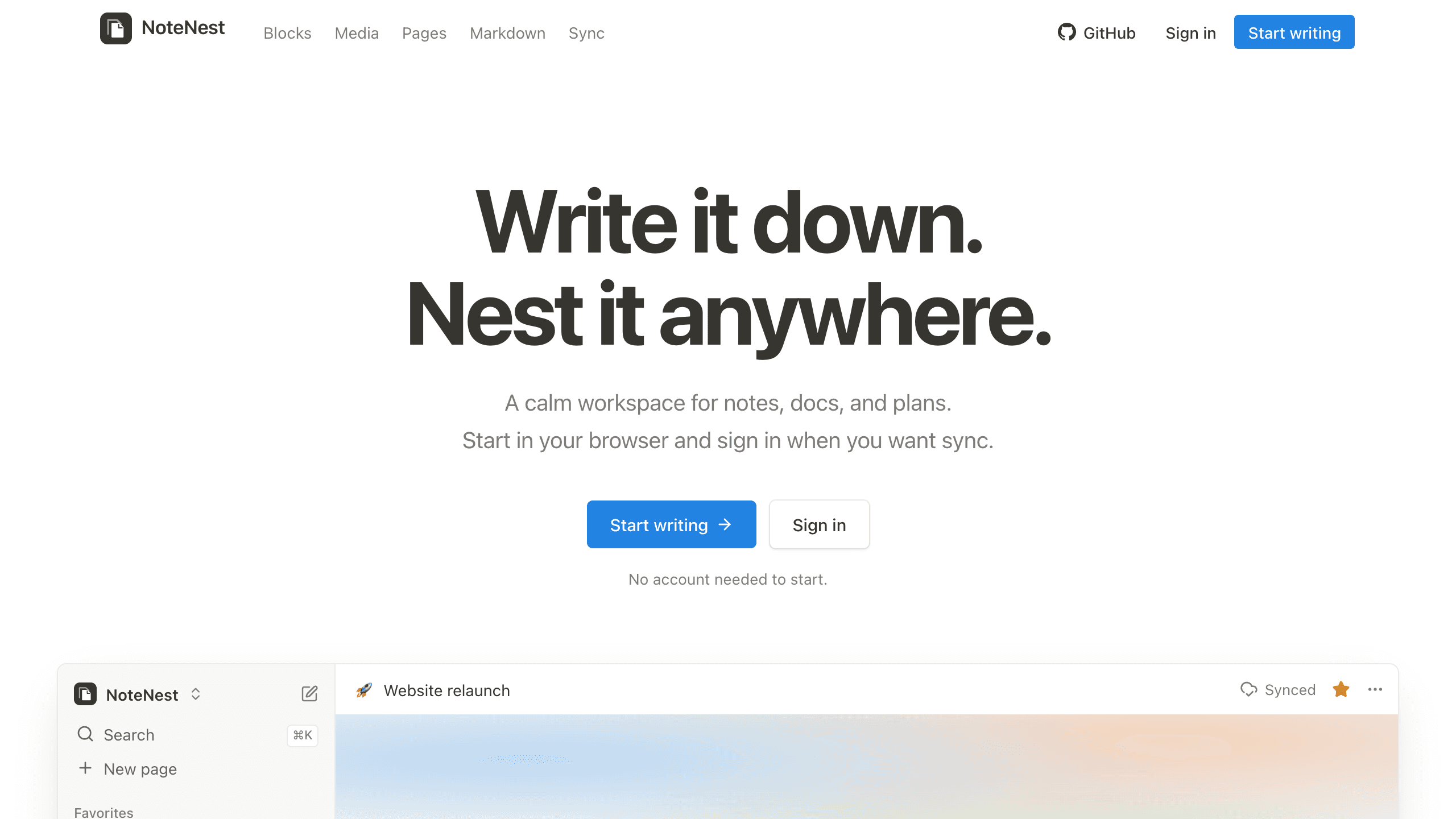
NoteNest
ProductivityA Notion-style workspace: nested pages built from blocks, a / command menu, rich text, and images, video, and embeds. It works without an account and syncs across devices when you sign in.
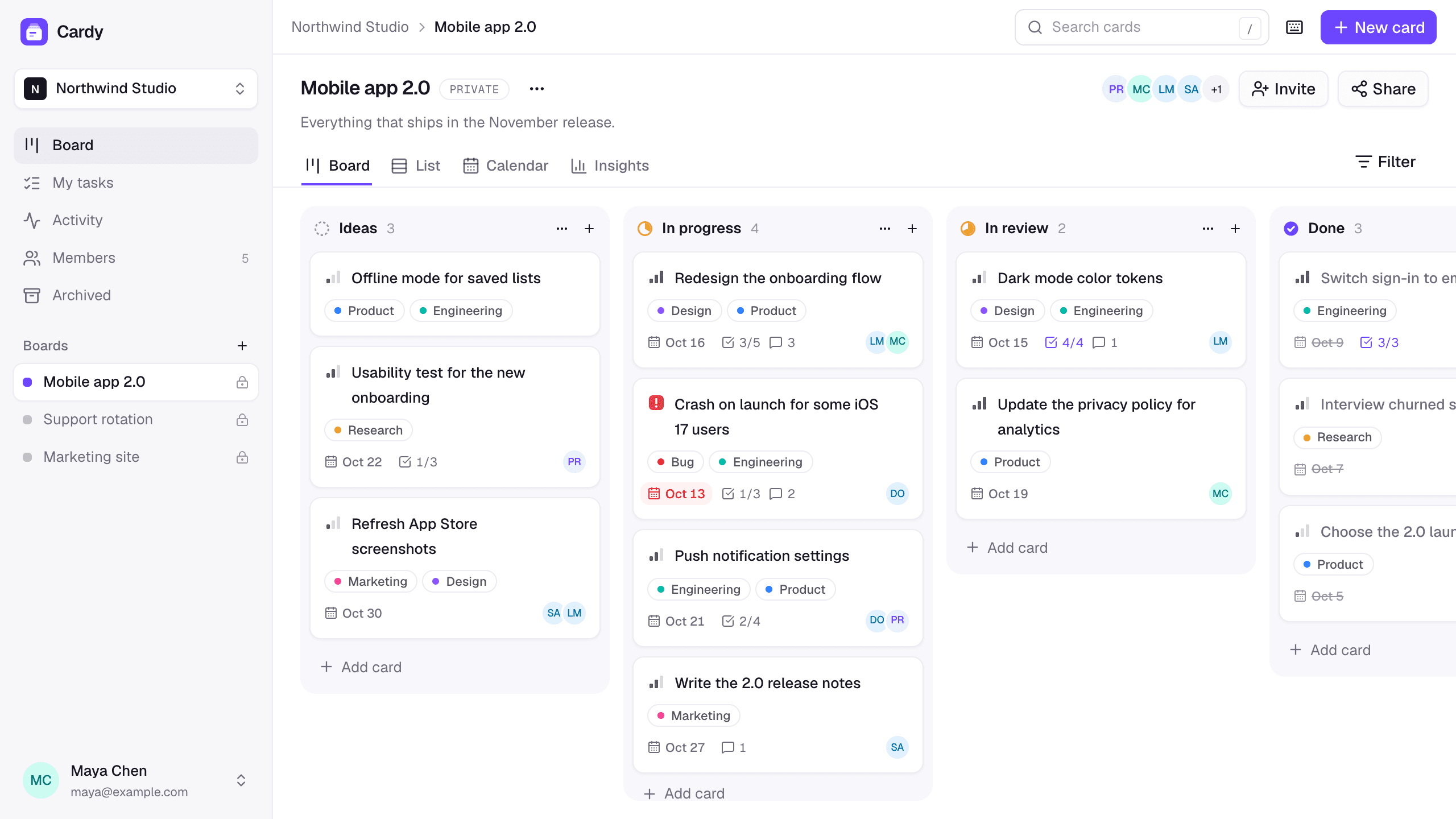
Cardy
ProductivityA team kanban board with workspaces, invitations, priorities, due dates, and checklists, plus list, calendar, and insights views of every board.