Orbit CRM Sales Pipeline Template
A sales CRM for small teams with a drag-and-drop deal pipeline, contacts and companies, tasks, an activity timeline, and revenue forecasts, plus a demo you can try without an account.
Opens in Layerwise on your computer. New to Layerwise? Download the app first.
- Category
- Business
- Tags
- CRM, Sales, Pipeline
- Updated
- Oct 14, 2026
- Requires
- Layerwise 0.1.12+
- Source
- layerwise-app/orbitcrm
Build your own version of Orbit CRM
Track deals from first call to signed contract. Orbit CRM has a pipeline board where you drag deals from Lead to Negotiation or mark them won or lost with a reason, and a list view with weighted values. Contacts and companies have filters, tags, bulk actions, and CSV export, and contacts can be imported from CSV. Each record has a timeline for notes, calls, emails, and meetings, plus its related deals and next tasks. The overview shows open and weighted pipeline, won revenue, win rate, and deals closing this month, and the command palette searches every record. Each account gets a private workspace that the server checks on every request, with sample data you can load in one click. A demo workspace runs in the browser and resets on reload. Built with Layerwise, React, and TanStack Start.
Use Orbit CRM to track deals, contacts, and follow-ups for a small sales team or a solo consultant. Choose View demo to try a sample workspace without an account, then sign up to get a private workspace of your own.
What the template includes
- A landing page, a demo workspace that resets on reload, and sign-up with a private workspace and one-click sample data.
- A pipeline board and list with drag-and-drop stages, won and lost reasons, weighted forecasts, and filters by owner, company, and close date.
- Contacts and companies with tags, bulk actions, and CSV import and export, record timelines for notes, calls, emails, and meetings, plus tasks, an activity feed, and an overview with revenue charts.
The template opens as a local project you can change through the conversation or the code editor. You can inspect the source for this template version before choosing how to extend it.
Copy it and make one useful change
- Install Layerwise and sign in. Choose Use this template, select a team and project name in the app, then choose Copy to Layerwise. Wait for setup and the local preview to finish.
- Start with your sales process: the stages a deal moves through, their win probabilities, and the fields a contact, company, and deal need. Keep the workspace check on the server when you add fields or views so each account only sees its own records.
- Ask for the change in the project conversation. This prompt is a starting point; adjust it to describe your intended result.
Starter prompt Add a Settings view where I can rename and reorder the pipeline stages, set each stage’s win probability, and edit the list of lost reasons. Store them per workspace in the database instead of in code, use them on the board, list, record pages, and forecasts, and keep existing deals in their stage when I rename it.
Check the result before publishing
- Sign up, choose Load sample data on Overview, and switch between 30D, 90D, and 12M; Won revenue, Win rate, and the chart should change while Open pipeline stays the same.
- In Pipeline, drag a deal to the next stage and confirm the column totals and Weighted forecast change, then drag another onto Mark as lost, pick a reason, and find it under Won & lost and in Activity.
- Open a deal, choose Copy link, and open the link signed in as a second account; it should show Record not found instead of the deal.
Local and published apps use separate databases, so sign up and load or import your records again after publishing. Each account has its own workspace, and Owner is a name rather than a teammate’s login. Team invitations, email sync, reminders, and currencies other than US dollars are not included; decide which your team needs first.
Use the local preview controls to test the affected path. When it works, publish a release and repeat the check at the live URL. For saved records or accounts, read about the separate Local and Online databases.
Step-by-step guide
More business app templates
See all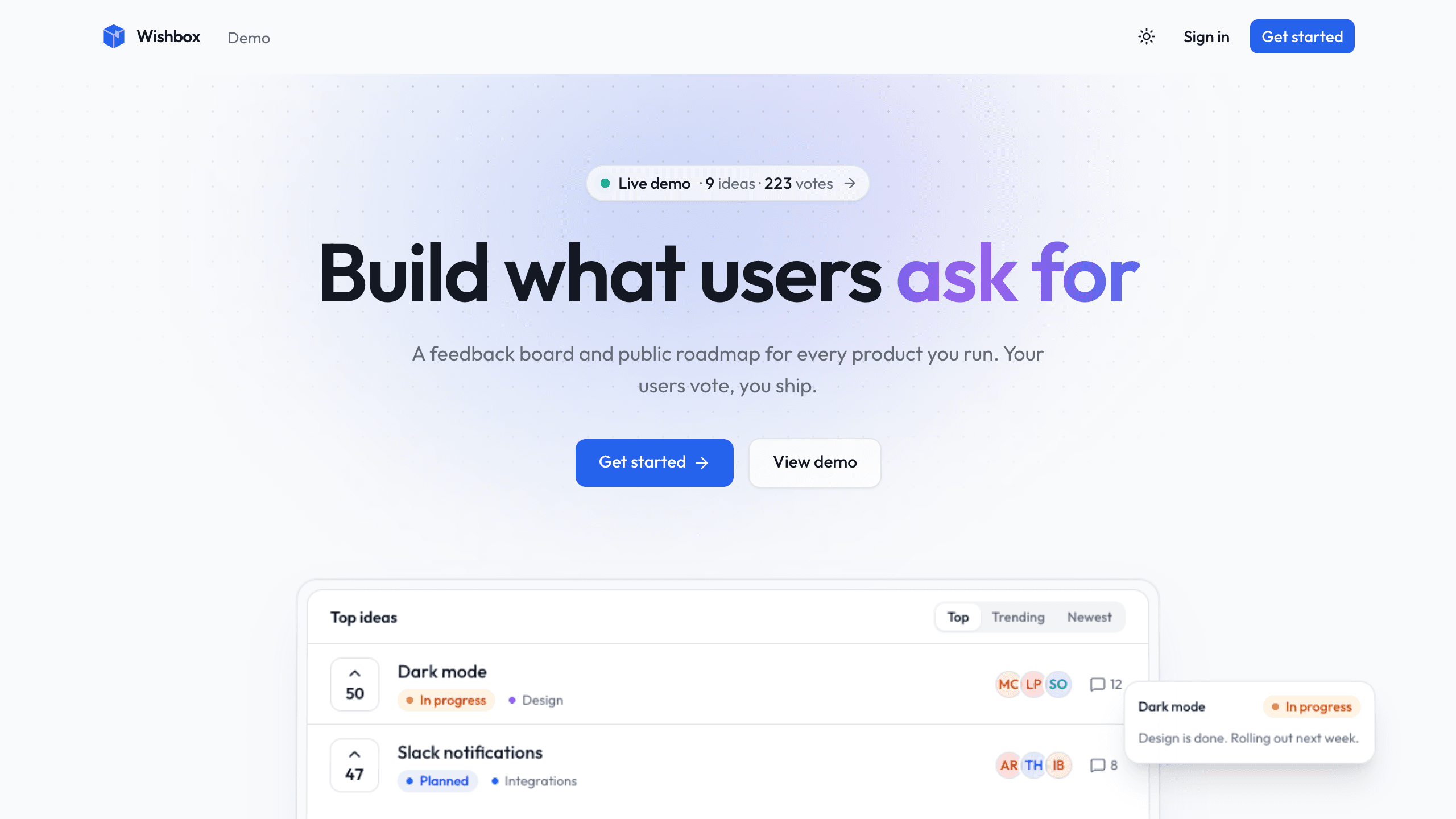
Wishbox
BusinessA feedback SaaS starter: teams create projects, and each gets a public board and roadmap for voting.
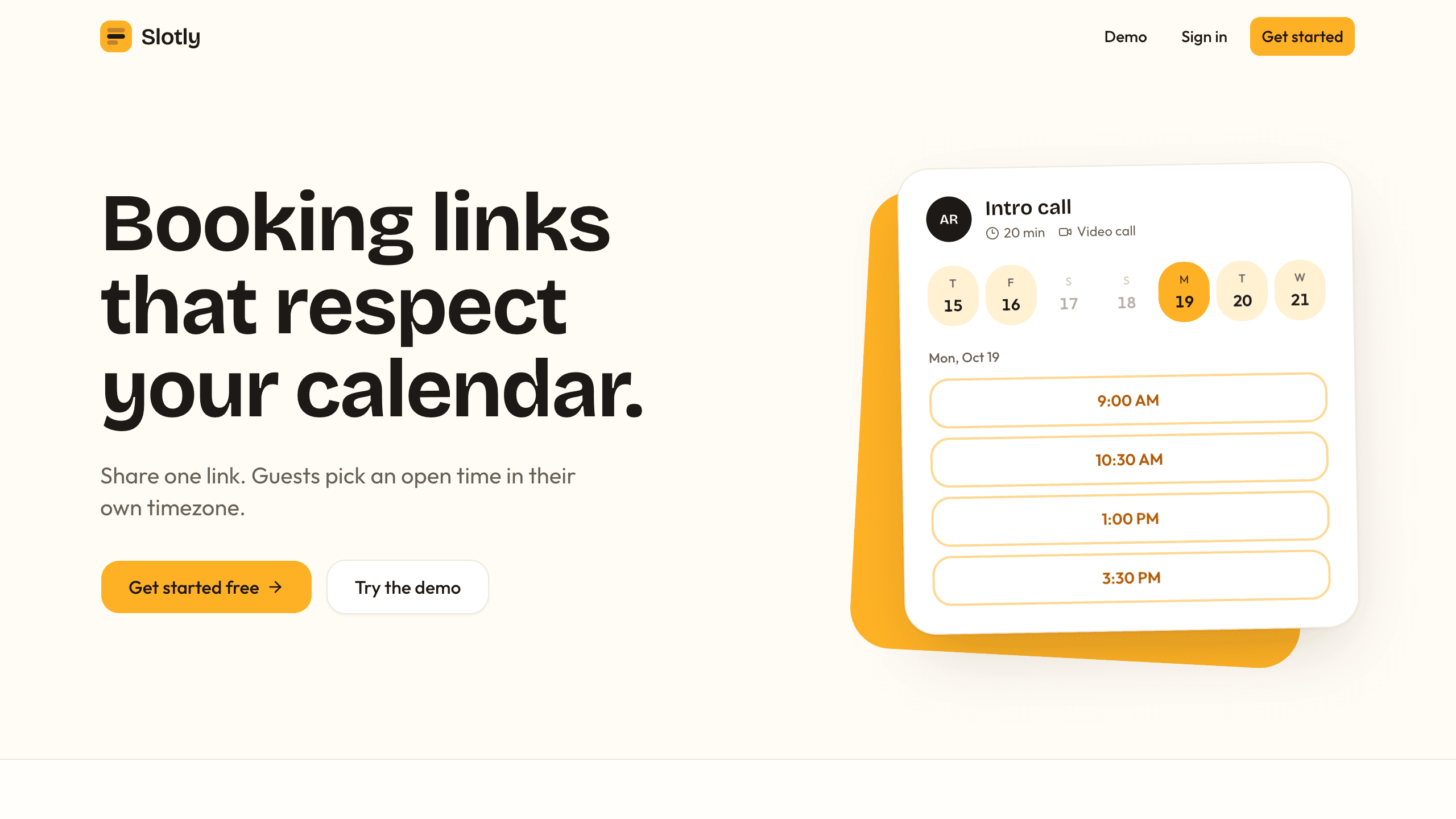
Slotly
BusinessA personal scheduling app with event types, booking rules, weekly availability, and booking pages that show times in each guest's time zone.
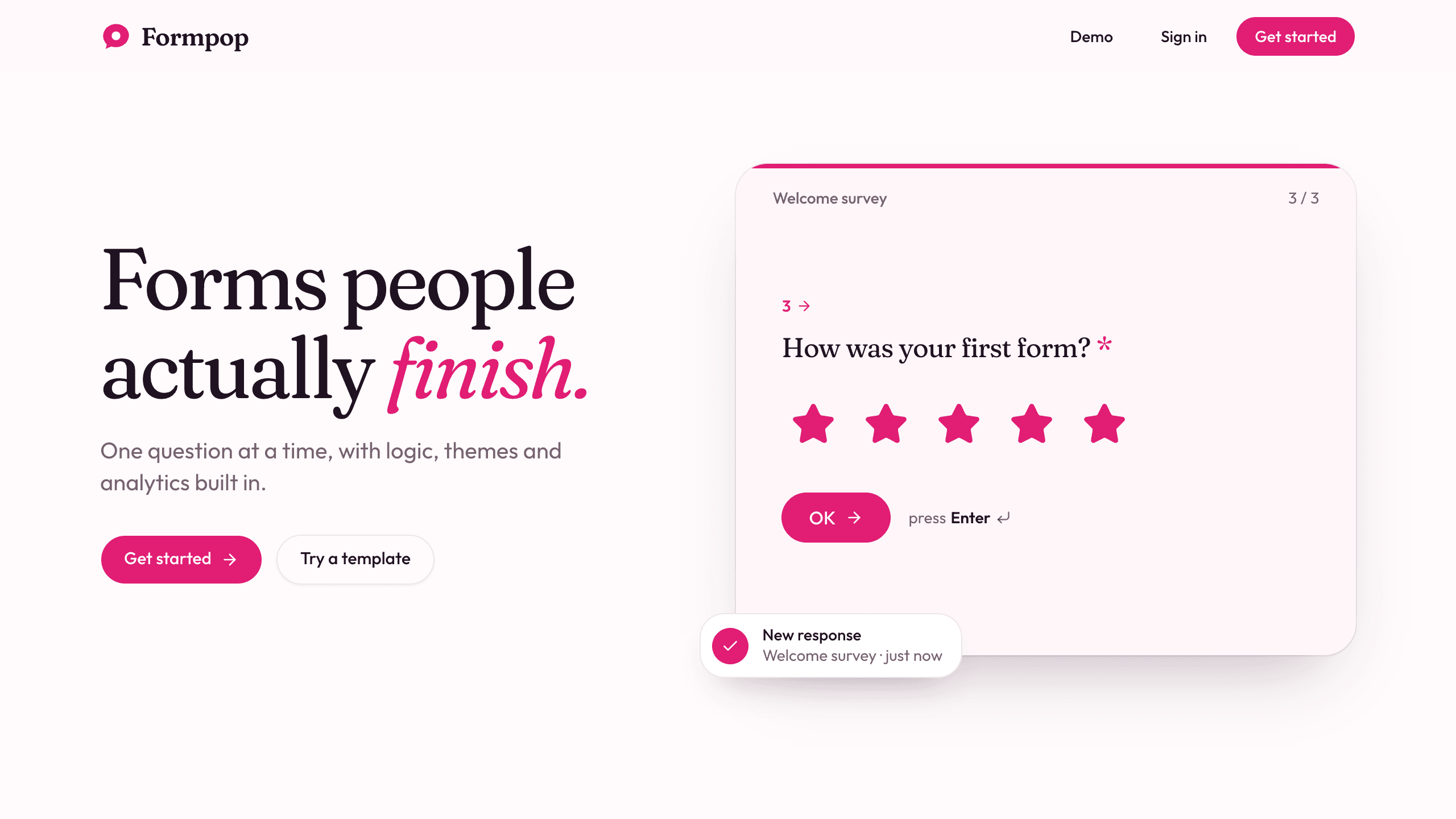
Formpop
BusinessA conversational form builder that asks one question at a time, with conditional logic, themes, shareable links, response export, and built-in analytics.