Strata Distributed Database Landing Page Template
A blueprint-style landing page for a distributed database: take regions down on a live system map, pick a city to see its latency, and watch the engine come apart in layers. No accounts. Ships with fictional latency data for 12 cities.
Opens in Layerwise on your computer. New to Layerwise? Download the app first.
- Category
- Landing Pages
- Tags
- Landing Page, Infrastructure, Database, Developer Tools
- Updated
- Nov 7, 2026
- Requires
- Layerwise 0.10.7+
- Source
- layerwise-app/strata
Build your own version of Strata
A landing page for an infrastructure product, drawn like an engineering blueprint: drafting paper with a fine grid, blueprint blue and black ink, 1 px lines, dimension lines, numbered callouts, hatching, and mono annotations, and each section is a numbered sheet with its own title block. The hero is a live system drawing of six regions on a dotted world map, where requests travel as dashed packets to the nearest region and writes fan out to two more before they commit. Click a region, or focus it and press Enter, to take it down: it is hatched out, its traffic reroutes, and the readout reports 0 writes lost and a 1.8 s failover. Two regions can be down at once, and a third pauses writes by design while reads continue. Pick one of 12 cities to see the route to its region and its read and write latency, single region against Strata, with the difference drawn as a dimension line. On desktop, the engine schematic separates into four labeled layers as it scrolls into view, and code samples carry numbered callouts. The Architecture page has five sections with a drawing each, and the 404 page is a blank sheet stamped Sheet not found. The design partner form saves each application to the database, has a honeypot and a rate limit, says already on the list for a repeat email, and emails you once you set your address, never the visitor. There are no accounts or admin screens: the copy, regions, cities, latency numbers, and architecture sections are files you change by asking the agent. Ironleaf Systems and Pinecart are fictional. Built with Layerwise, React, and TanStack Start.
Use Strata for an infrastructure product, such as a database, a network, or a hosting platform, that sells to backend engineers and CTOs. In the live demo, take a region or two down on the hero drawing, pick a city in the latency explorer, and scroll through the engine. Ironleaf Systems, Pinecart, and every number are fictional, so replace them before you publish.
What the template includes
- A live system drawing of six regions with request and replication packets, a commit counter, and regions you can take down by click or keyboard, with a failover readout and paused writes at three down.
- A latency explorer for 12 cities, an exploded four-layer engine schematic, SQL and TypeScript code with numbered callouts, a four-step migration path, a customer case, and a specification table of guarantees.
- An Architecture page with five drawn diagrams, a Sheet not found 404 page, and a design partner form with a honeypot and a rate limit that saves applications to the database.
The template opens as a local project you can change through the conversation or the code editor. You can inspect the source for this template version before choosing how to extend it.
Copy it and make one useful change
- Install Layerwise and sign in. Choose Use this template, select a team and project name in the app, then choose Copy to Layerwise. Wait for setup and the local preview to finish.
- Start in src/site.config.ts for the company, product, tagline, navigation, button labels, colors, fonts, contactEmail, and ownerEmail. Every home section is in src/content/home.ts in page order, with a sheet entry for its title block. Regions, cities, and latency numbers are in src/content/topology.ts, and each Architecture section is one file in src/content/architecture. Run pnpm share-images after changing titles or colors. You can do all of this by asking the agent.
- Ask for the change in the project conversation. This prompt is a starting point; adjust it to describe your intended result.
Starter prompt Make this page mine: our product is Corbel, a Postgres-compatible database by Tidewater Systems in Copenhagen. Replace Pinecart with our customer Ferrylink, a ride-hailing app, and swap the 12 cities for the 8 in my notes with their latency numbers. Change the blue to a deep green that still meets 4.5:1 on the paper. Keep the drafting paper, the title blocks, and the live drawing, and check Home and Architecture at phone width.
Check the result before publishing
- Click Frankfurt on the hero drawing, or Tab to it and press Enter. It should be hatched out, and the readout should end on Frankfurt down. 0 writes lost, failover 1.8 s. Take down two more, and writes should pause by design; choose Bring all regions back.
- In the latency explorer, choose Jakarta, and the map should draw its route to Singapore. With reduced motion turned on in your system settings, reload, and the engine schematic should show its four layers already apart.
- Send the design partner form and confirm the application appears in the design_partners table under Database in Local. Open /sign-in and it should return a 404 stamped Sheet not found.
New projects on paid plans start private, so turn off Private in the Publish menu before sharing your site. Local and published apps use separate databases, so applications sent to the preview won’t appear on the live site. Email only sends after the first publish and only once ownerEmail is set; until then, read applications under Database. Replace the fictional company, customer, and latency numbers before you publish, and set contactEmail for Privacy and Terms. Pricing, docs, and accounts are not included.
Use the local preview controls to test the affected path. When it works, publish a release and repeat the check at the live URL. For saved records or accounts, read about the separate Local and Online databases.
More landing page templates
See all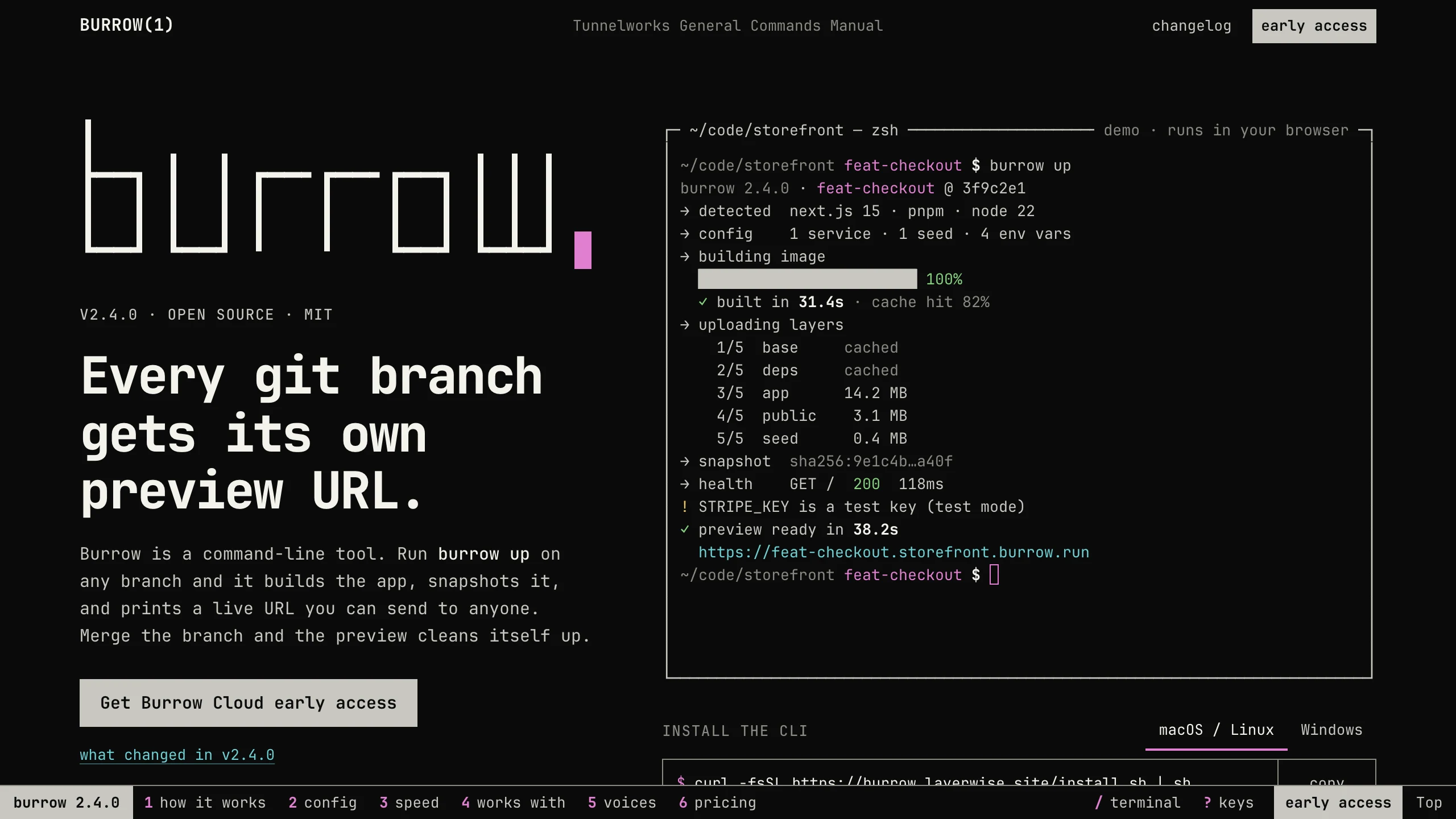
Burrow
Landing PagesA man-page style landing page for a developer CLI: a live terminal types its demo, then runs your commands, with install tabs, a box-drawn pipeline, and an ASCII benchmark. No accounts. Ships with 7 fictional releases.
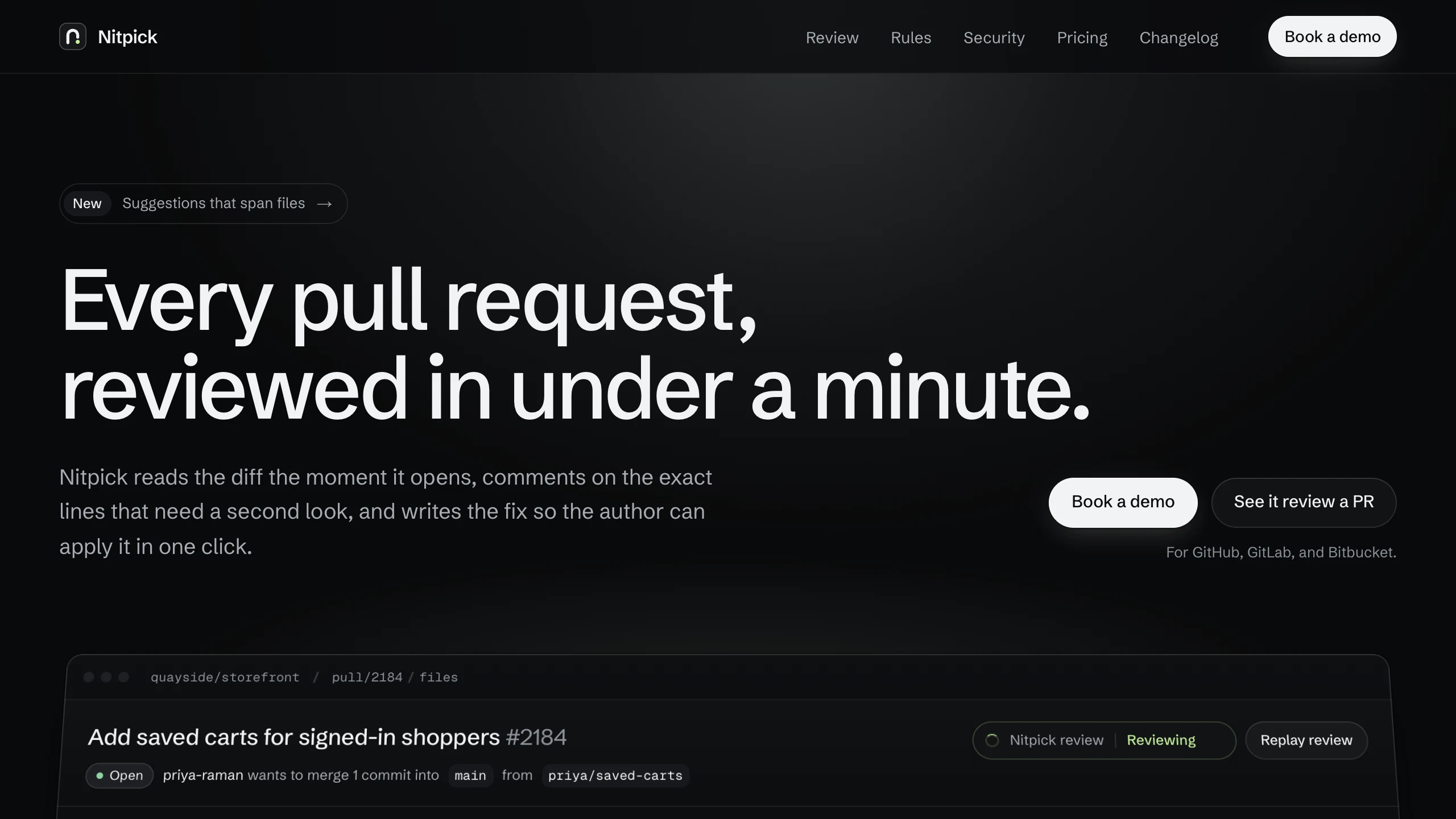
Nitpick
Landing PagesA dark landing page for an AI code review SaaS: a pull request reviewed live in the hero with one-click fixes, six rule switches that re-annotate a diff, and a merge timeline. No accounts. Ships with 6 fictional changelog entries.
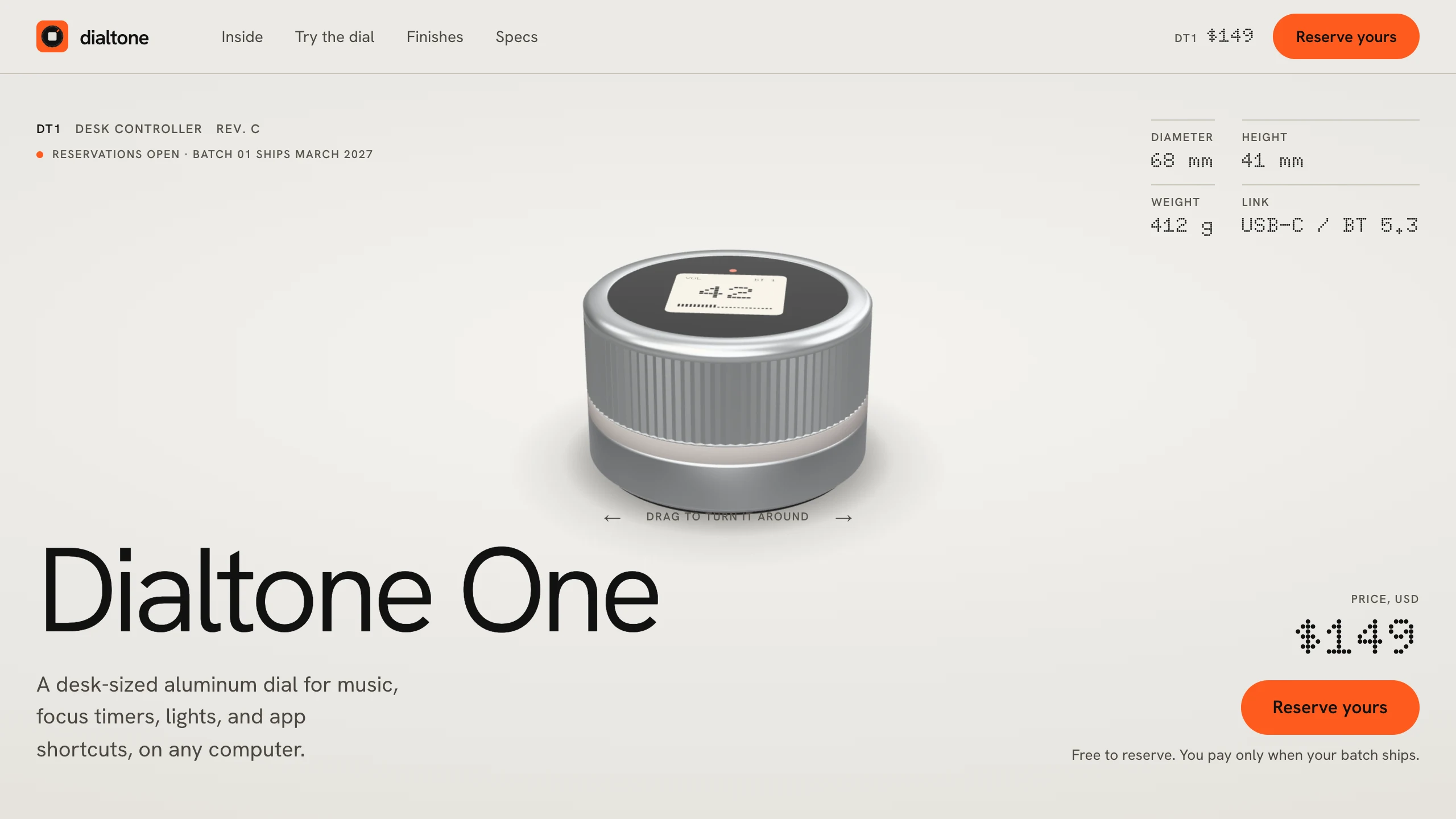
Dialtone
Landing PagesA hardware pre-order landing page: a 3D model built in code, a scroll-driven exploded view, a dial you can turn and hear click, a finish picker, a datasheet, and free numbered reservations. No accounts. Ships with a fictional desk dial.