Burrow Developer Tool Landing Page Template
A man-page style landing page for a developer CLI: a live terminal types its demo, then runs your commands, with install tabs, a box-drawn pipeline, and an ASCII benchmark. No accounts. Ships with 7 fictional releases.
Opens in Layerwise on your computer. New to Layerwise? Download the app first.
- Category
- Landing Pages
- Tags
- Landing Page, Developer Tools, CLI, Open Source
- Updated
- Nov 7, 2026
- Requires
- Layerwise 0.10.7+
- Source
- layerwise-app/burrow
Build your own version of Burrow
A landing page for an open-source command-line tool, set like a well-made man page: a black terminal surface, one monospace family, the 16 ANSI colors as the whole palette, box-drawn frames and tables, and an ASCII wordmark. The hero is a working terminal. Once it is half in view, it types burrow up and streams a build, layer uploads, a health check, and a preview URL, and then the prompt is the visitor’s: help, burrow ls, logs, share, down, and clear all work, with Tab completion and history. It keeps state, so a branch taken down drops out of burrow ls. Install tabs copy a one-line command for macOS and Linux or Windows, and the site serves both sample scripts. On desktop, a status bar numbers the sections: press a number to jump, / to focus the terminal, or ? for the shortcuts. The page goes on to a pipeline diagram that lights up stage by stage, a burrow.toml with a note for each line, an ASCII-style benchmark against a typical CI pipeline, quotes printed as cat output, and box-drawn pricing. The changelog reads like git log --graph, and the 404 page says command not found. The early access form saves each sign-up to the database, has a honeypot and a rate limit, says Already on the list for a repeat email, and emails you once you set your address, never the visitor. There are no accounts or admin screens: the copy, the terminal’s commands, and each release are files you change by asking the agent. Tunnelworks and its customers are fictional. Built with Layerwise, React, and TanStack Start.
Use Burrow for a command-line tool, an open-source project, or any developer product whose users live in the terminal. In the live demo, let the terminal finish burrow up, then type help and try a few commands, and press a number key to jump between sections. Tunnelworks and every quote are fictional, so replace them before you publish.
What the template includes
- A hero terminal that types burrow up when it comes into view, then runs help, burrow ls, logs, share, down, and clear from sample data, with Tab completion and history, plus install tabs for macOS and Linux or Windows.
- A pipeline diagram drawn in box-drawing characters, an annotated burrow.toml, an ASCII-style benchmark, an integrations table, quotes as cat output, box-drawn pricing, and a status bar with number-key shortcuts.
- A git log style changelog with 7 fictional releases and a page for each, a command not found 404 page, sample install scripts, and an early access form with a honeypot and a rate limit.
The template opens as a local project you can change through the conversation or the code editor. You can inspect the source for this template version before choosing how to extend it.
Copy it and make one useful change
- Install Layerwise and sign in. Choose Use this template, select a team and project name in the app, then choose Copy to Layerwise. Wait for setup and the local preview to finish.
- Start in src/site.config.ts for the company, product, command, tagline, the 16 ANSI colors, the font, the ASCII wordmark, and ownerEmail. Every home section is in src/content/home.ts, and src/content/terminal.ts holds the prompt, commands, and output, so you can rewrite the demo for your own CLI. Each release is one file in src/content/changelog, and the newest one sets the version shown across the site. Run pnpm og-images after changing a title or adding a release. You can do all of this by asking the agent.
- Ask for the change in the project conversation. This prompt is a starting point; adjust it to describe your intended result.
Starter prompt Make this page mine: my CLI is Driftnet, made by two of us in Montréal, and it replays production traffic against any branch. Change the command to driftnet, redraw the ASCII wordmark, and rewrite the terminal demo for driftnet record, driftnet replay <branch>, and driftnet diff, using the sample output in my notes. Replace the seven releases with my three. Keep the 16-color palette and the status bar, and check Home and the changelog at phone width.
Check the result before publishing
- On the home page, wait for burrow up to print its preview URL, then type burrow down ex and press Tab; it should complete to exp-new-onboarding. Press Enter, run burrow ls, and that branch should be gone.
- At desktop width, press 3 to jump to Speed, then press ? to open the list of keys. With reduced motion turned on in your system settings, reload, and the terminal should show its finished output right away.
- Send the early access form and confirm the sign-up appears in the early_access_signups table under Database in Local. Open /sign-in and it should return a 404 that reads command not found.
New projects on paid plans start private, so turn off Private in the Publish menu before sharing your site. Local and published apps use separate databases, so sign-ups sent to the preview won’t appear on the live site. Email only sends after the first publish and only once ownerEmail is set; until then, read sign-ups under Database. Replace the fictional company, quotes, and benchmark numbers before you publish, and swap the sample install scripts for your real installer. Docs, accounts, and payments are not included.
Use the local preview controls to test the affected path. When it works, publish a release and repeat the check at the live URL. For saved records or accounts, read about the separate Local and Online databases.
More landing page templates
See all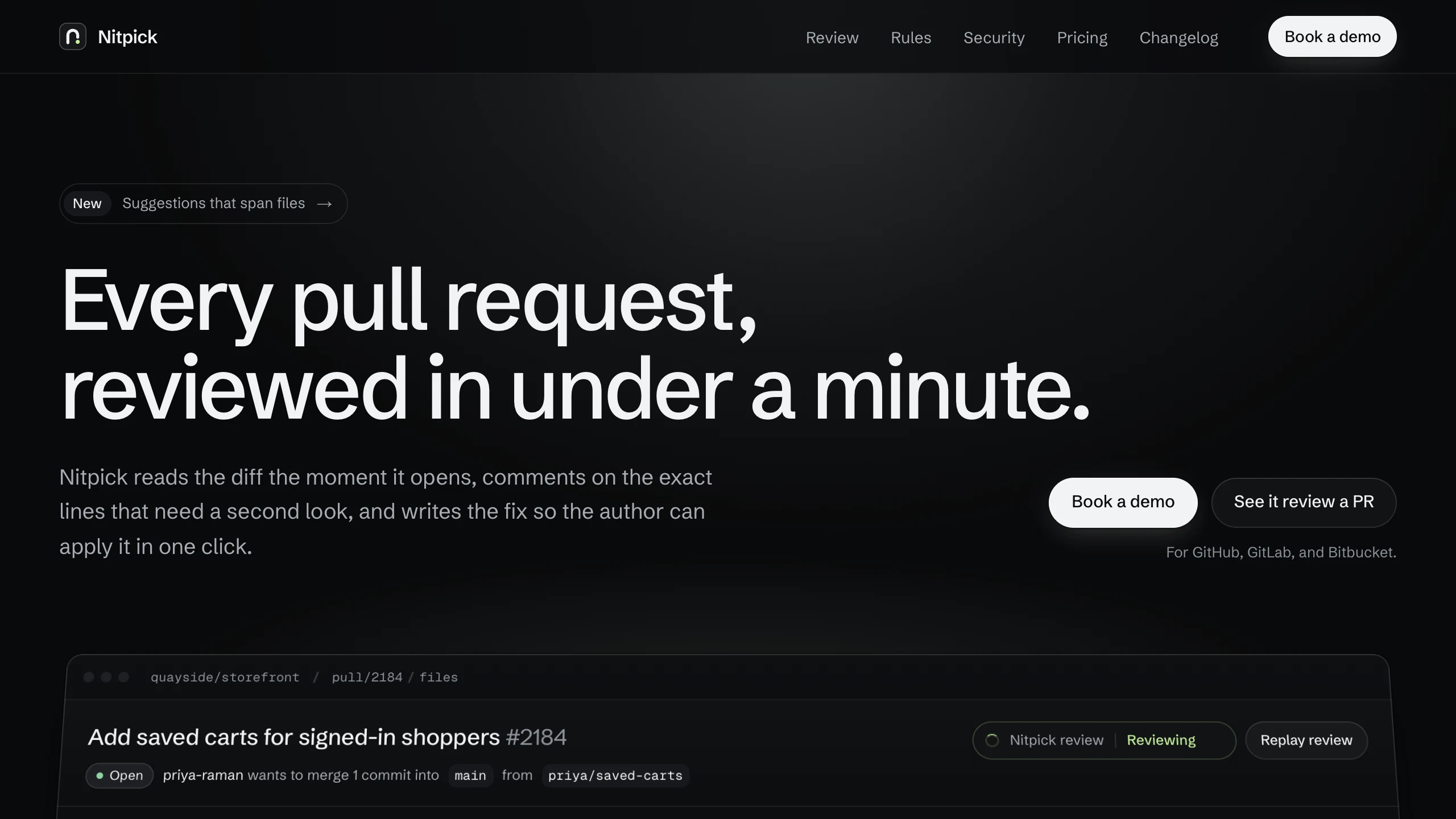
Nitpick
Landing PagesA dark landing page for an AI code review SaaS: a pull request reviewed live in the hero with one-click fixes, six rule switches that re-annotate a diff, and a merge timeline. No accounts. Ships with 6 fictional changelog entries.
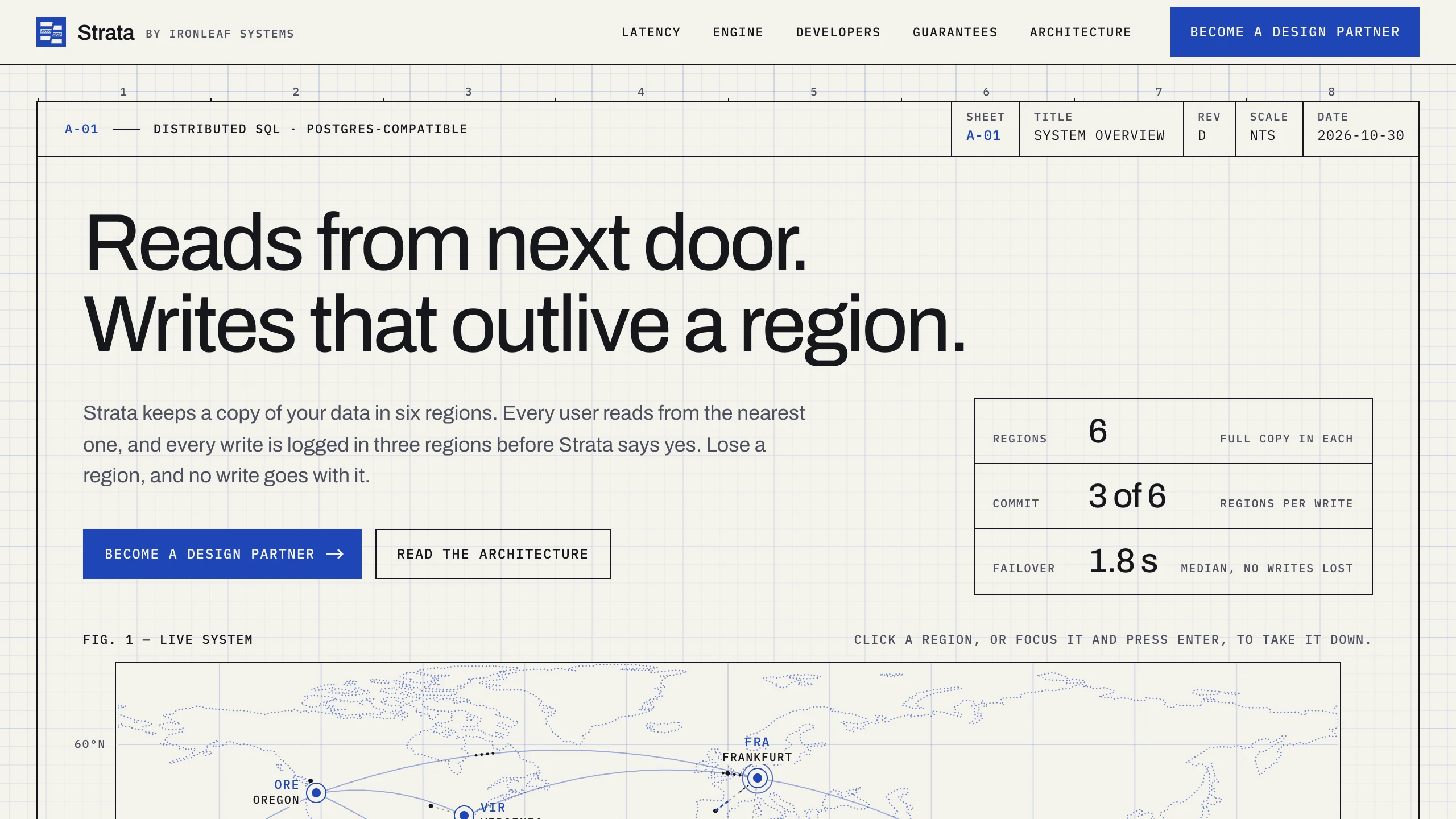
Strata
Landing PagesA blueprint-style landing page for a distributed database: take regions down on a live system map, pick a city to see its latency, and watch the engine come apart in layers. No accounts. Ships with fictional latency data for 12 cities.
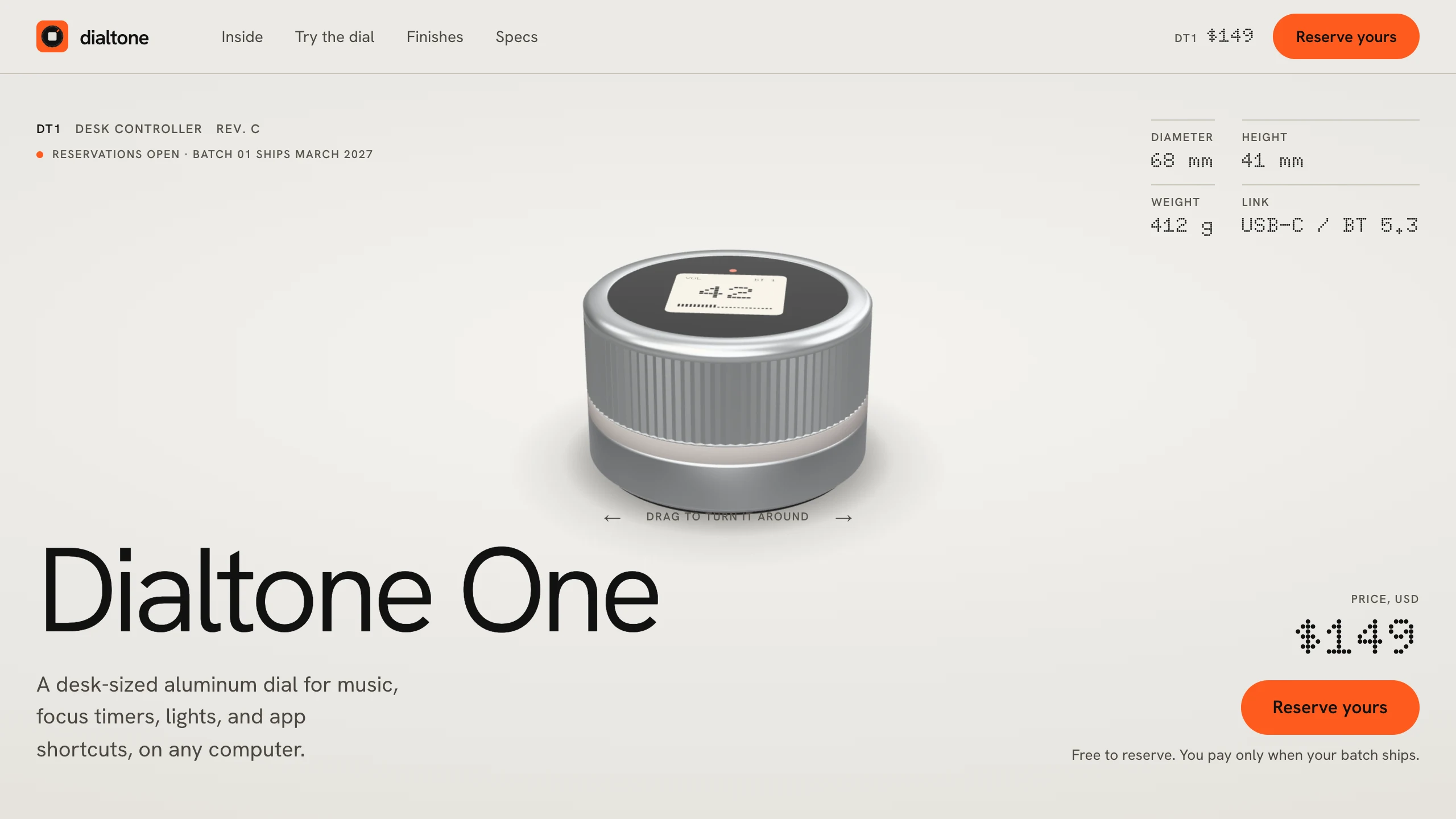
Dialtone
Landing PagesA hardware pre-order landing page: a 3D model built in code, a scroll-driven exploded view, a dial you can turn and hear click, a finish picker, a datasheet, and free numbered reservations. No accounts. Ships with a fictional desk dial.