Nitpick AI Code Review Landing Page Template
A dark landing page for an AI code review SaaS: a pull request reviewed live in the hero with one-click fixes, six rule switches that re-annotate a diff, and a merge timeline. No accounts. Ships with 6 fictional changelog entries.
Opens in Layerwise on your computer. New to Layerwise? Download the app first.
- Category
- Landing Pages
- Tags
- Landing Page, SaaS, Code Review, Developer Tools
- Updated
- Nov 7, 2026
- Requires
- Layerwise 0.10.7+
Build your own version of Nitpick
A landing page for a B2B developer tool, in near-black steps with hairline borders, a soft light from the top of the page, one pale lime accent for the product’s own highlights, and a tight grotesk with a mono for code. The hero is the product: pull request #2184 as a diff, tilted in perspective, that straightens as you scroll. Three review comments stream in on their exact lines with a severity and a short explanation, and Apply suggestion on each high-severity one rewrites its lines while the check counts down from Reviewing to 3 issues to 1 issue left. See it review a PR replays it, and every step works by keyboard. Six rule switches sit beside a second sample diff, and turning one off removes its findings right away. On desktop, scrolling runs a clock through the pull request from opened to merged as the diff changes, and smaller screens show the steps as a list. Below come code host tabs with a .nitpick.yml, a security diagram, metrics, quotes, pricing, and a changelog where each entry has a drawn screen. The Book a demo form asks for a work address, saves each request to the database, has a honeypot and a rate limit, says already on the list for a repeat email, and emails you once you set your address, never the visitor. There are no accounts or admin screens: the copy, the hero pull request, and the changelog are files you change by asking the agent. Fernhill Labs and its customers are fictional. Built with Layerwise, React, and TanStack Start.
Use Nitpick for a B2B software product, especially a developer tool, that sells to engineering leads through a demo. In the live demo, watch the hero review a pull request and choose Apply suggestion, then turn rules off in What it catches. Fernhill Labs, its customers, and every quote are fictional, so replace them before you publish.
What the template includes
- A hero pull request whose diff straightens as you scroll, three review comments that stream in on their lines, one-click suggested fixes, a check that counts down the issues, and a replay button.
- Six rule switches beside a second sample diff, a scroll-driven timeline from opened to merged, code host tabs with a .nitpick.yml, a security diagram, metrics, quotes, and three pricing plans.
- A changelog with 6 fictional entries, each with its own page and drawn screen, and a Book a demo form that turns away free email domains and has a honeypot and a rate limit.
The template opens as a local project you can change through the conversation or the code editor. You can inspect the source for this template version before choosing how to extend it.
Copy it and make one useful change
- Install Layerwise and sign in. Choose Use this template, select a team and project name in the app, then choose Copy to Layerwise. Wait for setup and the local preview to finish.
- Start in src/site.config.ts for the company, product, tagline, navigation, button labels, colors, fonts, and ownerEmail. Every home section is an export in src/content/home.ts, including the six rules and their sample findings. The hero pull request and its comments are in src/content/demo-pr.ts; keep each suggestion as many lines as the lines it replaces. Each changelog entry is one file in src/content/changelog. Run pnpm og after changing a title. You can do all of this by asking the agent.
- Ask for the change in the project conversation. This prompt is a starting point; adjust it to describe your intended result.
Starter prompt Make this page mine: our product is Tollgate, by Arden Works in Austin, and it reviews Terraform pull requests. Rewrite the hero pull request as a change that opens a storage bucket to the public, with three comments, two with suggested fixes. Replace the six rules with ours from the notes below, change the lime accent to #7FE3D0, and drop Bitbucket. Keep the dark surfaces and the timeline, and check Home at phone width.
Check the result before publishing
- Choose See it review a PR. The check should read Reviewing while three comments arrive on their lines, then 3 issues. Choose Apply suggestion on both high-severity comments, or let the demo apply them, and it should end at 1 issue left.
- In What it catches, turn off Secrets in code, and its note should disappear as the count drops to 5 findings. On a phone-width window, the timeline should be a plain list of its five steps.
- Send Book a demo with a gmail.com address, and it should ask for a work email. Send it with a company address and confirm the request appears in the demo_requests table under Database in Local. Open /sign-in and it should return a 404.
New projects on paid plans start private, so turn off Private in the Publish menu before sharing your site. Local and published apps use separate databases, so requests sent to the preview won’t appear on the live site. Email only sends after the first publish and only once ownerEmail is set; until then, read requests under Database. Replace the fictional company, customers, quotes, and metrics before you publish. Scheduling, payments, accounts, and docs are not included.
Use the local preview controls to test the affected path. When it works, publish a release and repeat the check at the live URL. For saved records or accounts, read about the separate Local and Online databases.
More landing page templates
See all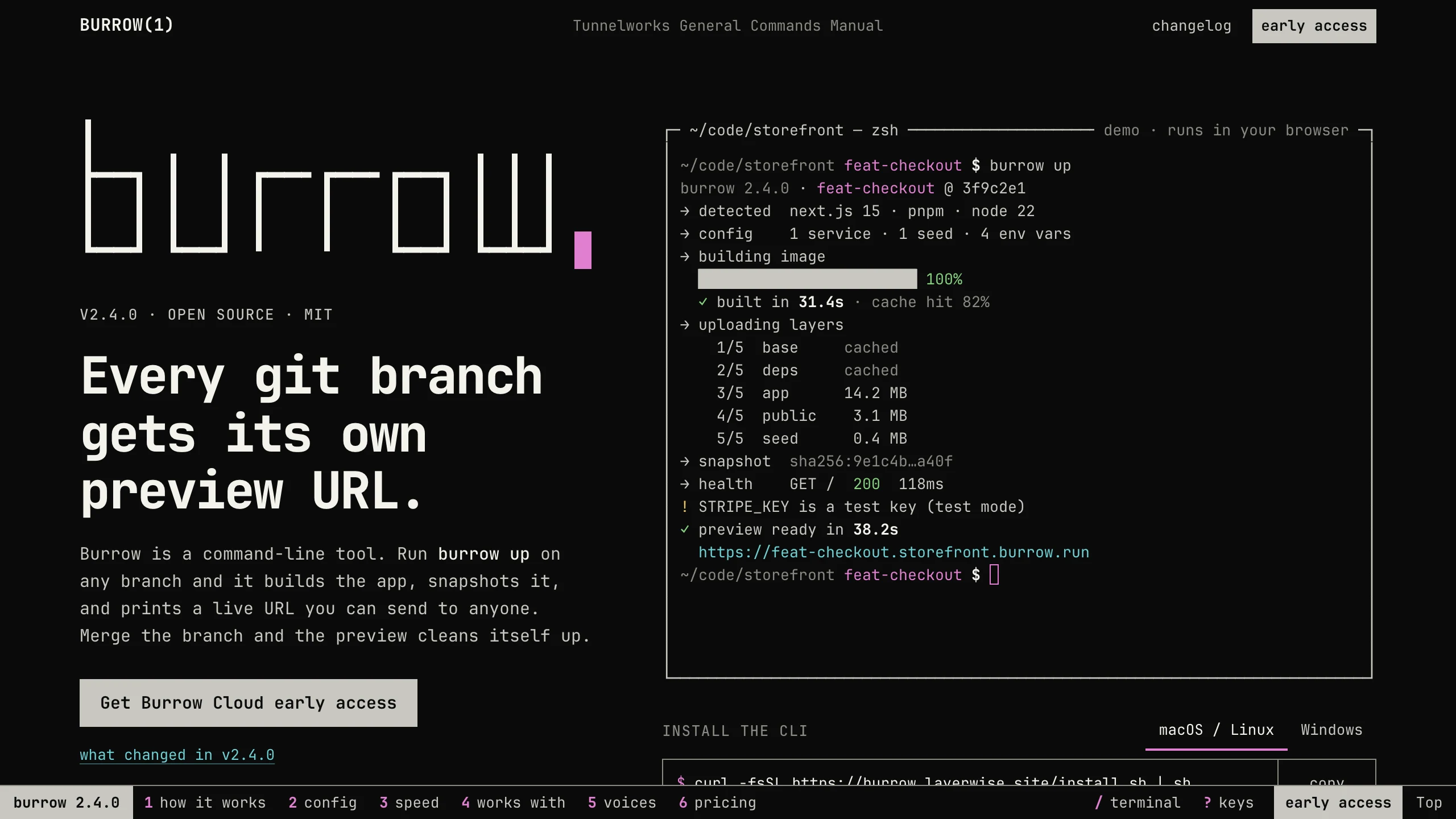
Burrow
Landing PagesA man-page style landing page for a developer CLI: a live terminal types its demo, then runs your commands, with install tabs, a box-drawn pipeline, and an ASCII benchmark. No accounts. Ships with 7 fictional releases.
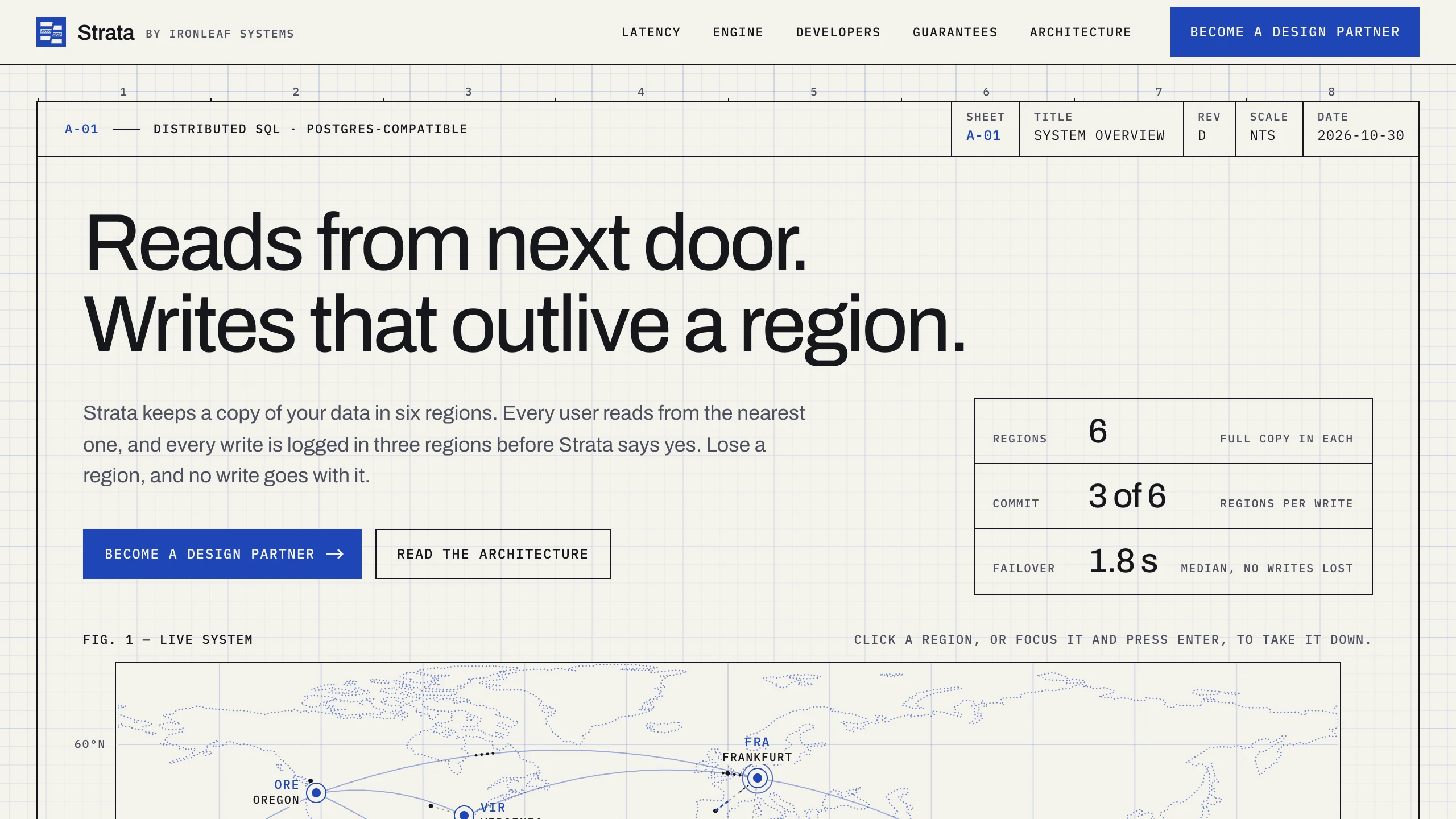
Strata
Landing PagesA blueprint-style landing page for a distributed database: take regions down on a live system map, pick a city to see its latency, and watch the engine come apart in layers. No accounts. Ships with fictional latency data for 12 cities.
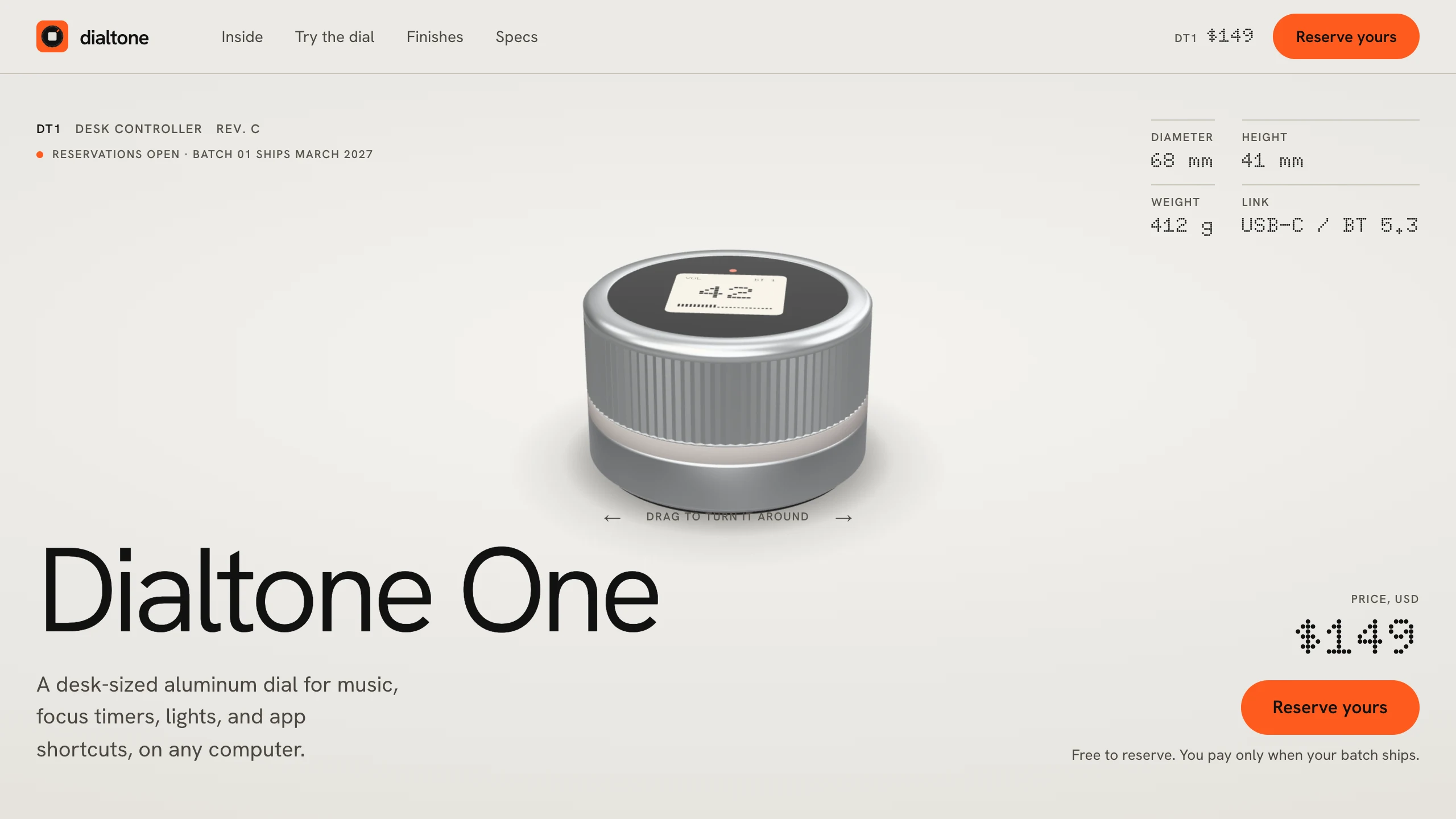
Dialtone
Landing PagesA hardware pre-order landing page: a 3D model built in code, a scroll-driven exploded view, a dial you can turn and hear click, a finish picker, a datasheet, and free numbered reservations. No accounts. Ships with a fictional desk dial.