Plainsight Design Studio Website Template
A quiet portfolio for a design studio: white pages, one grotesque, a live local clock, and an editorial wall of art-directed work that plays a motion clip on hover. No accounts. Ships with 8 fictional projects.
Opens in Layerwise on your computer. New to Layerwise? Download the app first.
- Category
- Design
- Tags
- Portfolio, Design Studio, Minimal, Agency Website
- Updated
- Nov 7, 2026
- Requires
- Layerwise 0.10.7+
- Source
- layerwise-app/plainsight
Build your own version of Plainsight
A public portfolio for a design and engineering studio or a single designer. White pages and one grotesque typeface leave all the color to the work, which is art directed like a campaign: an interface on a sunlit wall, a halftone landscape, a billboard on concrete. The top bar has a small wordmark and a live clock for the studio’s city, above one large statement. The home page changes rhythm from row to row, with pairs, full-width pieces, and unequal columns, and each piece rises into place once as it scrolls in. On devices that can hover, a piece swaps its still for a short motion clip. Case studies open with the brief, decisions, and outcome, then live demos built from real React components, image pairs, video, quotes, before and after sliders, and metrics. About lists the team, services, and clients with a CV download, and the contact form saves each message to the database and emails you once you set your address. There are no accounts or admin screens: projects are files you change by asking the agent. Includes 8 fictional projects for a studio in Oslo. Built with Layerwise, React, and TanStack Start.
Use Plainsight for a small design studio, or one designer, whose work should do all the talking. In the live demo, scroll the home page to see the rhythm change from row to row, and hover a piece to play its motion clip. Halden and every client are fictional, so replace them before you publish.
What the template includes
- A home page with a live clock for the studio’s city, one large statement, and an editorial wall that alternates pairs, full-width pieces, and unequal columns, ending in a gray footer that fills the screen.
- Case studies with the brief, decisions, and outcome, then live demos, image pairs, video, quotes, before and after sliders, and metrics, plus Work, an About page with the team and a CV download, and Contact.
- Eight fictional projects art directed as campaigns, and a script that makes responsive WebP images with blur placeholders and share images, then creates a content file to fill in for each new project.
The template opens as a local project you can change through the conversation or the code editor. You can inspect the source for this template version before choosing how to extend it.
Copy it and make one useful change
- Install Layerwise and sign in. Choose Use this template, select a team and project name in the app, then choose Copy to Layerwise. Wait for setup and the local preview to finish.
- Start in src/portfolio.config.ts for the studio name, statement, city and time zone, team, clients, fonts, colors, and ownerEmail. Each project is one file in src/content/work, and workOrder in the config sets the order on Home and Work. To hide a project without deleting it, start its file name with an underscore. New images should go through pnpm add-images, which writes the sizes and placeholders the pages expect. You can do all of this by asking the agent.
- Ask for the change in the project conversation. This prompt is a starting point; adjust it to describe your intended result.
Starter prompt Replace Halden with my studio: Fairweather, two designers in Lisbon. Set the clock to Lisbon time and rewrite the statement for a studio that designs apps for banks and health clinics. Remove the sample projects and add one from the images I attached, using pnpm add-images, with the cover first. Keep the white pages, the single typeface, and the editorial rhythm. Check Home, the new case study, and Contact at phone width.
Check the result before publishing
- Compare the clock in the top bar with the current time in the studio’s city. Scroll the home page, and each piece should rise in once with no jumps as images load.
- At desktop width, hover a piece that has a motion clip and confirm the still gives way to video, then move away and confirm it stops. On a phone-width window, nothing should scroll sideways.
- Send the form on Contact and confirm the message appears in the messages table under Database in Local. Open /sign-in and it should return a 404.
New projects on paid plans start private, so turn off Private in the Publish menu before sharing your site. Local and published apps use separate databases, so messages sent to the preview won’t appear on the live site. Email only sends after the first publish and only once ownerEmail is set; until then, read messages under Database. Replace the fictional studio, clients, figures, and social links before you publish. Passwords for private case studies, a CMS, and a blog are not included.
Use the local preview controls to test the affected path. When it works, publish a release and repeat the check at the live URL. For saved records or accounts, read about the separate Local and Online databases.
Step-by-step guide
More templates for designers
See all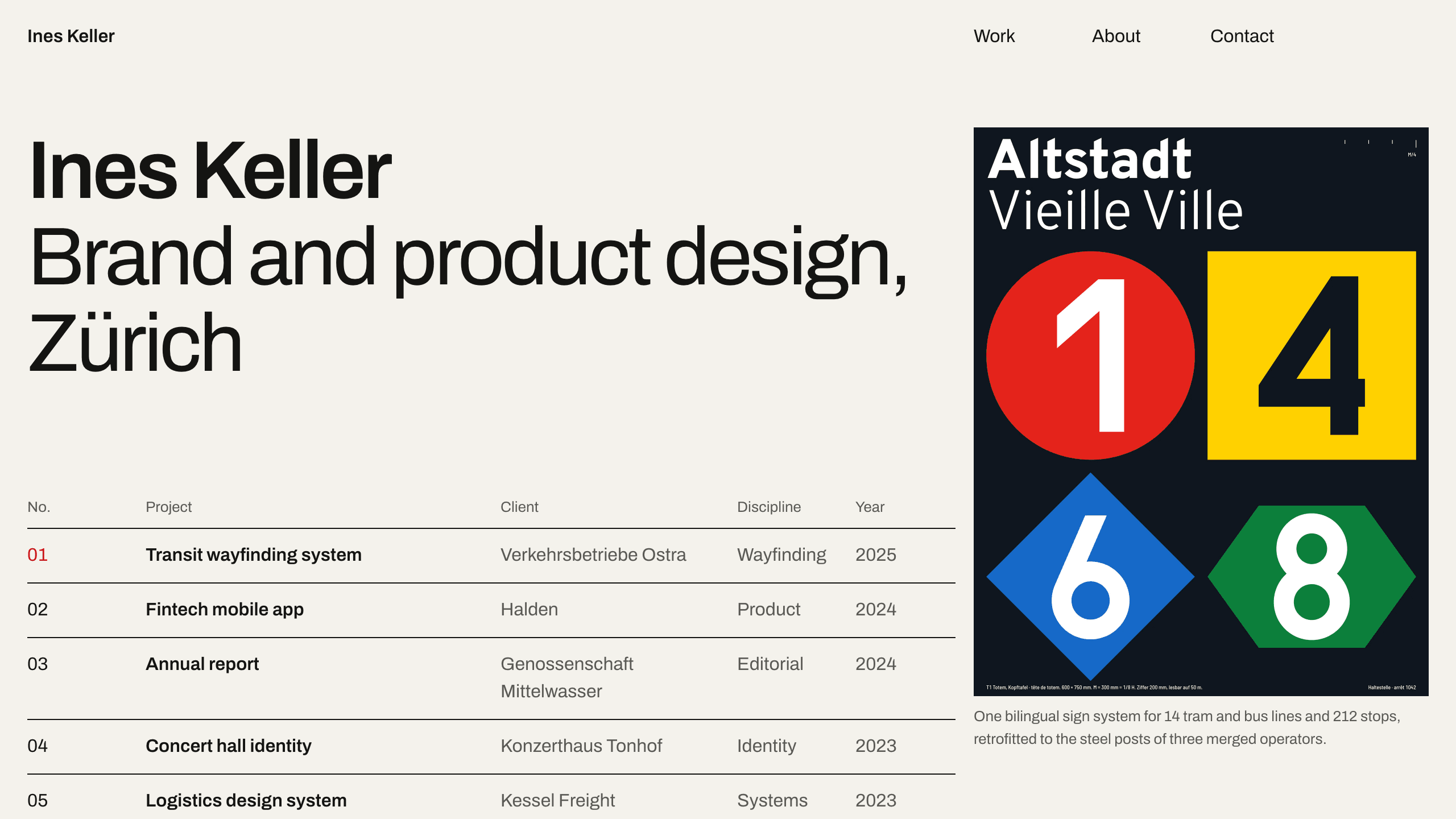
Gridwork
DesignA Swiss-style designer portfolio on a strict 12-column grid: an index table that reveals each cover, case studies, an About page with a CV, and a contact form. No accounts. Ships with 6 fictional projects.
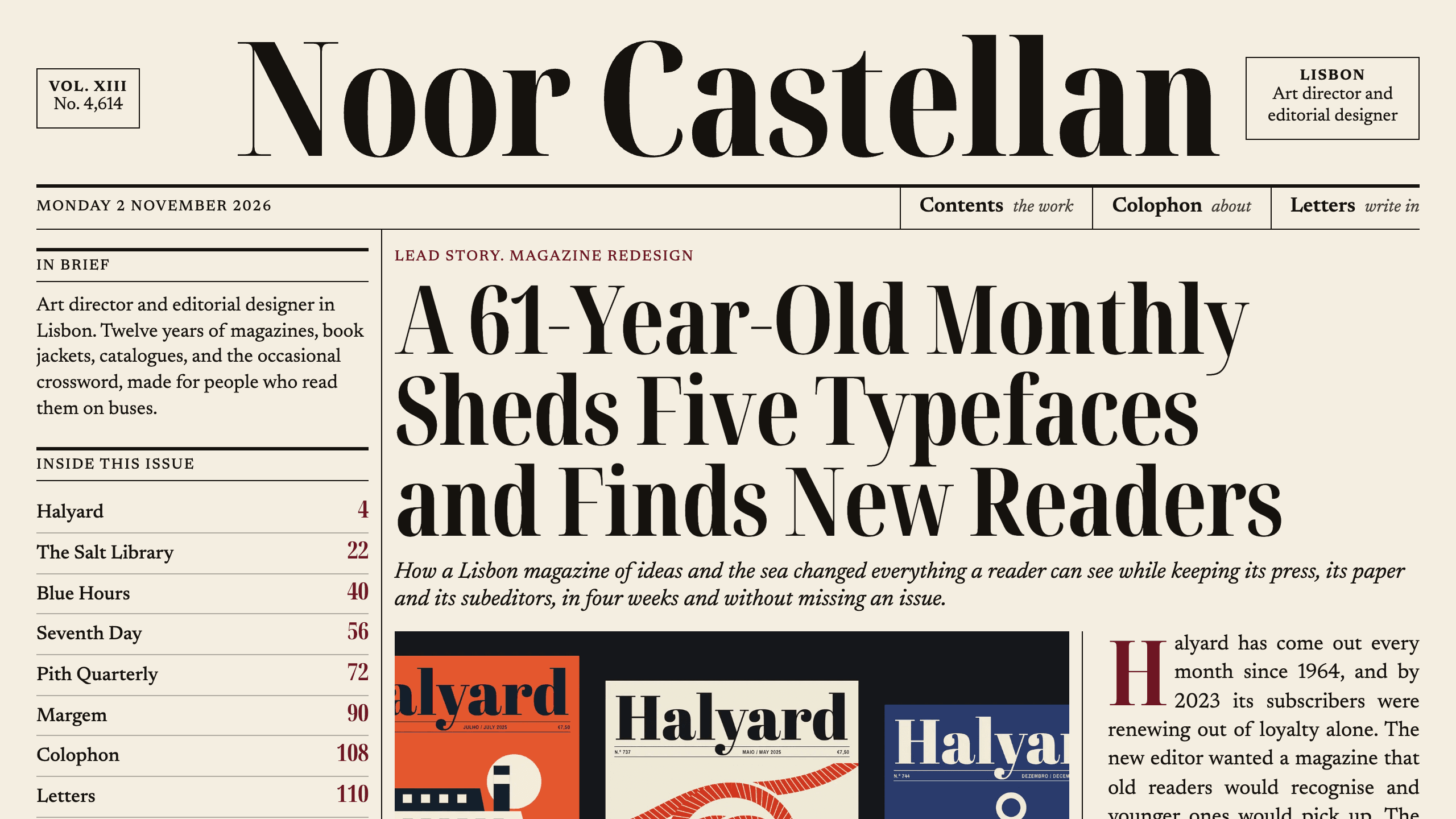
Broadsheet
DesignAn editorial designer portfolio set as a printed newspaper: a front page with a lead story, a Contents page with folios, long-form case studies with drop caps, and a contact page. No accounts. Ships with 6 fictional projects.
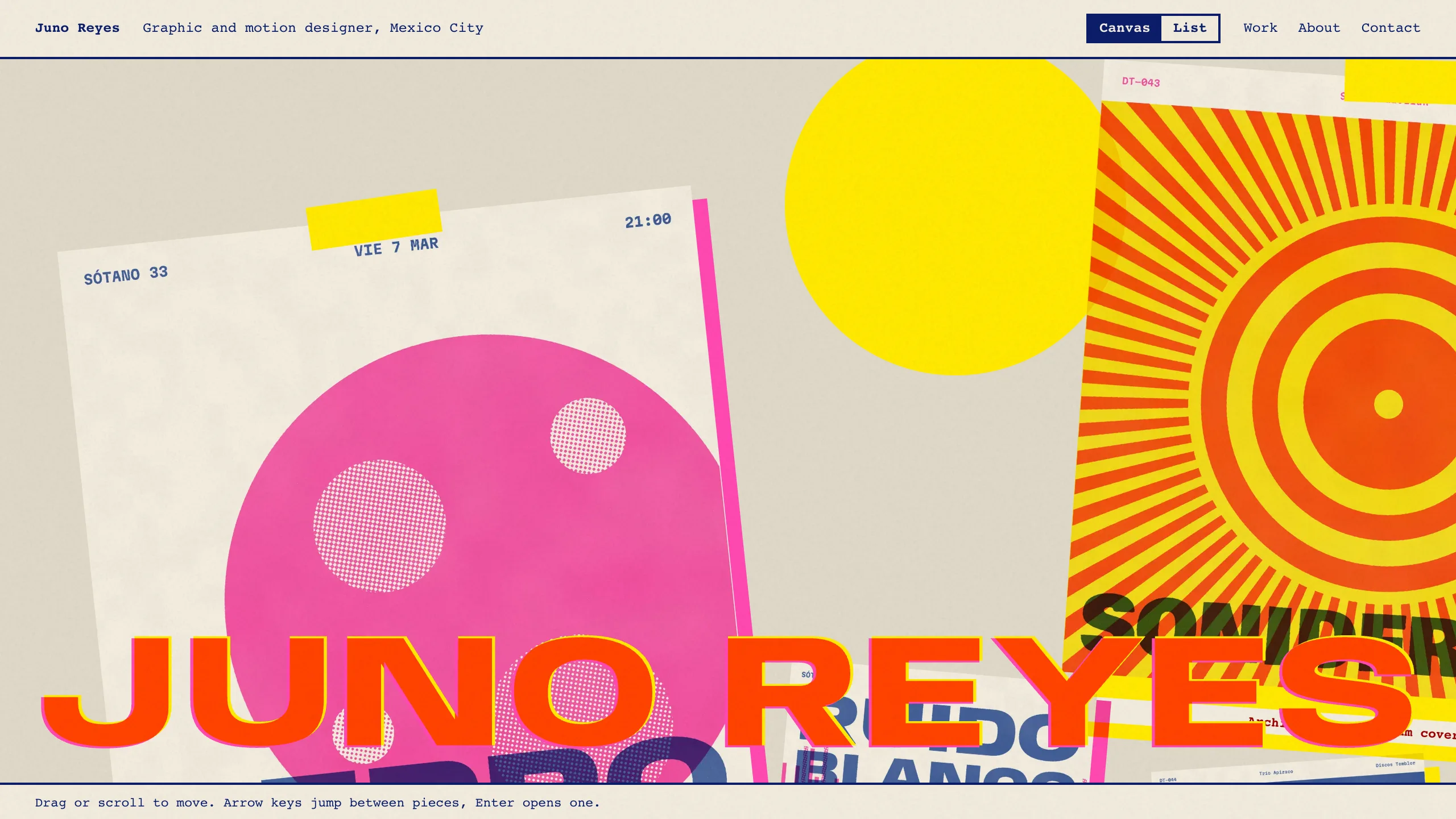
Overprint
DesignAn experimental designer portfolio inspired by risograph printing: a draggable canvas of pinned work, overlapping inks, huge type that reacts to the pointer, and a plain list view. No accounts. Ships with 6 fictional projects.