Gridwork Swiss-Style Designer Portfolio Template
A Swiss-style designer portfolio on a strict 12-column grid: an index table that reveals each cover, case studies, an About page with a CV, and a contact form. No accounts. Ships with 6 fictional projects.
Opens in Layerwise on your computer. New to Layerwise? Download the app first.
- Category
- Design
- Tags
- Portfolio, Designers, Swiss Style, Personal Website
- Updated
- Nov 7, 2026
- Requires
- Layerwise 0.10.7+
- Source
- layerwise-app/gridwork
Build your own version of Gridwork
A public portfolio for one designer, set in the International Typographic Style: twelve columns, one grotesque in two weights, and one signal red. The home page is an index of projects, and hovering or focusing a row shows its cover in a fixed column on the right. Case studies keep the client, year, role, and outcome in a sticky column and align every image to the grid, and pressing G shows the grid itself. Work can be filtered by discipline, and the About page lists services, clients, and experience with a CV download. The contact form saves each message to the database, has a honeypot and a rate limit, and emails you once you set your address. There are no accounts or admin screens: projects are files you change by asking the agent, and a script makes responsive images with blur placeholders. Includes 6 fictional projects with finished sample artwork. Built with Layerwise, React, and TanStack Start.
Use Gridwork for a brand or product designer who wants a precise, typographic portfolio. Open the live demo and hover the rows on the home page, then press G on any page to see the grid. Ines Keller and every client are fictional, so replace them before you publish.
What the template includes
- A home page index that shows each cover on hover or focus, a Work page filtered by discipline, and case studies with a sticky details column and full, paired, and gallery images, text, quotes, video, and metrics.
- An About page with services, clients, experience, and a CV download, plus a contact form with a honeypot and a rate limit that saves messages to the database.
- Six fictional projects with finished artwork, a script that makes 800, 1600, and 2880 px WebP images with blur placeholders, and a README that explains how to add a project.
The template opens as a local project you can change through the conversation or the code editor. You can inspect the source for this template version before choosing how to extend it.
Copy it and make one useful change
- Install Layerwise and sign in. Choose Use this template, select a team and project name in the app, then choose Copy to Layerwise. Wait for setup and the local preview to finish.
- Start in src/portfolio.config.ts, which holds your name, role, bio, social links, fonts, colors, and ownerEmail. Each project is one file in src/content/work, and About lives in src/content/about.ts. You can do all of this by asking the agent and attaching your images. New images should go through pnpm add-images, which writes the sizes and placeholders the pages expect.
- Ask for the change in the project conversation. This prompt is a starting point; adjust it to describe your intended result.
Starter prompt Replace the sample owner with me: Mara Lind, a product designer in Toronto. Remove the six sample projects and add one case study from the images I attached, using pnpm add-images, with the cover first. Keep the 12-column grid, the type scale, and the index table. Change the red to a deep blue that still meets 4.5:1 on the paper color, and check Home, Work, and the new case study at phone width.
Check the result before publishing
- On the home page at desktop width, hover a row and confirm its cover appears on the right, then press Tab to focus the next link and confirm the cover follows. Press G and the grid overlay should appear.
- On Work, choose a discipline and confirm the list narrows. Open a project and confirm the details column stays in view as you scroll, and images don’t move the page as they load.
- Send the form on Contact and confirm the message appears in the contact_messages table under Database in Local. Open /sign-in and it should return a 404.
New projects on paid plans start private, so turn off Private in the Publish menu before sharing your site. Local and published apps use separate databases, so messages sent to the preview won’t appear on the live site. Email only sends after the first publish and only once ownerEmail is set; until then, read messages under Database. Replace the fictional owner, clients, figures, and social links before you publish. Passwords for private case studies, a CMS, and a blog are not included.
Use the local preview controls to test the affected path. When it works, publish a release and repeat the check at the live URL. For saved records or accounts, read about the separate Local and Online databases.
Step-by-step guide
More templates for designers
See all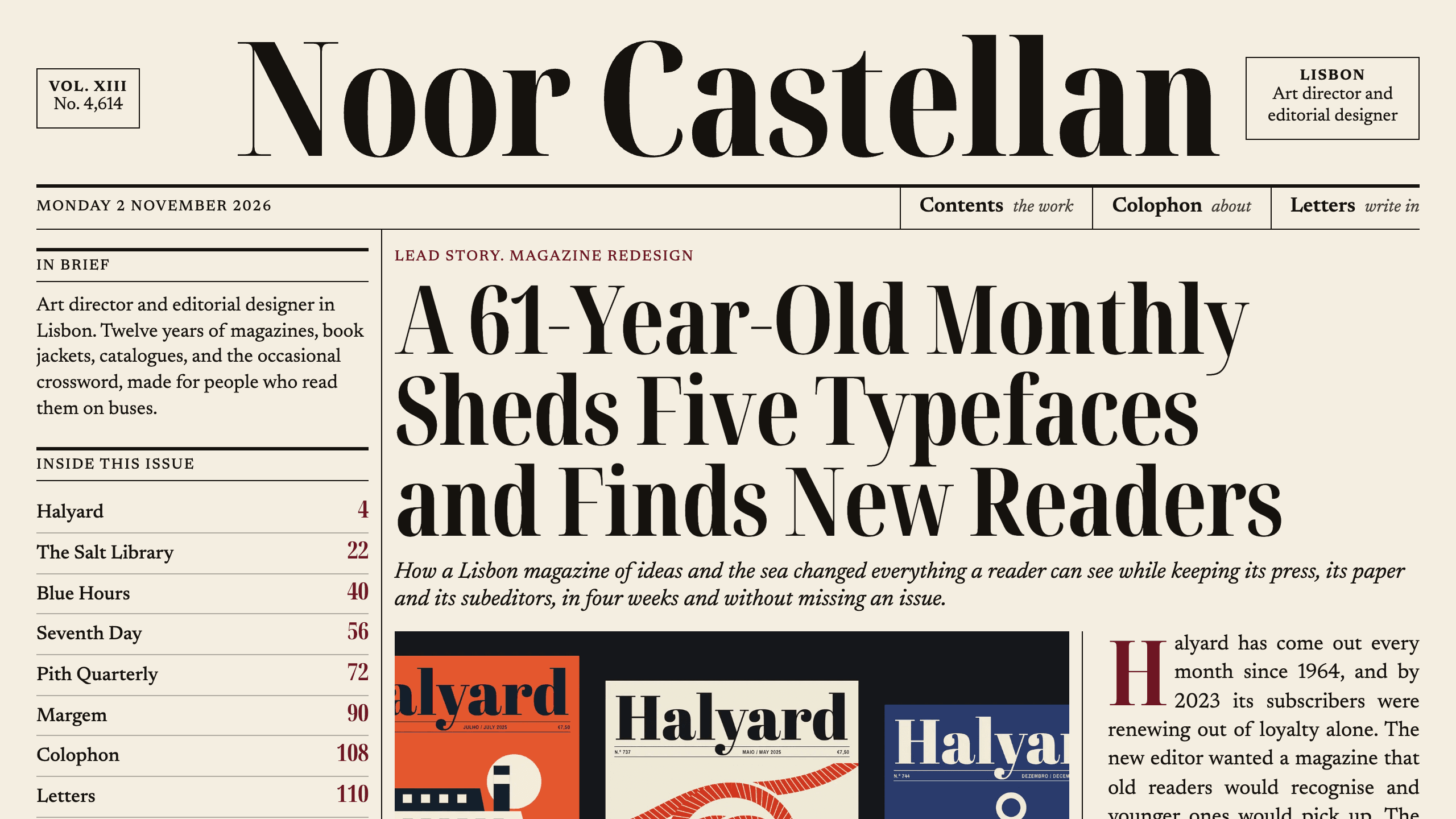
Broadsheet
DesignAn editorial designer portfolio set as a printed newspaper: a front page with a lead story, a Contents page with folios, long-form case studies with drop caps, and a contact page. No accounts. Ships with 6 fictional projects.
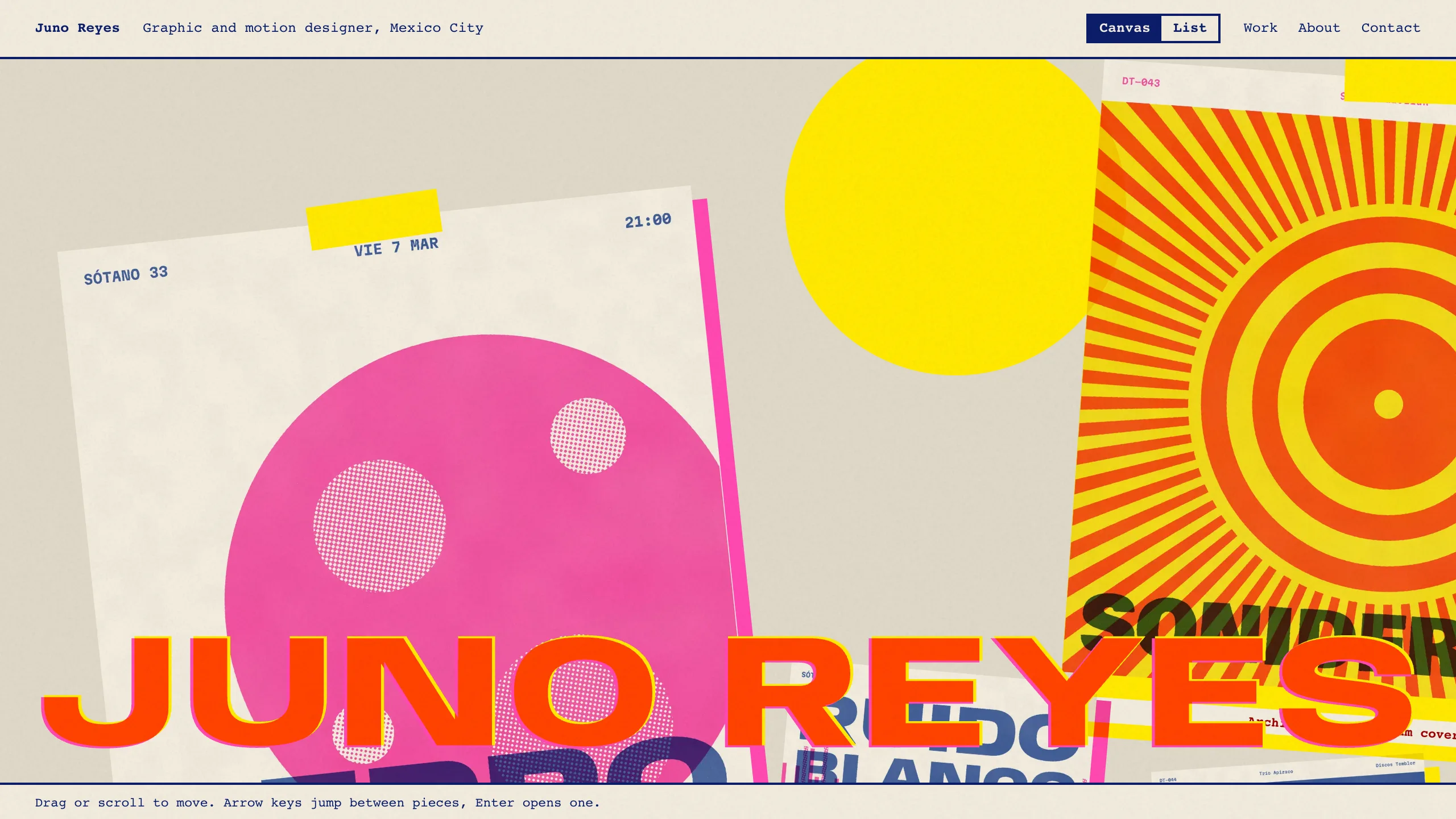
Overprint
DesignAn experimental designer portfolio inspired by risograph printing: a draggable canvas of pinned work, overlapping inks, huge type that reacts to the pointer, and a plain list view. No accounts. Ships with 6 fictional projects.
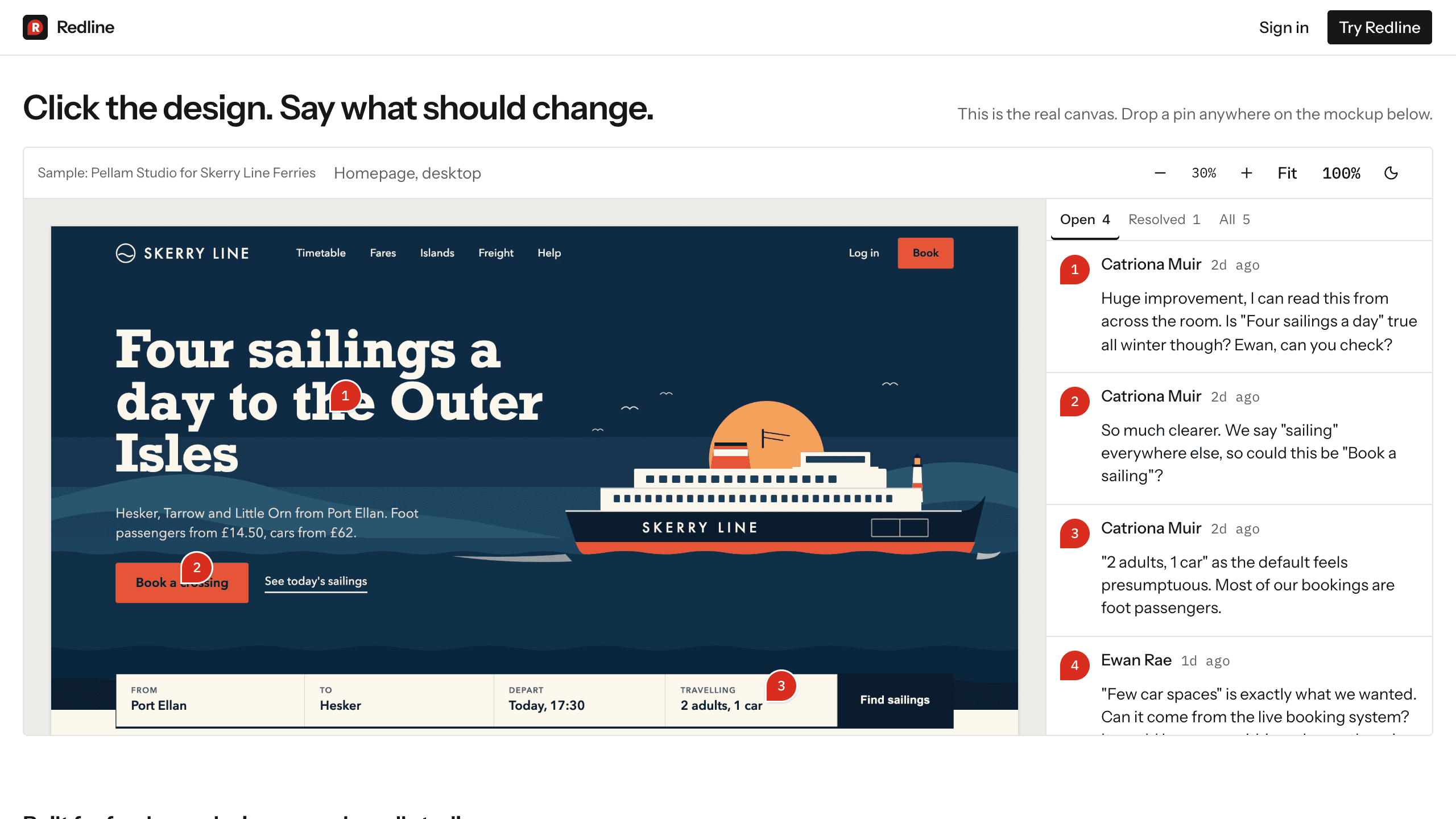
Redline
DesignA design review app: upload mockups or PDFs, send a link, and clients drop pins and approve a version with no account. Internal comments, version compare, an inbox, and email updates. Try it with sample data.