Nightshift Creative Agency Website Template
A dark, high-energy portfolio for a web and brand studio: a 3D logo that follows the pointer, a pinned rail of case studies, a pricing section, and a ⌘K panel that answers common questions. No accounts. Ships with 6 fictional projects.
Opens in Layerwise on your computer. New to Layerwise? Download the app first.
- Category
- Design
- Tags
- Portfolio, Creative Agency, 3D, Agency Website
- Updated
- Nov 7, 2026
- Requires
- Layerwise 0.10.7+
- Source
- layerwise-app/nightshift
Build your own version of Nightshift
A public portfolio for a small web and brand studio, in near-black with thin layout lines, a lime signal color, a bold rounded display face, and mono labels in square brackets. The home page opens on a 3D version of the studio’s logo that tilts toward the pointer, with readouts on the screen edges for scroll position, local time, and open slots this quarter. Scrolling pins a rail of case study cards, then a grid of client marks that light up under the pointer, and one full-white section lays out the pricing models. Press ⌘K to ask about pricing, process, or availability, and the panel answers from a written list of questions, with no AI model. On a mouse or trackpad, a precise cursor pulls toward buttons. Case studies show screens built as real React components, with live demos, image pairs, video, before and after sliders, and metrics. About covers services, the crew, and the studio’s history with a CV download, and Contact saves each message to the database and emails you once you set your address. Phones scroll normally, and with reduced motion or without WebGL the logo is a rendered still. There are no accounts or admin screens: projects, pricing, and answers are files you change by asking the agent. Includes 6 fictional projects. Built with Layerwise, React, Three.js, and TanStack Start.
Use Nightshift for a web or brand studio that wants its site to feel as bold as its work. In the live demo, move the pointer over the 3D logo, scroll through the pinned case rail, and press ⌘K to ask about pricing. Nightshift Studio and every client are fictional, so replace them before you publish.
What the template includes
- A home page with a 3D logo that tilts toward the pointer, edge readouts for scroll, local time, and open slots, a pinned rail of case study cards, a client grid, services, and a full-white pricing section.
- A ⌘K Ask the studio panel that answers from a written list of questions with no AI model, a magnetic cursor on mouse and trackpad, and case studies with live demos, image pairs, video, before and after sliders, and metrics.
- Work, an About page with the crew, history, and a CV download, a contact form with a honeypot and a rate limit, and six fictional projects whose screens are real React components.
The template opens as a local project you can change through the conversation or the code editor. You can inspect the source for this template version before choosing how to extend it.
Copy it and make one useful change
- Install Layerwise and sign in. Choose Use this template, select a team and project name in the app, then choose Copy to Layerwise. Wait for setup and the local preview to finish.
- Start in src/portfolio.config.ts for the studio name, address, availability, socials, fonts, colors, and ownerEmail. Availability drives the open slots readout, the hero, Contact, and the ⌘K answers. Services, pricing, crew, and clients each have a file in src/content, and the ⌘K questions live in src/content/ask.ts. Each project is one file in src/content/work. New images should go through pnpm add-images. You can do all of this by asking the agent.
- Ask for the change in the project conversation. This prompt is a starting point; adjust it to describe your intended result.
Starter prompt Replace Nightshift Studio with my studio: Low Tide, a crew of three in Glasgow. Change the 3D logo to an L and run pnpm render-scenes --logo to update its still. Change the lime to #FF5A36, cut pricing down to the two models in my notes below, and rewrite the ⌘K answers to match. Remove the sample projects and add one from the images I attached, using pnpm add-images. Check Home and the new case study at phone width.
Check the result before publishing
- On the home page at desktop width, move the pointer and the logo should tilt toward it. Scroll and the case rail should pin and move sideways, then release into the client grid and pricing.
- Press ⌘K, or Ctrl+K on Windows, and ask how much a website costs. The panel should answer from src/content/ask.ts. With reduced motion turned on in your system settings, reload and the logo should stay still.
- On a phone-width window, the page should scroll normally with no custom cursor. Send the form on Contact and confirm the message appears in the contact_messages table under Database in Local.
New projects on paid plans start private, so turn off Private in the Publish menu before sharing your site. Local and published apps use separate databases, so messages sent to the preview won’t appear on the live site. Email only sends after the first publish and only once ownerEmail is set; until then, read messages under Database. Replace the fictional studio, clients, prices, and social links before you publish. Payments, a CMS, and an AI model behind the ⌘K panel are not included.
Use the local preview controls to test the affected path. When it works, publish a release and repeat the check at the live URL. For saved records or accounts, read about the separate Local and Online databases.
Step-by-step guide
More templates for designers
See all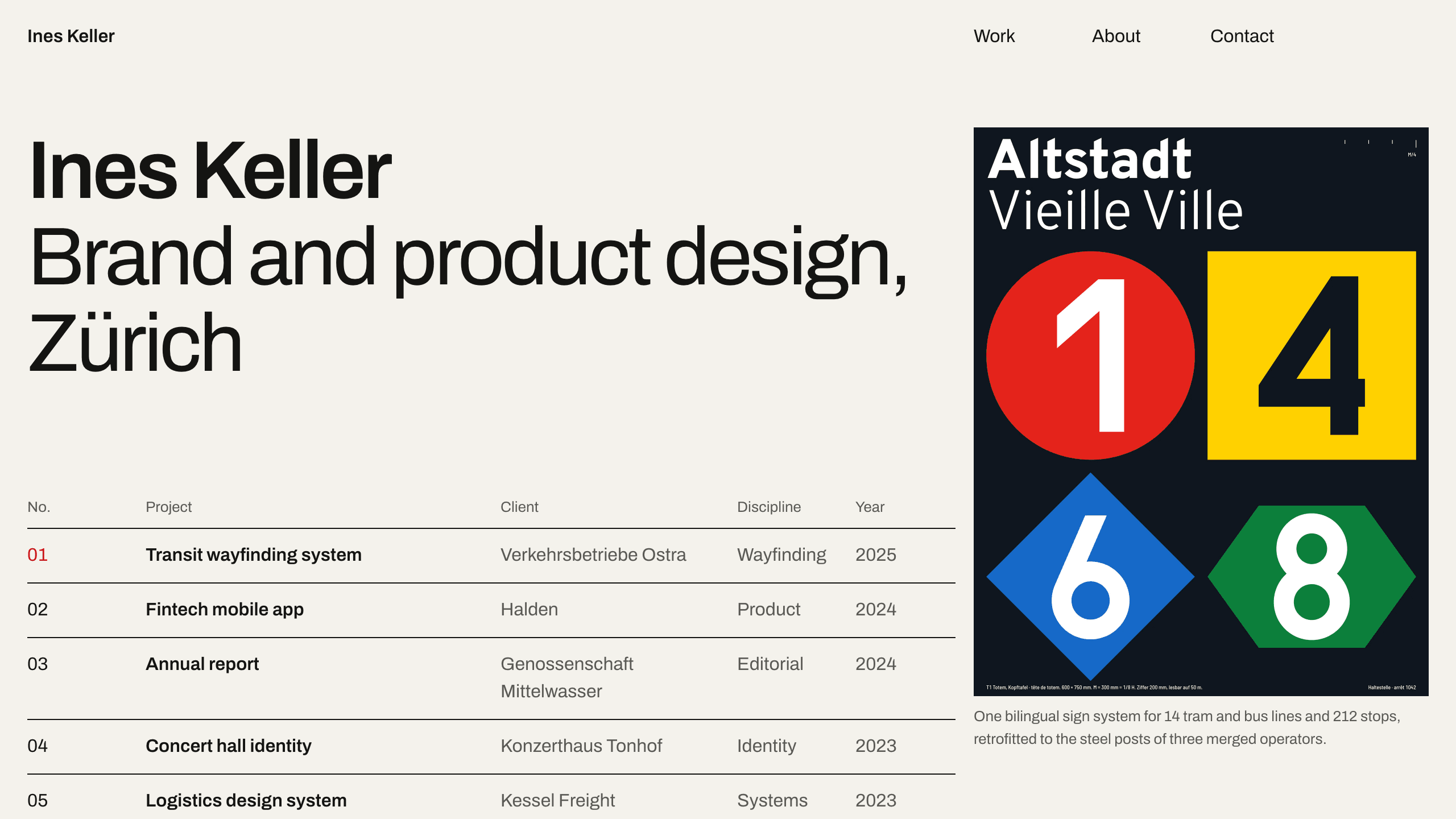
Gridwork
DesignA Swiss-style designer portfolio on a strict 12-column grid: an index table that reveals each cover, case studies, an About page with a CV, and a contact form. No accounts. Ships with 6 fictional projects.
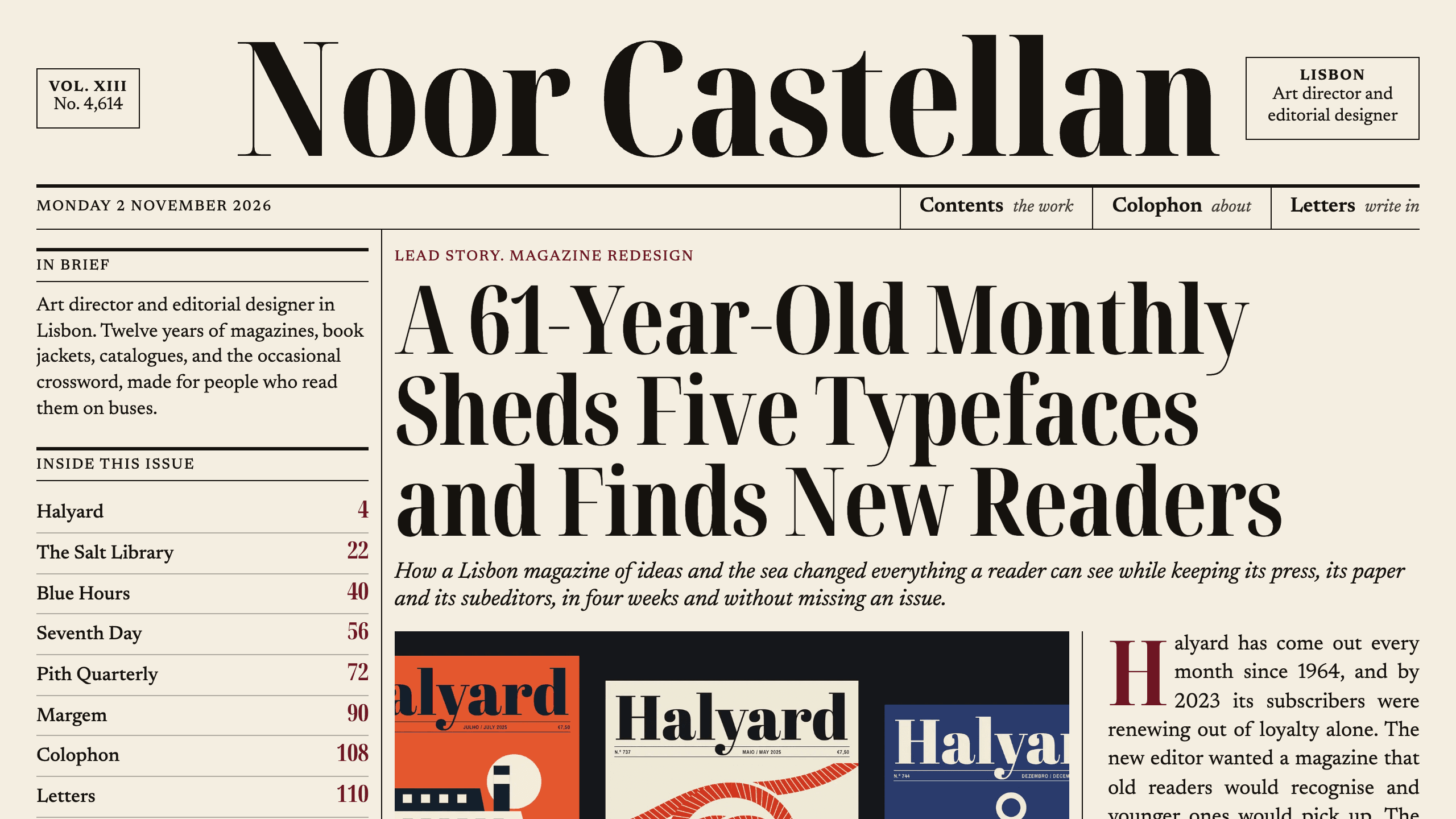
Broadsheet
DesignAn editorial designer portfolio set as a printed newspaper: a front page with a lead story, a Contents page with folios, long-form case studies with drop caps, and a contact page. No accounts. Ships with 6 fictional projects.
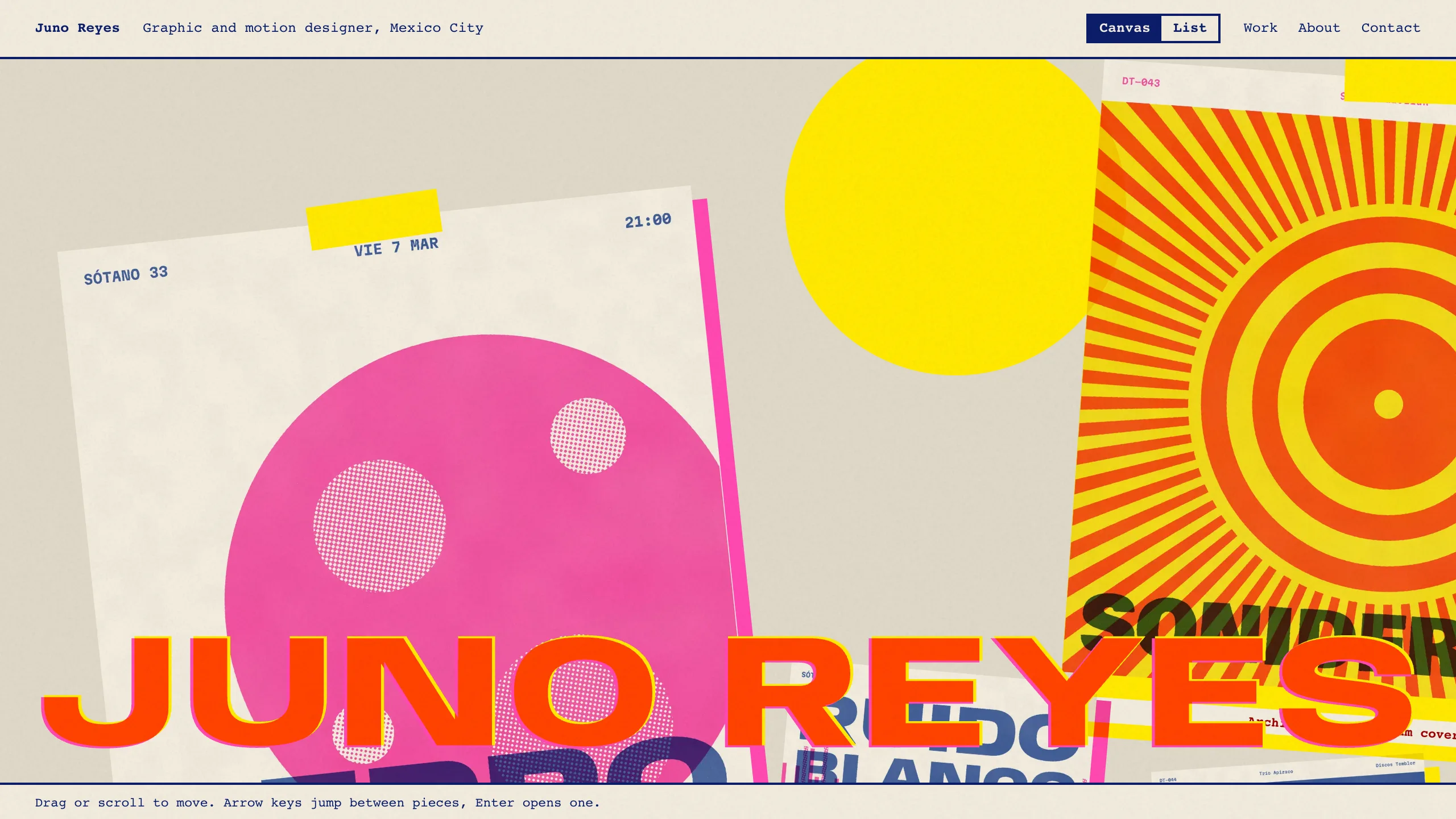
Overprint
DesignAn experimental designer portfolio inspired by risograph printing: a draggable canvas of pinned work, overlapping inks, huge type that reacts to the pointer, and a plain list view. No accounts. Ships with 6 fictional projects.