Murmur AI Voice App Landing Page Template
A landing page for an AI text-to-speech app: a WebGL orb that moves with real voice samples, four voices that read an essay with live captions, and a working phone player. No accounts. Ships with 4 voices and 4 fictional sample items.
Opens in Layerwise on your computer. New to Layerwise? Download the app first.
- Category
- Landing Pages
- Tags
- Landing Page, AI Voice, Mobile App, Waitlist
- Updated
- Nov 7, 2026
- Requires
- Layerwise 0.10.7+
- Source
- layerwise-app/murmur
Build your own version of Murmur
A landing page for a consumer AI app that reads saved articles, newsletters, PDFs, and email aloud, with a soft, warm look: cream and sand, a light serif, big rounded panels, and a glowing orb in apricot, rose, and sage. The orb is a WebGL shader sphere that breathes at rest and moves with the audio through the Web Audio API: loudness swells it, and three frequency bands ripple its surface. Reduced motion and browsers without WebGL get a rendered still. Four voice cards play Ada, Rowan, Mei, or Theo reading the opening of the same essay for 12 to 15 seconds; the orb takes that voice’s colors and texture, and the text highlights sentence by sentence. One sound plays at a time, and nothing plays until the visitor presses play. The samples are real speech made with Kokoro-82M, an open model under Apache 2.0. An iPhone player drawn in code has a draggable scrubber, speeds from 0.75× to 2×, a sleep timer, Read along, and a queue of four items, and A day with Murmur plays each one at its own speed. Talk to the orb listens to the visitor’s microphone for up to 30 seconds; the sound moves the orb, stays in the browser, and is never recorded or sent. A Voices page plays a longer sample of each voice, and the 404 page has a quiet orb. The waitlist form saves each sign-up to the database, has a honeypot and a rate limit, says when an email is already on the list, and emails you once you set your address, never the visitor. There are no accounts or admin screens: voices, sample items, and captions are files you change by asking the agent. Lowtide Audio and the sample writers are fictional. Built with Layerwise, React, WebGL, and TanStack Start.
Use Murmur for a consumer AI app, a voice or audio product, or any mobile app that should feel calm and personal. In the live demo, play each voice and watch the orb change color while the essay lights up, then choose a moment in A day with Murmur and change the player’s speed. Lowtide Audio, its team, and the writers of the sample items are fictional, so replace them before you publish.
What the template includes
- A WebGL orb that breathes at rest and swells and ripples with each voice through the Web Audio API, four voice cards that read the opening of one essay with sentence-by-sentence captions, and Talk to the orb, which follows the visitor’s microphone for up to 30 seconds.
- An iPhone player drawn in code with a draggable scrubber, 10 second skips, speeds from 0.75× to 2×, a sleep timer, Read along, and a queue of four sample items, plus A day with Murmur and four drawn Save from anywhere screens.
- Eight voice samples rendered with Kokoro-82M (Apache 2.0) with their caption timings, a Voices page, a FAQ, Privacy, Terms, a 404 page with a quiet orb, and a waitlist form with a honeypot and a rate limit that saves sign-ups to the database.
The template opens as a local project you can change through the conversation or the code editor. You can inspect the source for this template version before choosing how to extend it.
Copy it and make one useful change
- Install Layerwise and sign in. Choose Use this template, select a team and project name in the app, then choose Copy to Layerwise. Wait for setup and the local preview to finish.
- Start in src/site.config.ts for the company and product names, tagline, navigation, button labels, colors, fonts, contact email, social links, and ownerEmail; the contact email and social links stay hidden until you fill them in. Every home section is in src/content/home.ts, and the Voices, Privacy, and Terms copy is in src/content/pages.ts. Each voice’s name, character, signature color, orb palette, and texture are in src/content/voices.ts, the sample items and their sentences are in src/content/listening.ts, and the questions are in src/content/faq.ts. After changing a sentence that is read aloud, run pnpm voices to render the audio and caption timings again (it needs kokoro-js and ffmpeg; see the README), and run pnpm art after changing orb colors. To show your real app, run pnpm add-images and set listen.screen or a save screen in home.ts. You can do all of this by asking the agent.
- Ask for the change in the project conversation. This prompt is a starting point; adjust it to describe your intended result.
Starter prompt Make this page mine: my app is Hearth, from a three-person studio in Portland, and it reads saved recipes and cooking newsletters aloud while you cook. Rename the company and product, rewrite the hero, the day list, the queue, and the FAQ for Hearth, and keep the four voice samples as they are for now. Make the orb’s resting colors more honey and less rose, and check Home and the Voices page at phone width.
Check the result before publishing
- On the home page, press play on Rowan. The orb should shift to Rowan’s rose colors and swell with the voice while the opening of The shade we inherit highlights one sentence at a time. Press Mei while Rowan is playing, and Rowan should stop as Mei starts.
- Under Listen anywhere, choose 7:40 On the train; the player should start Three things before your coffee goes cold at 1.25×, and pressing the speed button until it reads 2× should speed up the voice. With reduced motion turned on in your system settings, reload, and the orb should show a still image that takes each voice’s colors when you play it.
- Send the waitlist form and confirm the sign-up appears in the waitlist_signups table under Database in Local. Send the same email again, and it should say You’re already on the list. Open /sign-in, and it should return a 404 that reads This page is quiet.
New projects on paid plans start private, so turn off Private in the Publish menu before sharing your site. Local and published apps use separate databases, so sign-ups sent to the preview won’t appear on the live site. Email only sends after the first publish and only once ownerEmail is set; until then, read sign-ups under Database. Replace the fictional company, launch date, plans, and the Privacy and Terms copy before you publish, and add a contact email and social links in src/site.config.ts so they appear in the footer. The site never emails people on the waitlist, so send invitations yourself. The app itself, live text-to-speech, payments, and accounts are not included.
Use the local preview controls to test the affected path. When it works, publish a release and repeat the check at the live URL. For saved records or accounts, read about the separate Local and Online databases.
More landing page templates
See all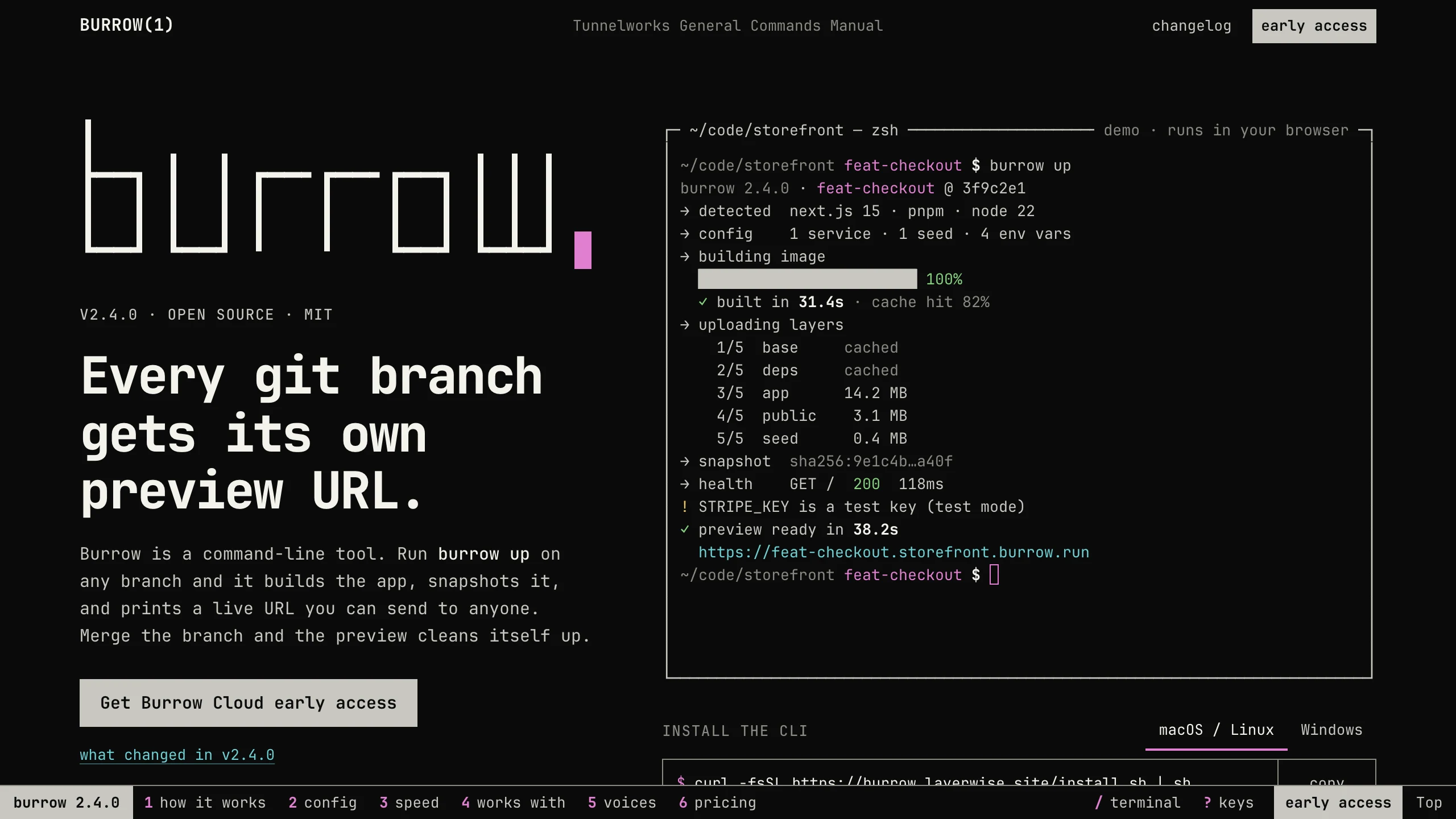
Burrow
Landing PagesA man-page style landing page for a developer CLI: a live terminal types its demo, then runs your commands, with install tabs, a box-drawn pipeline, and an ASCII benchmark. No accounts. Ships with 7 fictional releases.
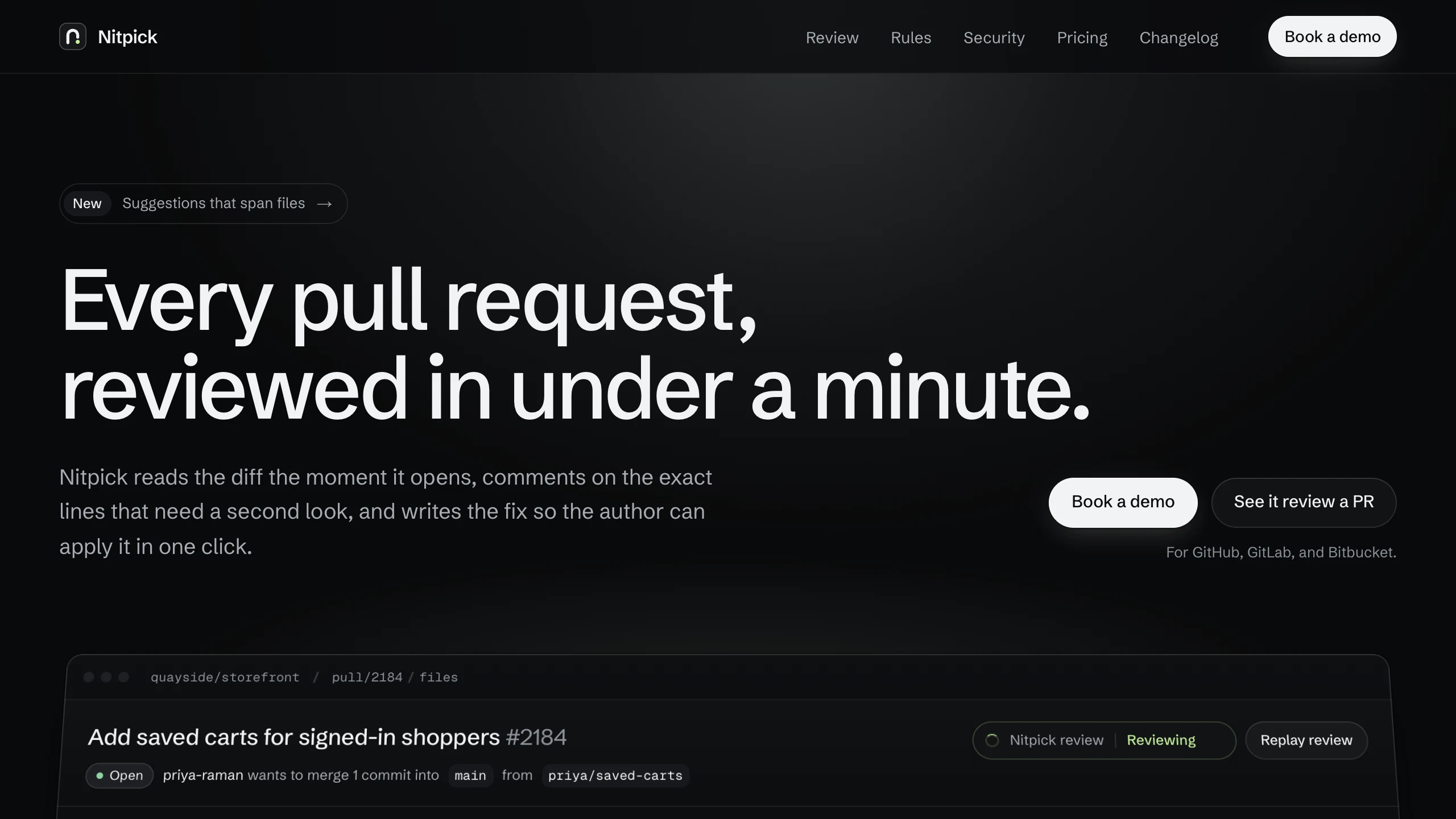
Nitpick
Landing PagesA dark landing page for an AI code review SaaS: a pull request reviewed live in the hero with one-click fixes, six rule switches that re-annotate a diff, and a merge timeline. No accounts. Ships with 6 fictional changelog entries.
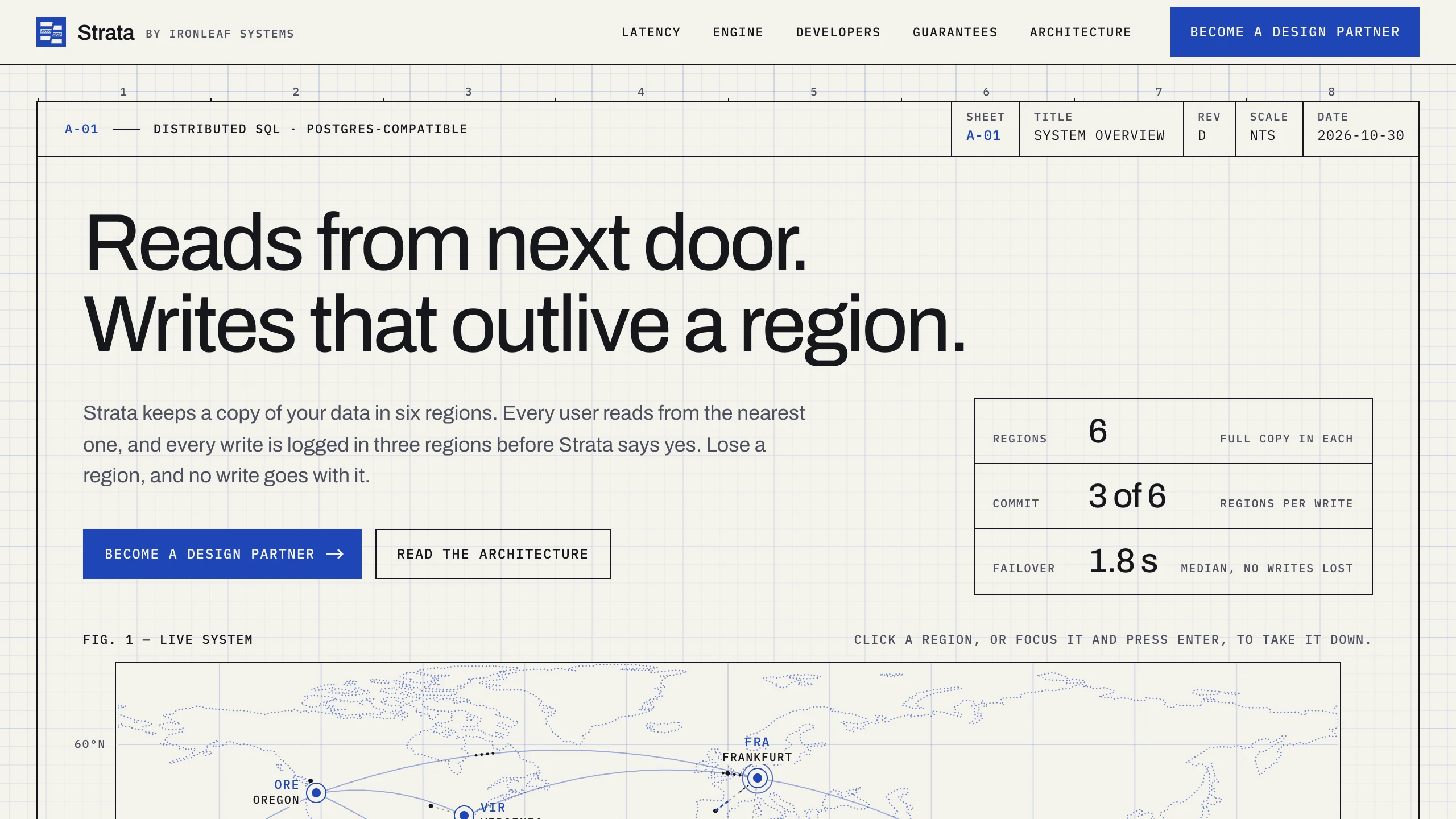
Strata
Landing PagesA blueprint-style landing page for a distributed database: take regions down on a live system map, pick a city to see its latency, and watch the engine come apart in layers. No accounts. Ships with fictional latency data for 12 cities.