Meridian AI Research Lab Website Template
An AI research lab website set like a quarterly journal: a drifting contour figure, a model card with a sortable evaluation table, a filterable research index, and posts with sidenotes. No accounts. Ships with 6 fictional papers.
Opens in Layerwise on your computer. New to Layerwise? Download the app first.
- Category
- Landing Pages
- Tags
- Landing Page, AI Research, Model Card, Editorial
- Updated
- Nov 7, 2026
- Requires
- Layerwise 0.10.7+
- Source
- layerwise-app/meridian
Build your own version of Meridian
A public website for an AI research lab, set like a quarterly journal: warm paper, near-black ink, one oxblood accent, a literary serif for display and text, a mono for data, wide margins, numbered sections, and almost no imagery. Home opens with the lab’s statement set large beside a canvas figure of fine contour lines that drift slowly and lean away from the pointer. It pauses off screen and holds a still under reduced motion, and each post gets its own variation of the figure, seeded by its slug, which also becomes its share image. The Meridian 3 section and its model card page show the evaluation table as real HTML: sort by any column, watch the inline bars draw once, and read a footnote on every benchmark that explains what it measures and its known weaknesses. The model card also lists context length, modalities, training cutoff, intended uses, and limitations. The research index is a dense table of date, title, authors, and topic, with topic filters and a text filter that live in the URL. Posts have a table of contents that tracks your place, a reading time, sidenotes that become numbered footnotes on phones, numbered SVG figures, and citations that open the full reference in a popover. A Careers page lists five roles and how to apply by email. The Request research access form asks for a name, email, organization, and intended use, with a live count up to 500 characters. It has a honeypot and a limit of 5 requests per visitor an hour, keeps one request per email, emails each new request to you once you set ownerEmail, and never emails the visitor. There are no accounts or admin screens: posts, the model card, and roles are files you change by asking the agent. Includes 6 research posts, four written in full. The lab, its people, models, benchmarks, and citations are fictional. Built with Layerwise, React, Canvas, and TanStack Start.
Use Meridian for an AI lab, research group, or institute that publishes papers and releases models, and wants its site to read like a journal. In the live demo, move the pointer across the contour figure, sort the evaluation table on Meridian 3, and filter the research index by topic. Meridian, its researchers, its models, benchmarks, and cited papers are fictional, so replace them before you publish.
What the template includes
- A home page with the lab’s statement beside a drifting contour figure, the Meridian 3 summary with the top four evaluation rows, the three newest posts, four principles with sidenotes, open roles, and a Request research access form with a live character count.
- A Meridian 3 model card with context length, modalities, training cutoff, intended uses, limitations, and a sortable table of 8 benchmarks against Meridian 2 and two frontier baselines, each with a footnote on what it measures and where it falls short.
- A research index with topic and text filters kept in the URL, six fictional posts with tables of contents, reading times, sidenotes, numbered SVG figures, and citation popovers, four of them written in full, plus a Careers page with five roles.
The template opens as a local project you can change through the conversation or the code editor. You can inspect the source for this template version before choosing how to extend it.
Copy it and make one useful change
- Install Layerwise and sign in. Choose Use this template, select a team and project name in the app, then choose Copy to Layerwise. Wait for setup and the local preview to finish.
- Start in src/site.config.ts for the lab’s name, tagline, navigation, button labels, social links, colors, fonts, and ownerEmail. Home page copy is in src/content/home.ts, the model card and evaluation table are in src/content/model-card.ts, and roles are in src/content/careers.ts. Each post is one file in src/content/research with its body in Markdown, where [^id] places a sidenote, [@key] cites a reference, and ::figure[id] places a figure; a post without a body shows Full paper coming soon. Run pnpm share-images after adding a post or changing a title. You can do all of this by asking the agent.
- Ask for the change in the project conversation. This prompt is a starting point; adjust it to describe your intended result.
Starter prompt Make this site ours: we’re Halden, a 25-person interpretability lab in Oslo, and our new model is Halden 1. Replace the evaluation table with the five benchmarks in the attached notes, keeping a footnote on each, and compare against two unnamed baselines. Remove the six sample posts and add our two papers from the attached text, with their sidenotes and citations. Keep the contour figure, the oxblood accent, and the margin notes. Check Home, the model card, and one post at phone width.
Check the result before publishing
- On Meridian 3, choose the Meridian 3 column heading in the evaluation table; Steadfast should move to the top at 88.1 and Proofline to the bottom. Choose it again to reverse the order, then select a benchmark’s footnote number and confirm it jumps to that note.
- On Research, choose Interpretability: the table should narrow to two posts, the address should end in ?topic=interpretability, and a reload should keep the filter. Open Measuring honesty under pressure on a phone-width window, and its margin notes should appear as numbered footnotes after their paragraphs.
- Send the Request research access form and confirm the request appears in the access_requests table under Database in Local; sending the same email again should say You’re already on the list. Open /sign-in and it should return a 404.
New projects on paid plans start private, so turn off Private in the Publish menu before sharing your site. Local and published apps use separate databases, so requests sent to the preview won’t appear on the live site. Email only sends after the first publish and only once ownerEmail is set; until then, read requests under Database. Replace the fictional lab, researchers, results, benchmarks, and citations, and the example.com addresses on Careers and in the footer, before you publish. Model access, an application tracker, and a CMS are not included.
Use the local preview controls to test the affected path. When it works, publish a release and repeat the check at the live URL. For saved records or accounts, read about the separate Local and Online databases.
More landing page templates
See all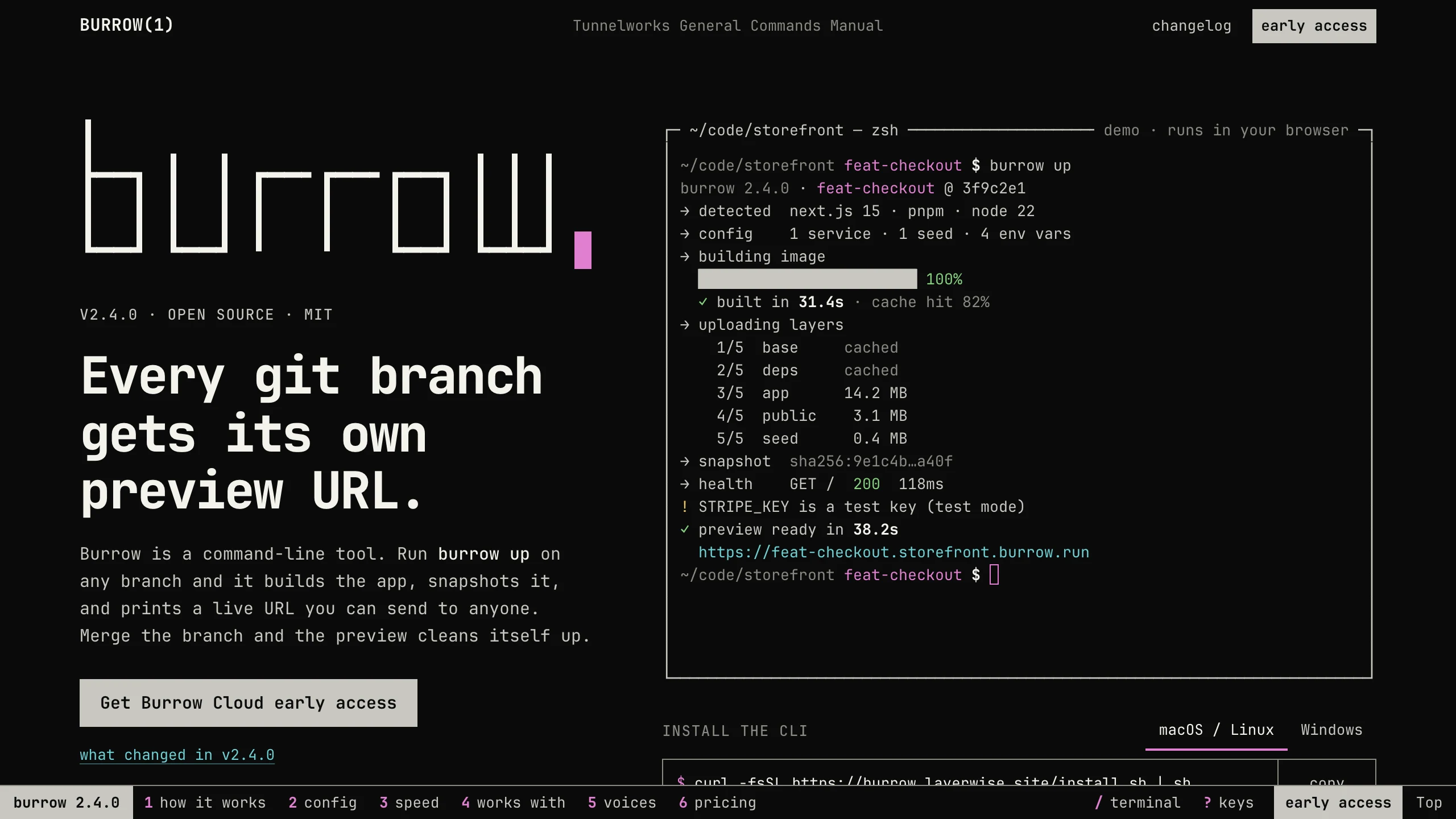
Burrow
Landing PagesA man-page style landing page for a developer CLI: a live terminal types its demo, then runs your commands, with install tabs, a box-drawn pipeline, and an ASCII benchmark. No accounts. Ships with 7 fictional releases.
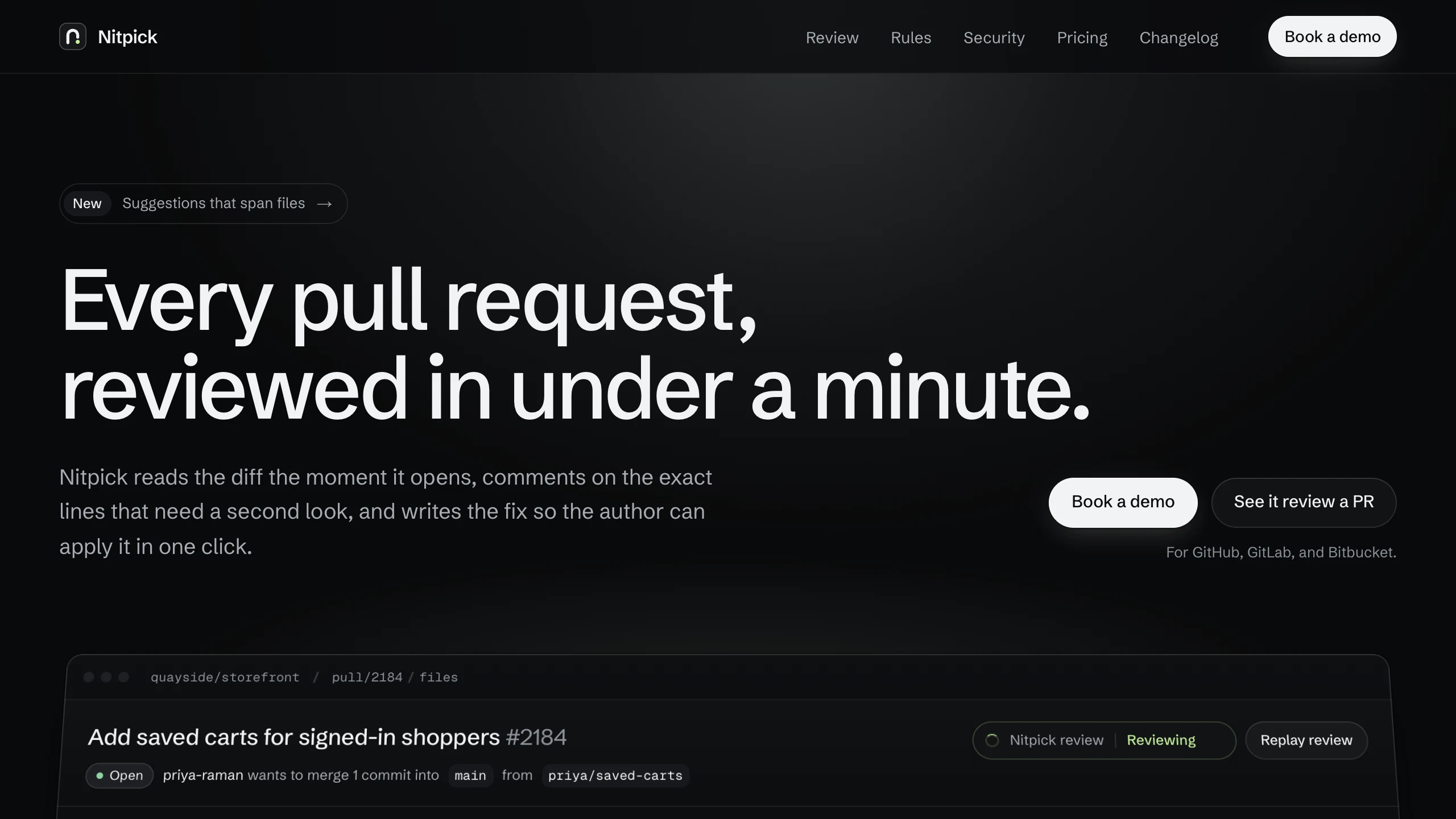
Nitpick
Landing PagesA dark landing page for an AI code review SaaS: a pull request reviewed live in the hero with one-click fixes, six rule switches that re-annotate a diff, and a merge timeline. No accounts. Ships with 6 fictional changelog entries.
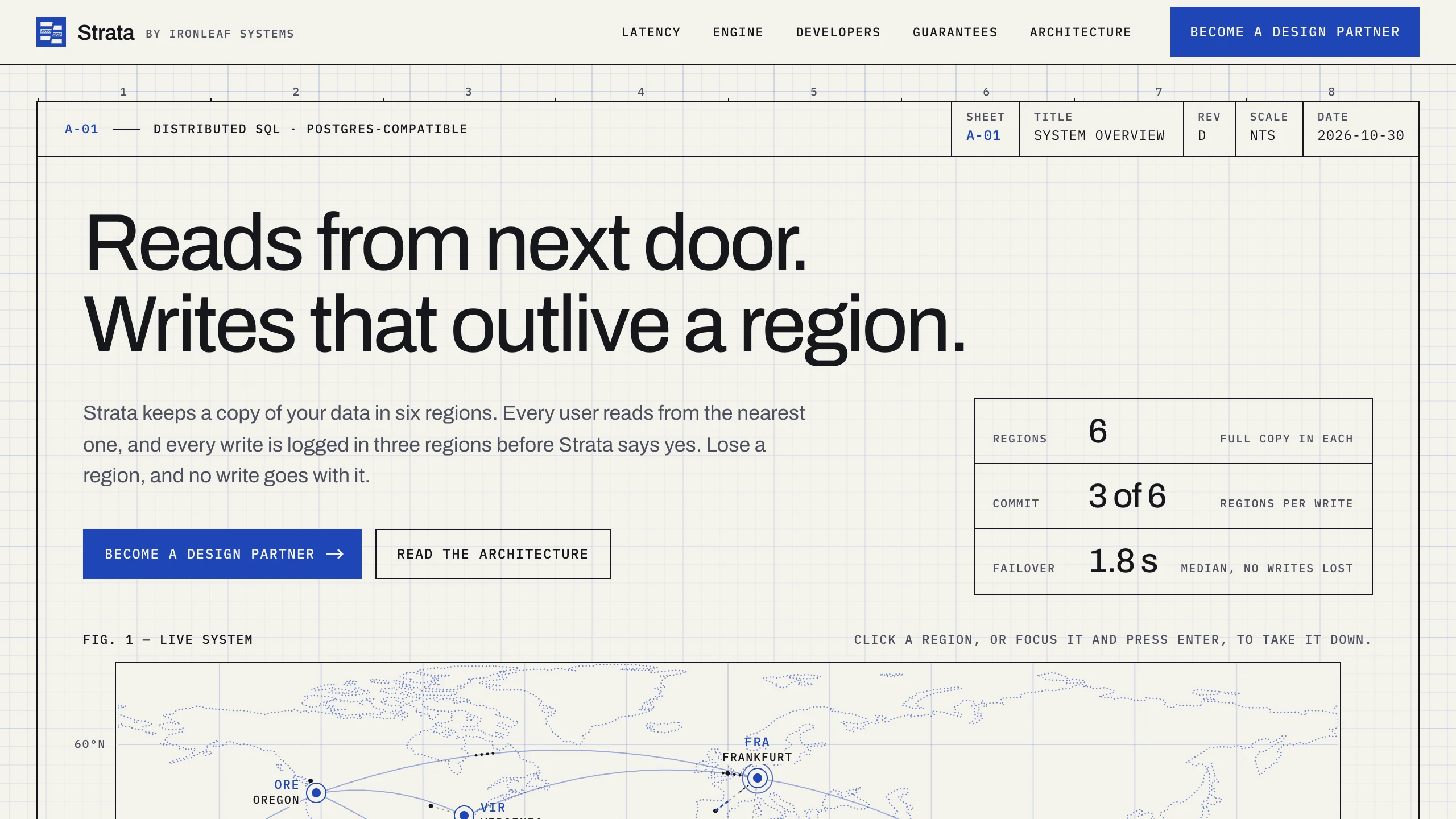
Strata
Landing PagesA blueprint-style landing page for a distributed database: take regions down on a live system map, pick a city to see its latency, and watch the engine come apart in layers. No accounts. Ships with fictional latency data for 12 cities.