Ledgerline Fintech API Landing Page Template
A fintech API landing page: a payout demo that streams JSON beside a balanced double-entry ledger, a money-flow diagram, a 40-country coverage map, and a Talk to sales form. No accounts. Ships with 3 fictional case studies.
Opens in Layerwise on your computer. New to Layerwise? Download the app first.
- Category
- Landing Pages
- Tags
- Landing Page, Fintech, API, Developer Tools
- Updated
- Nov 7, 2026
- Requires
- Layerwise 0.10.7+
- Source
- layerwise-app/ledgerline
Build your own version of Ledgerline
A public landing page for a payments or banking API, styled like a private bank that writes excellent documentation: warm off-white, deep green with mint and brass accents, a serif for headlines, and tabular figures for every number. The hero headline sits on a slow WebGL color field in the brand greens that shifts gently with the pointer, beside a ticker of sample payouts that adds one every few seconds while it is on screen. The API demo shows the same POST /v1/payouts request in curl, Node, Python, and Go. Run request streams the JSON response line by line while a drawn ledger posts the payout, the fee, and the settlement, each a debit and an equal credit, highlighting them in order as balances count to their new values. Change the amount, up to $50,000, and the code, the response, and the ledger all use it. The money flow diagram moves amounts from customers to the platform, to seller balances, and out to bank accounts when it comes into view. A dotted world map fills in 40 countries; hover or focus one, or search the list, to see its currency, rails, and fastest settlement. The page continues with compliance points and fine print that marks the company as fictional, three metrics, and developer features with two-line code samples, and a Customers page holds three case studies. The Talk to sales form asks for a work email, company, monthly payout volume, and use case, and turns away common free email providers. It has a honeypot and a limit of 5 requests per visitor an hour, keeps one request per email, emails each new request to you once you set ownerEmail, and never emails the visitor. There are no accounts or admin screens: the copy, the API demo, the countries, and the case studies are files you change by asking the agent. Ledgerline, its customers, and its figures are fictional. Built with Layerwise, React, WebGL, and TanStack Start.
Use Ledgerline for a payments, banking, or other financial API whose buyers are product and engineering leads at software companies. In the live demo, change the payout amount and choose Run request to watch the response stream and the ledger post, then search the coverage list for a country. Ledgerline, Gigwell, and every customer, person, figure, and compliance claim are fictional, so replace them before you publish.
What the template includes
- A hero on a WebGL color field with a ticker of sample payouts, six fictional customer wordmarks, and an API demo with curl, Node, Python, and Go tabs, a streamed JSON response, and a double-entry ledger whose debits and credits balance for any amount.
- A money flow diagram that moves amounts from checkout to bank accounts, a dotted world map of 40 countries with a searchable list, and sections for compliance, numbers, and developers with short code samples.
- A Customers page with three case studies, each with the problem, how the customer uses the API, three numbers, a quote, and a drawn table, plus a Talk to sales form that refuses free email addresses and saves each request to the database.
The template opens as a local project you can change through the conversation or the code editor. You can inspect the source for this template version before choosing how to extend it.
Copy it and make one useful change
- Install Layerwise and sign in. Choose Use this template, select a team and project name in the app, then choose Copy to Layerwise. Wait for setup and the local preview to finish.
- Start in src/site.config.ts for the company and product name, tagline, navigation, button labels, footer, colors, fonts, and ownerEmail. Home page copy is in src/content/home.ts in page order. The API demo’s code tabs, amount limits, accounts, opening balances, and postings live in src/content/api-demo.ts; src/lib/ledger.ts builds the table, the totals, and the JSON from them, and pnpm test checks that every posting balances. Countries and rails are in src/content/coverage.ts, and each case study is one file in src/content/customers. Colors are also set in src/styles/app.css, and pnpm share-images redraws the link previews. You can do all of this by asking the agent.
- Ask for the change in the project conversation. This prompt is a starting point; adjust it to describe your intended result.
Starter prompt Make this ours: we’re Tallyway, a payouts API for creator platforms, based in Toronto. Change the API demo to a CAD payout from Northbeam Studio to a creator named Lena Park on Interac, with a $0.30 fee, and keep every posting balanced. Limit coverage to Canada, the United States, and the United Kingdom. Replace the three case studies with one about Northbeam, and check the API demo at phone width before and after Run request.
Check the result before publishing
- In the API demo, change Payout amount to 4800 and choose Run request. The JSON should stream line by line while Payout, Fee, and Settlement light up in order, and the Total row should read $9,600.25 under both Debit and Credit, marked Balanced. Enter 60000 and press Tab; it should say Sandbox payouts go up to $50,000.00.
- In Coverage, type Brazil in Search countries and choose it; the card should show BRL, PIX and SWIFT, and 0.9 s, around the clock. With reduced motion turned on in your system settings, reload, and the hero color field should stay still while the money flow diagram shows its final amounts.
- In Talk to sales, enter a gmail.com address and confirm it asks for a work email. Send the form with a company address, and the request should appear in the sales_inquiries table under Database in Local; send the same email again and it should say You’re already on the list. Open /sign-in and it should return a 404.
New projects on paid plans start private, so turn off Private in the Publish menu before sharing your site. Local and published apps use separate databases, so requests sent to the preview won’t appear on the live site. Email only sends after the first publish and only once ownerEmail is set; until then, read requests under Database. Replace the fictional company, customers, figures, compliance claims, and fine print before you publish. The API demo runs in the browser with sample data, and a working API, documentation, a dashboard, and pricing are not included.
Use the local preview controls to test the affected path. When it works, publish a release and repeat the check at the live URL. For saved records or accounts, read about the separate Local and Online databases.
More landing page templates
See all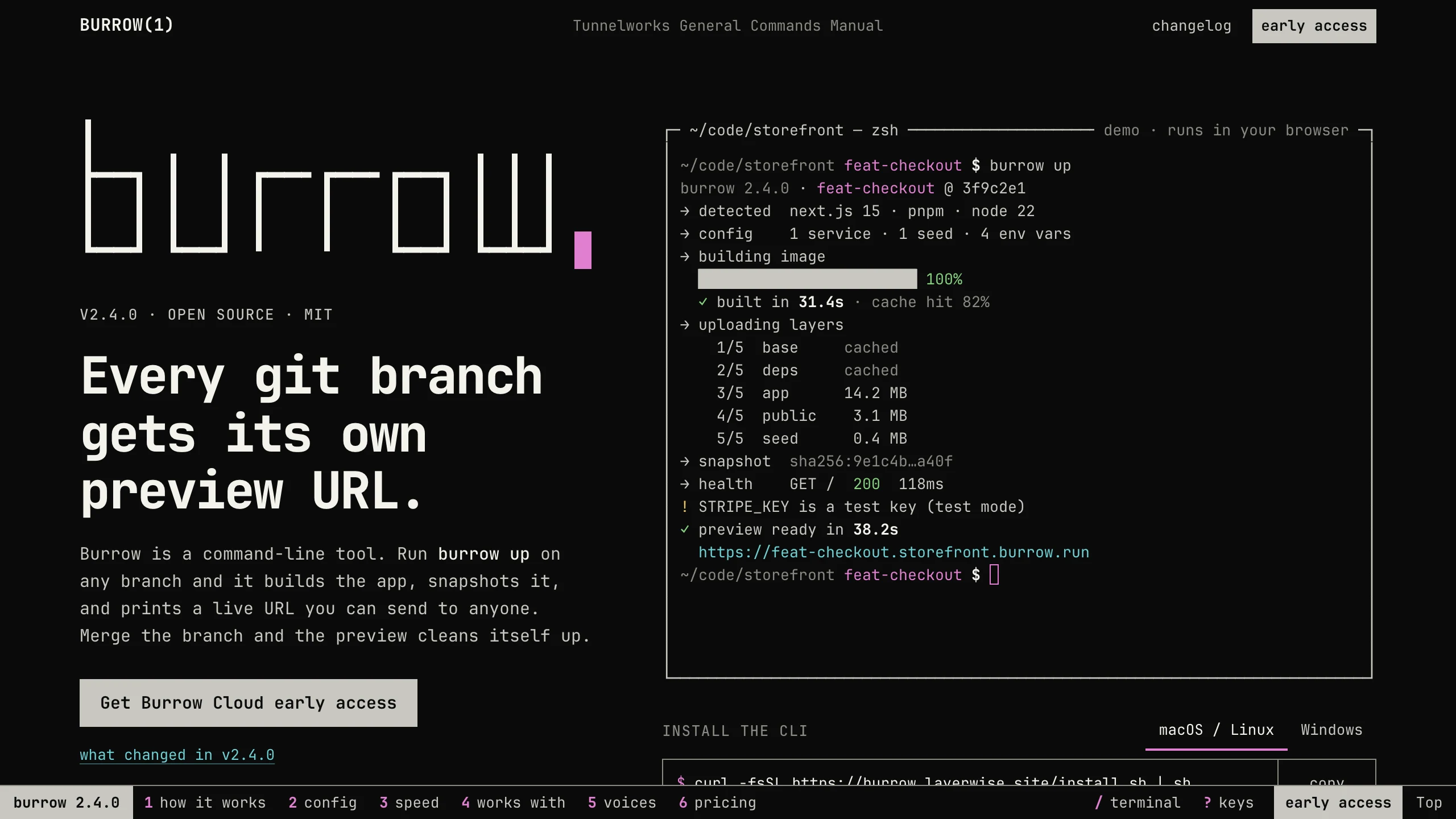
Burrow
Landing PagesA man-page style landing page for a developer CLI: a live terminal types its demo, then runs your commands, with install tabs, a box-drawn pipeline, and an ASCII benchmark. No accounts. Ships with 7 fictional releases.
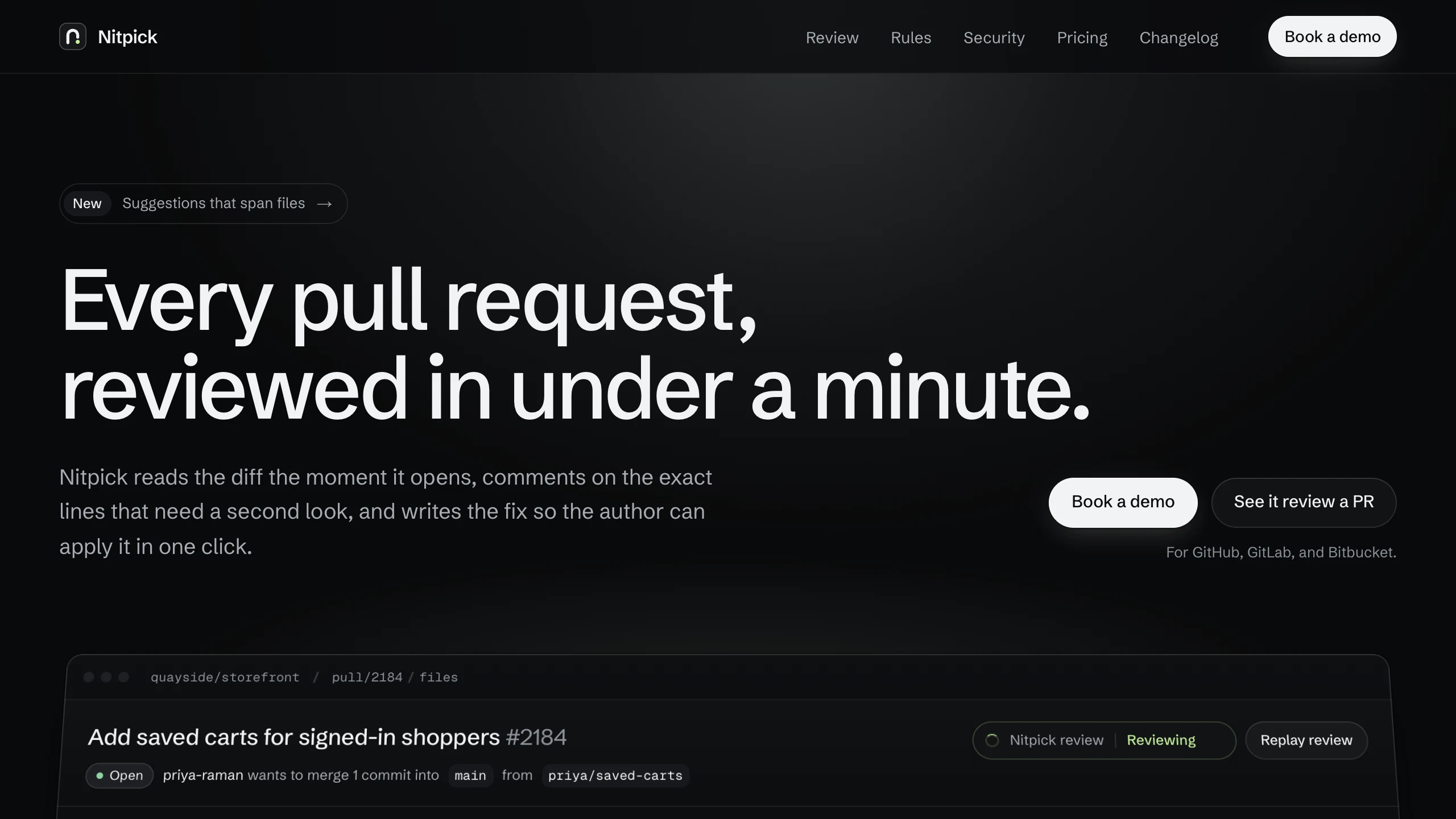
Nitpick
Landing PagesA dark landing page for an AI code review SaaS: a pull request reviewed live in the hero with one-click fixes, six rule switches that re-annotate a diff, and a merge timeline. No accounts. Ships with 6 fictional changelog entries.
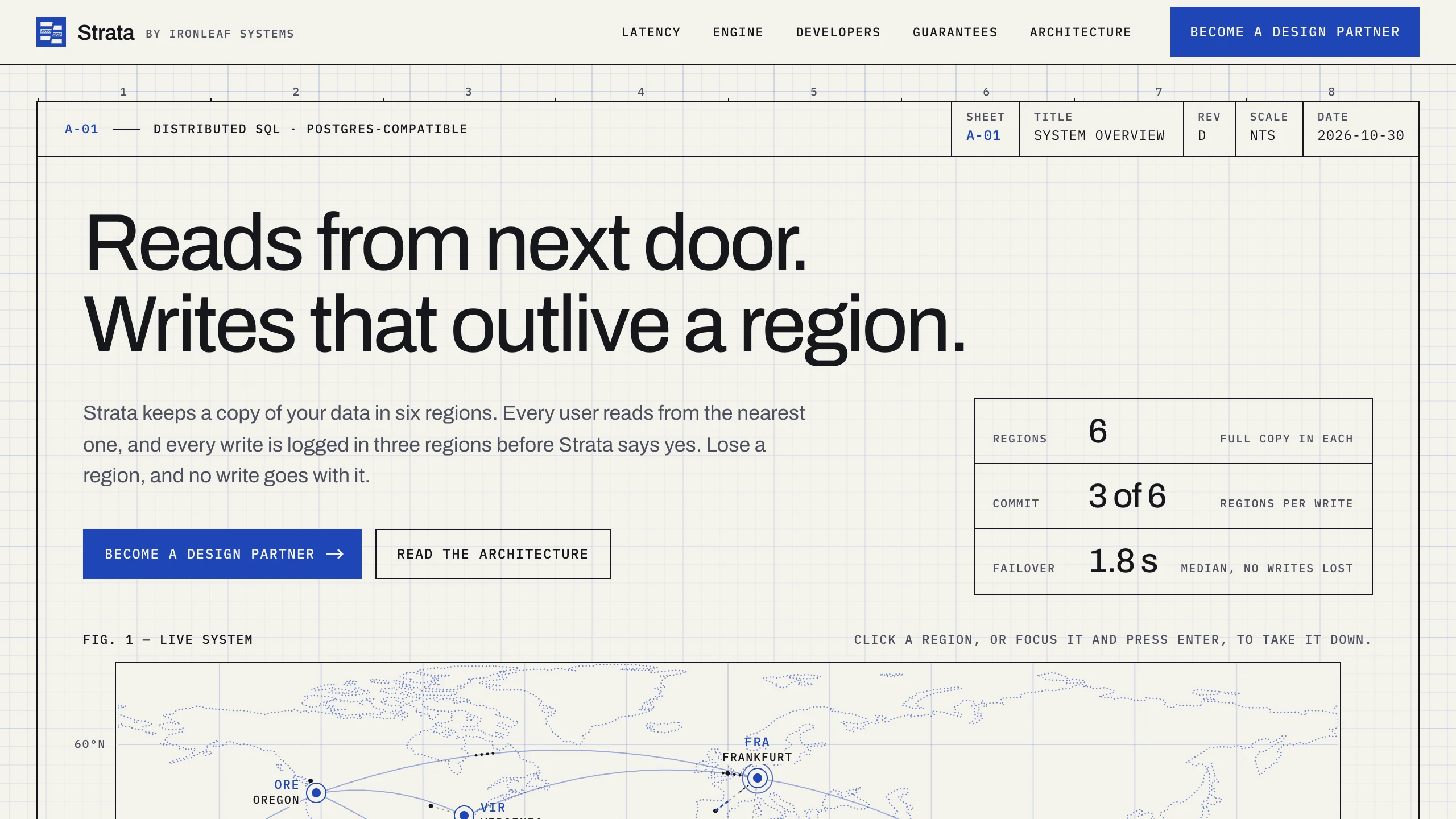
Strata
Landing PagesA blueprint-style landing page for a distributed database: take regions down on a live system map, pick a city to see its latency, and watch the engine come apart in layers. No accounts. Ships with fictional latency data for 12 cities.