Games
Kart Royale 3D Racing Game Template
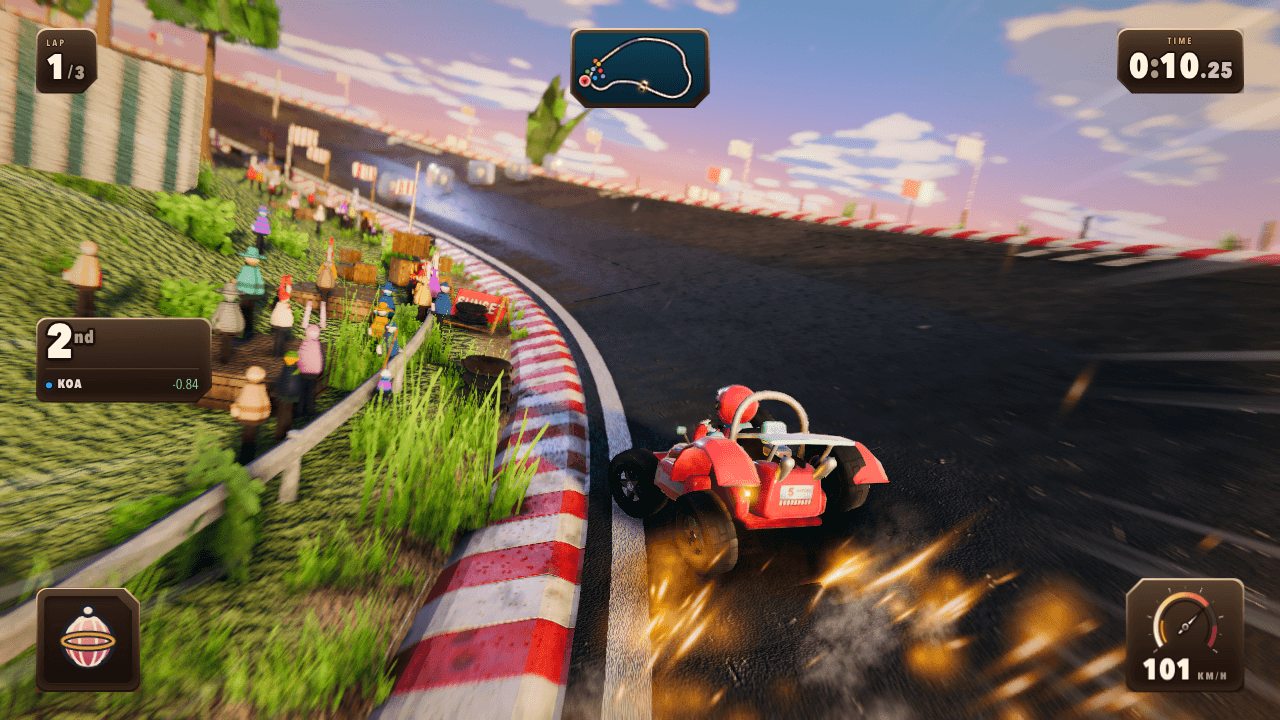
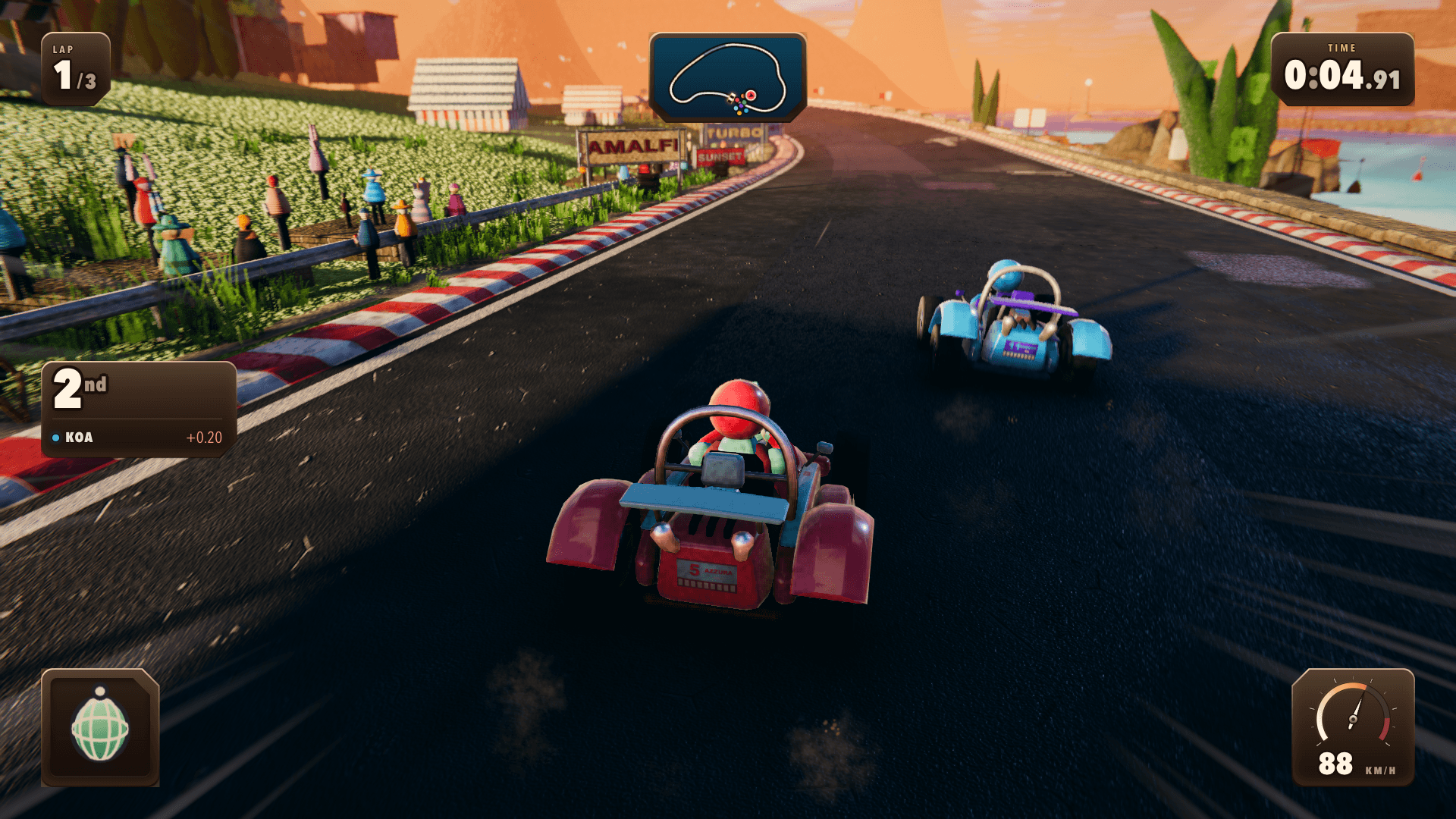
Race around a coastal circuit, drift through corners, charge mini-turbo boosts, and challenge AI rivals. This Three.js kart racer features procedural scenery, vehicle materials, and synthesized audio. Adapted for Layerwise with React and TanStack Start, it is ready to customize with your own racing experience.
The button opens Layerwise on your computer. If it does not open, download the app first and try again.
Open itBuild your own version of Kart Royale
Use Kart Royale to explore a browser racing game with a coastal circuit and computer-controlled rivals. Its existing track gives you a baseline for tuning the visual style and the feel of driving.
What the template includes
- Drifting, mini-turbo boosts, collectible items, and AI rivals.
- A coastal circuit with procedural scenery and vehicle materials.
- Synthesized audio and a Three.js racing scene.
The template opens as a local project you can change through the conversation or the code editor. You can inspect the source for this template version before choosing how to extend it.
Copy it and make one useful change
- Install Layerwise and sign in. Choose Use this template, select a team and project name in the app, then choose Copy to Layerwise. Wait for setup and the local preview to finish.
- Start with a change to the kart colors or track scenery. For handling changes, state the desired acceleration, drift behavior, and boost duration separately so you can judge each change in a race.
- Ask for the change in the project conversation. This prompt is a starting point; adjust it to describe your intended result.
Give the coastal circuit a sunset palette and make my kart easy to distinguish from the AI rivals. Keep the current track and driving rules. Add a concise controls panel before the race and verify that it does not cover the driving view.
Check the result before publishing
- Complete a race and test drifting, boosts, and item collection.
- Confirm the scenery and controls panel leave the track readable while driving.
- Try the published game on the devices you intend to support and check responsiveness during a race.
Describe touch controls as a separate feature if you want a phone game. Test them on a real device before publishing a mobile-focused version.
Use the local preview controls to test the affected path. When it works, publish a release and repeat the check at the live URL. For saved records or accounts, read about the separate Local and Online databases.
Preview