Games
Doodle Shooter 3D Game Template
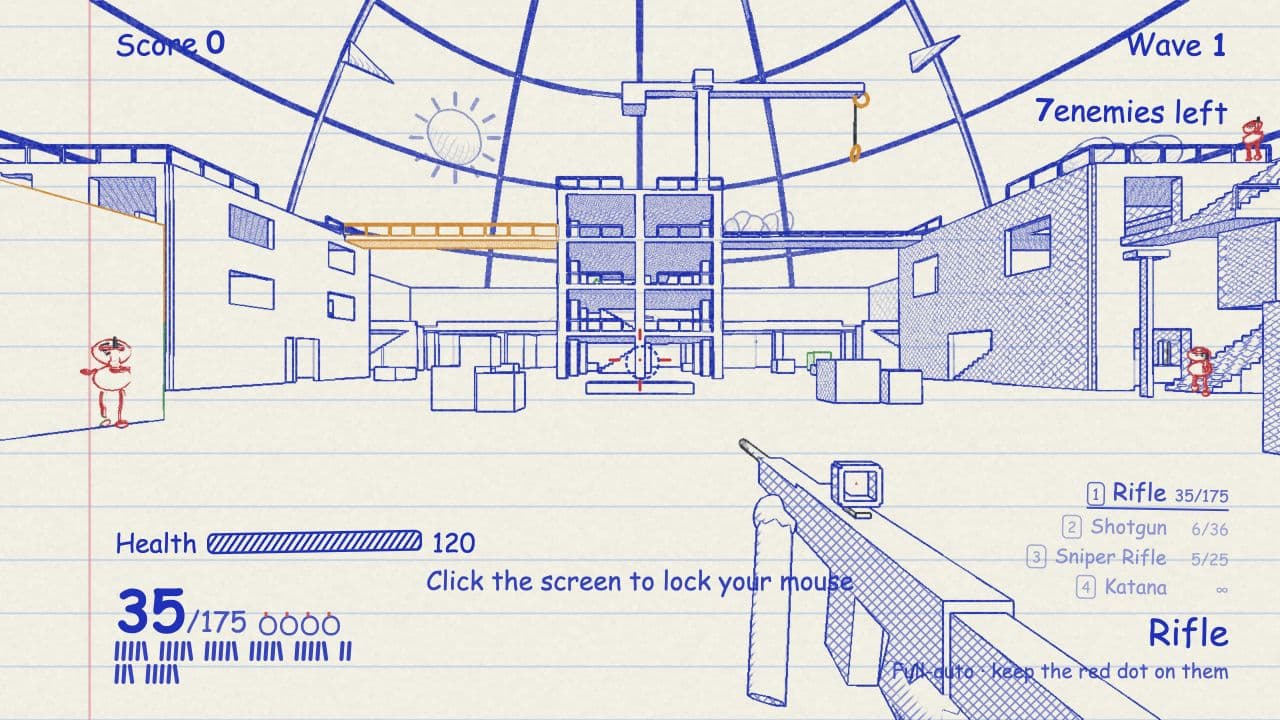
Explore a hand-drawn city rendered in blue ink on notebook paper. Survive waves of enemies with a rifle, shotgun, sniper rifle, and katana, or traverse rooftops using double jumps, wall jumps, and a grappling hook. Adapted for Layerwise with React, TanStack Start, and Three.js, this shooter includes English and Chinese interface options.
The button opens Layerwise on your computer. If it does not open, download the app first and try again.
Open itBuild your own version of Doodle Shooter
Use Doodle Shooter for a stylized action game set in a notebook city. It combines combat and movement systems, so a focused visual or difficulty change is a useful first iteration.
What the template includes
- A hand-drawn city rendered in blue ink on notebook paper.
- Enemy waves, a rifle, shotgun, sniper rifle, and katana.
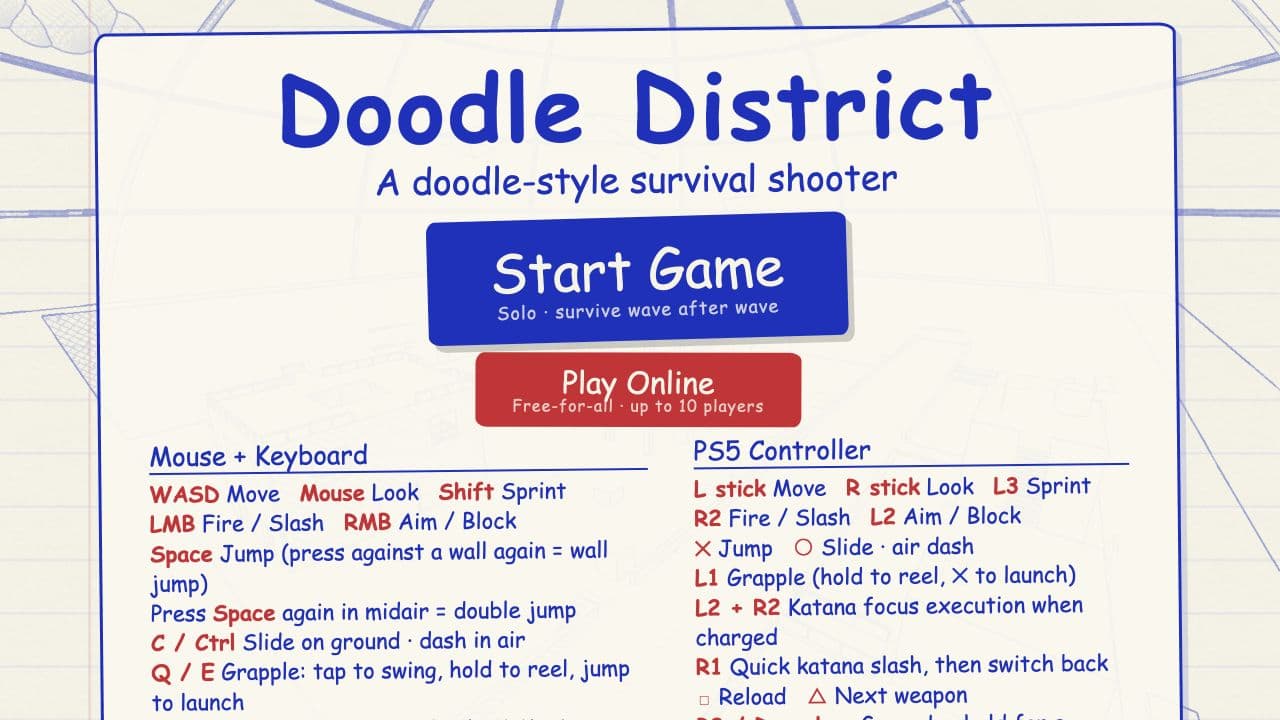
- Double jumps, wall jumps, a grappling hook, and English and Chinese interface options.
The template opens as a local project you can change through the conversation or the code editor. You can inspect the source for this template version before choosing how to extend it.
Copy it and make one useful change
- Install Layerwise and sign in. Choose Use this template, select a team and project name in the app, then choose Copy to Layerwise. Wait for setup and the local preview to finish.
- Describe one change to difficulty or presentation at a time. If you change weapon behavior, include the intended range, rate of fire, and feedback rather than asking for a general rebalance.
- Ask for the change in the project conversation. This prompt is a starting point; adjust it to describe your intended result.
Add a beginner practice mode to this shooter with slower early enemy waves and a visible explanation of movement controls. Keep the notebook art style and the existing weapons. Add the new menu text to both the English and Chinese interfaces.
Check the result before publishing
- Start a match and test each weapon, double jumping, wall jumping, and the grappling hook.
- Switch interface language and check the new controls and menu text.
- Restart after a match and confirm the new mode’s difficulty settings apply consistently.
Use the preview console and project logs to investigate errors after changing the game loop. Validate performance on your target hardware before increasing enemy counts or scene complexity.
Use the local preview controls to test the affected path. When it works, publish a release and repeat the check at the live URL. For saved records or accounts, read about the separate Local and Online databases.
Preview