Games
2048 Puzzle Game Template
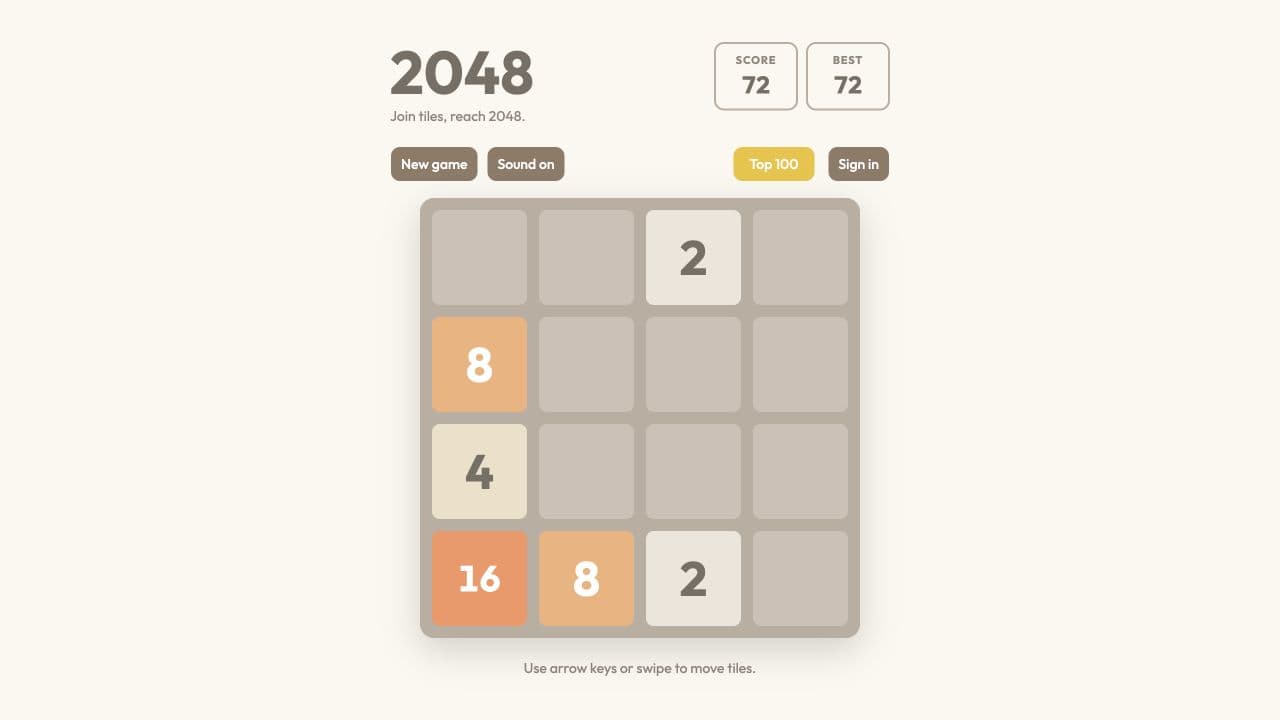
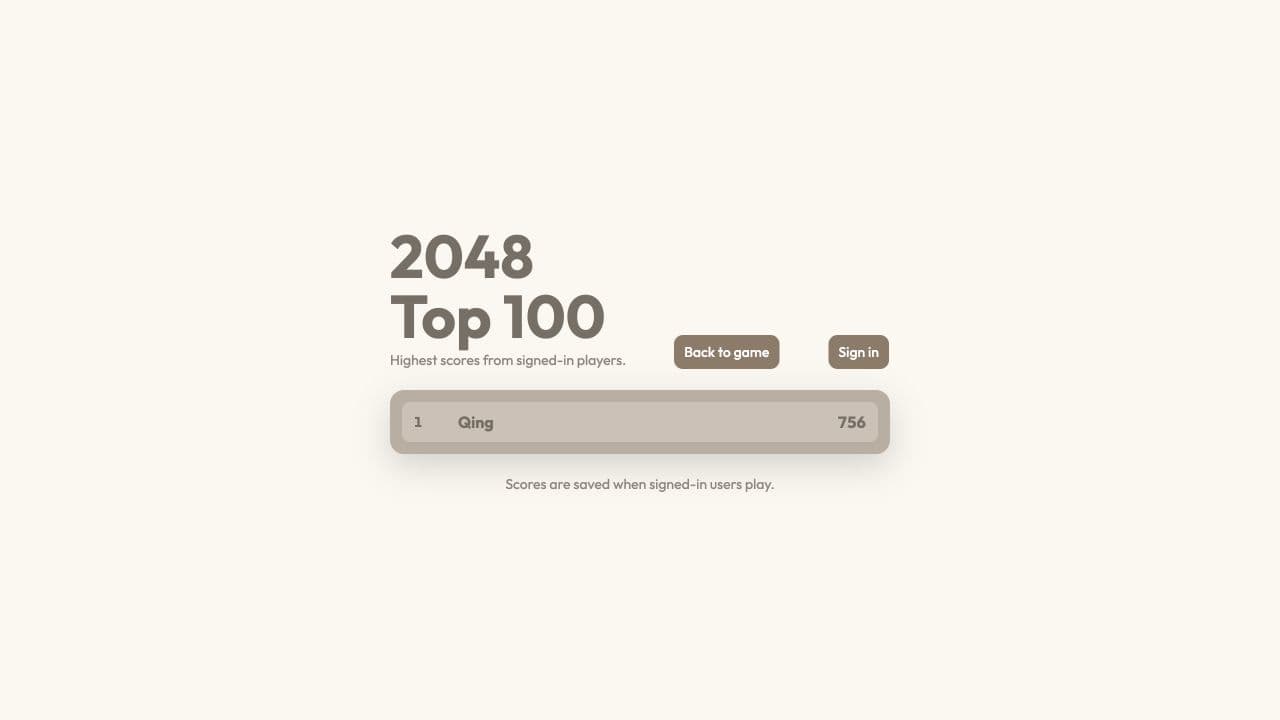
Slide and merge tiles to reach 2048. This playable game includes keyboard and swipe controls, smooth animations, sound effects, and a Top 100 leaderboard for signed-in players. Built with Layerwise, React, and TanStack Start, it is ready to customize into your own puzzle game.
The button opens Layerwise on your computer. If it does not open, download the app first and try again.
Open itBuild your own version of 2048
Use this template to make a browser puzzle game with a playable board and a score-based challenge. Start by changing the presentation, then decide whether your game needs different rules or a different scoring system.
What the template includes
- A tile-merging game with keyboard and swipe controls.
- Animations and sound effects for the game experience.
- A Top 100 leaderboard for signed-in players.
The template opens as a local project you can change through the conversation or the code editor. You can inspect the source for this template version before choosing how to extend it.
Copy it and make one useful change
- Install Layerwise and sign in. Choose Use this template, select a team and project name in the app, then choose Copy to Layerwise. Wait for setup and the local preview to finish.
- Choose a theme and describe the tile colors, board background, and score display. Keep the current game rules for the first change so you can compare the result with the live demo.
- Ask for the change in the project conversation. This prompt is a starting point; adjust it to describe your intended result.
Restyle this 2048 game with a warm paper background and readable, high-contrast tiles. Keep the existing merging rules, keyboard and swipe controls, and leaderboard. Add a short explanation of the controls above the board, and check the layout at phone width.
Check the result before publishing
- Play with the keyboard and with swipe controls; a move should update the board and score consistently.
- Start another game and confirm the board resets without retaining the previous score.
- If you change score submission, test a completed game while signed in and inspect the leaderboard.
If you change the scoring rules, decide how existing leaderboard scores should be handled before publishing. Keep local test scores separate from the published app’s data.
Use the local preview controls to test the affected path. When it works, publish a release and repeat the check at the live URL. For saved records or accounts, read about the separate Local and Online databases.
Preview